





Description
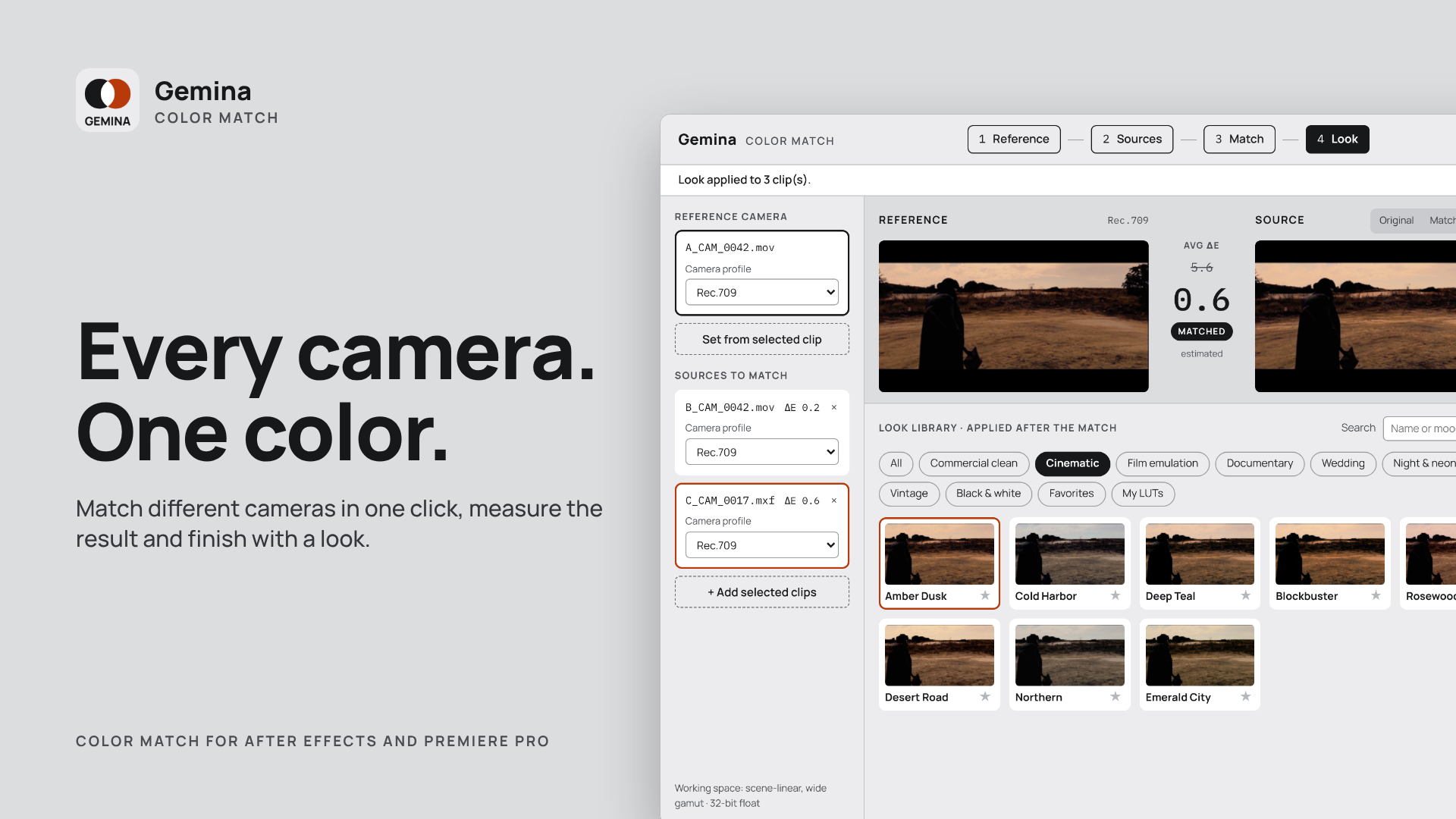
Two cameras never see the same color. Gemina Color Match makes them agree.
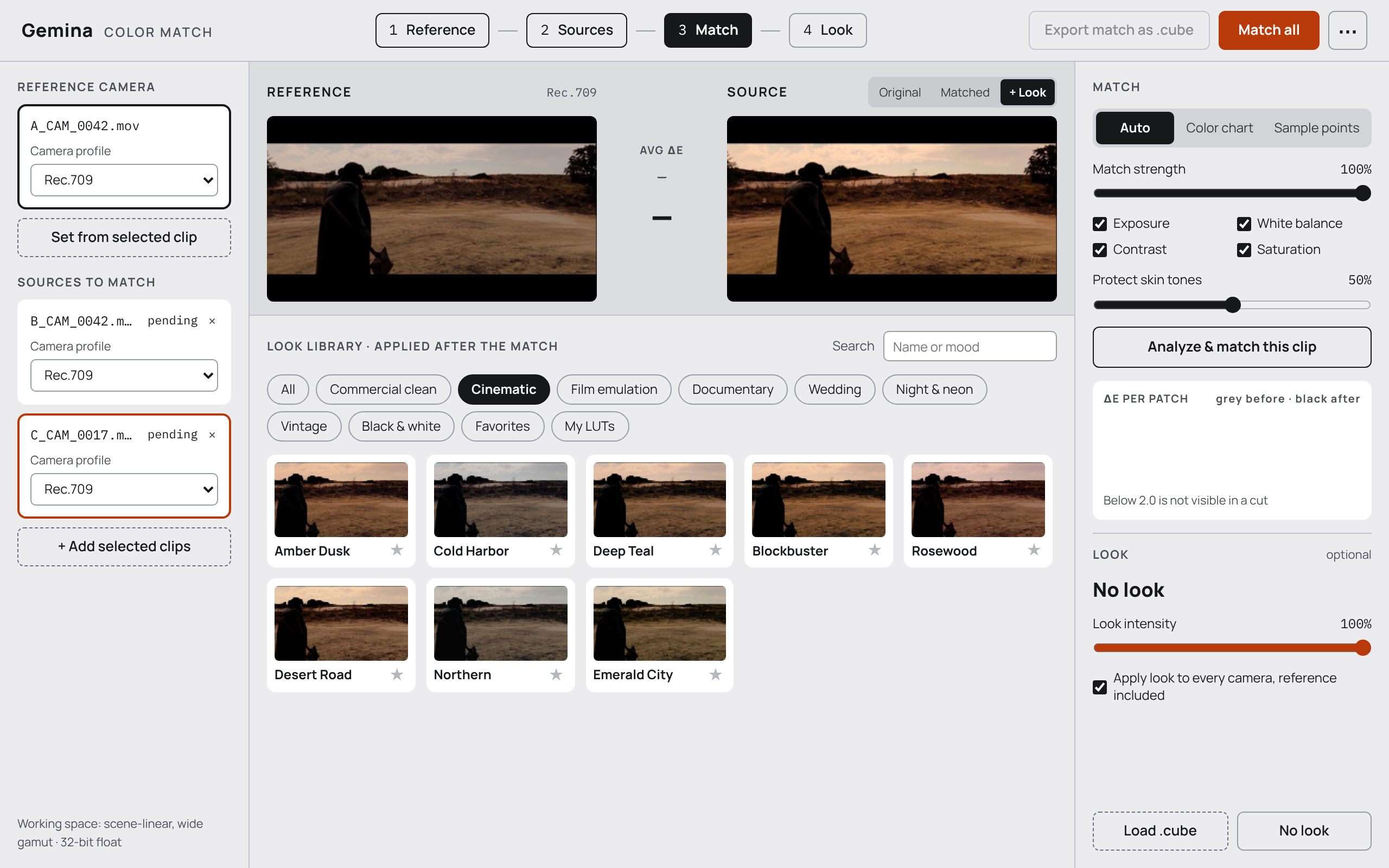
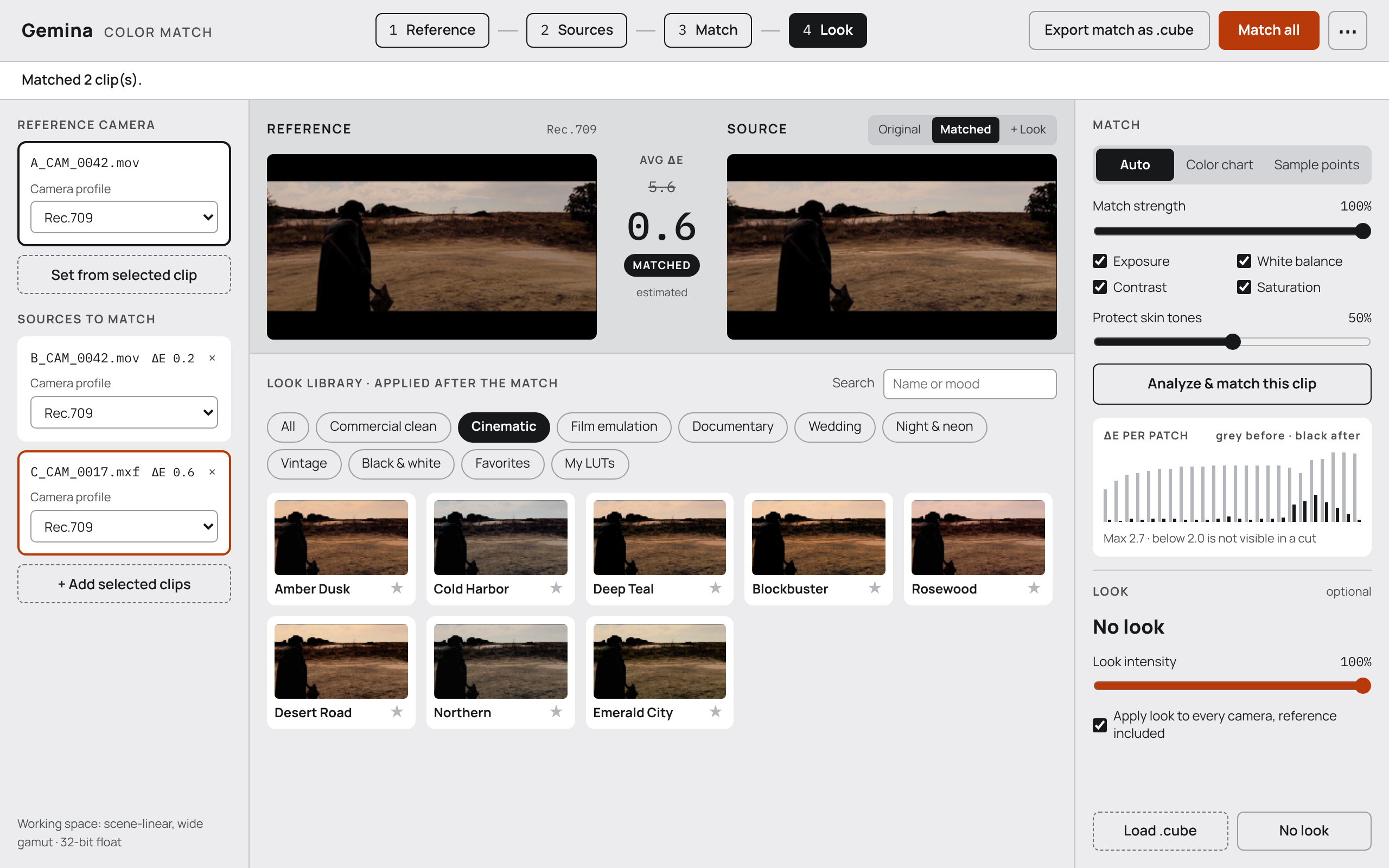
Pick the clip of your main camera, add the clips of the others and press Match all. Gemina reads a frame of each camera, works in scene-linear light with the published color science of each manufacturer, and applies the match with a native effect that stays on the clip.
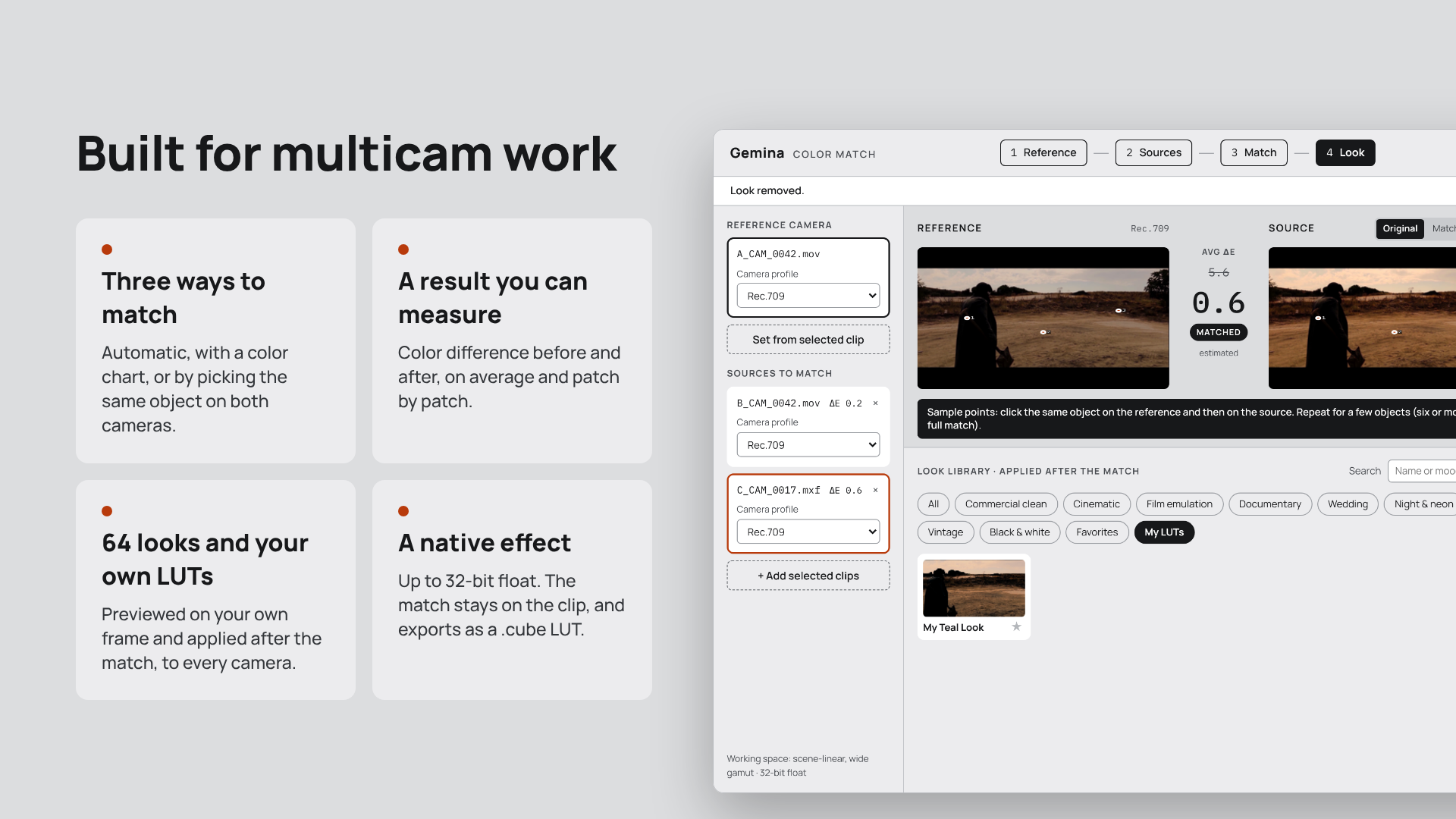
You do not have to trust your eyes: Gemina shows the color difference before and after (ΔE 2000), on average and patch by patch. Below 2.0, a cut between cameras i
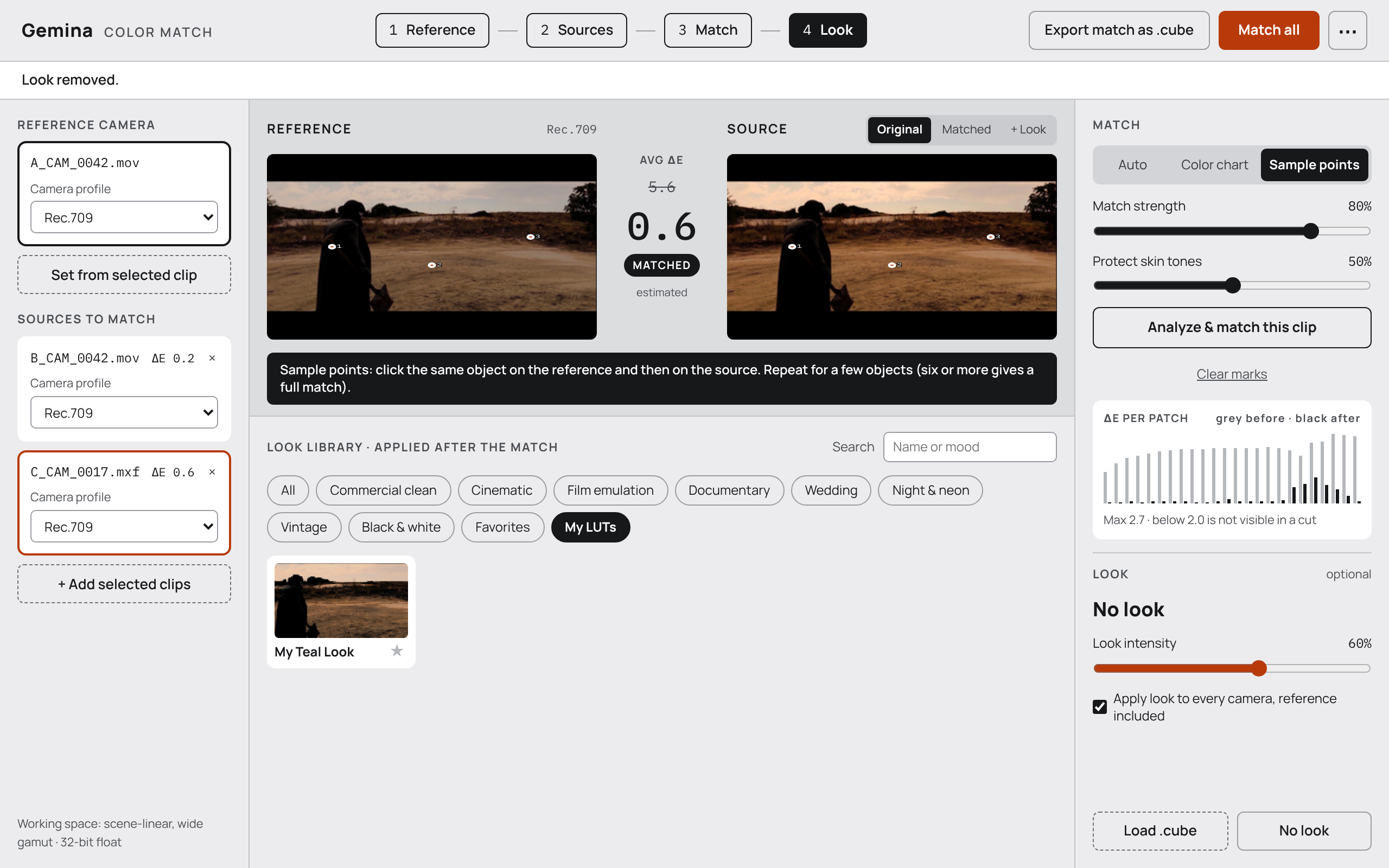
Three ways to match
- Auto: no chart needed. Both frames show the same scene and Gemina does the rest.
- Color chart: shoot a 24-patch chart with both cameras and click its corners. The most accurate mode.
- Sample points: click the same object on both cameras.
Finish with a look
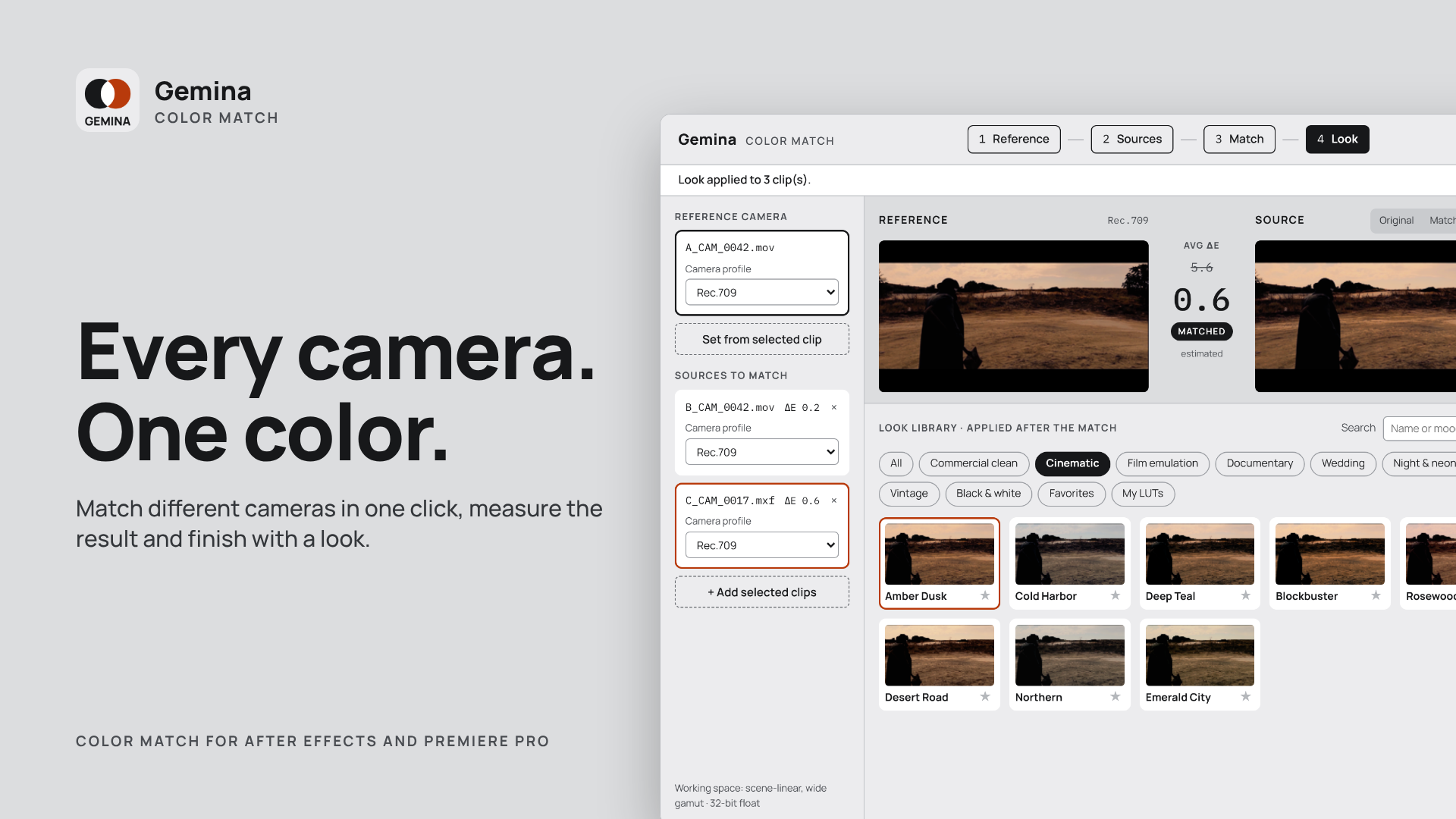
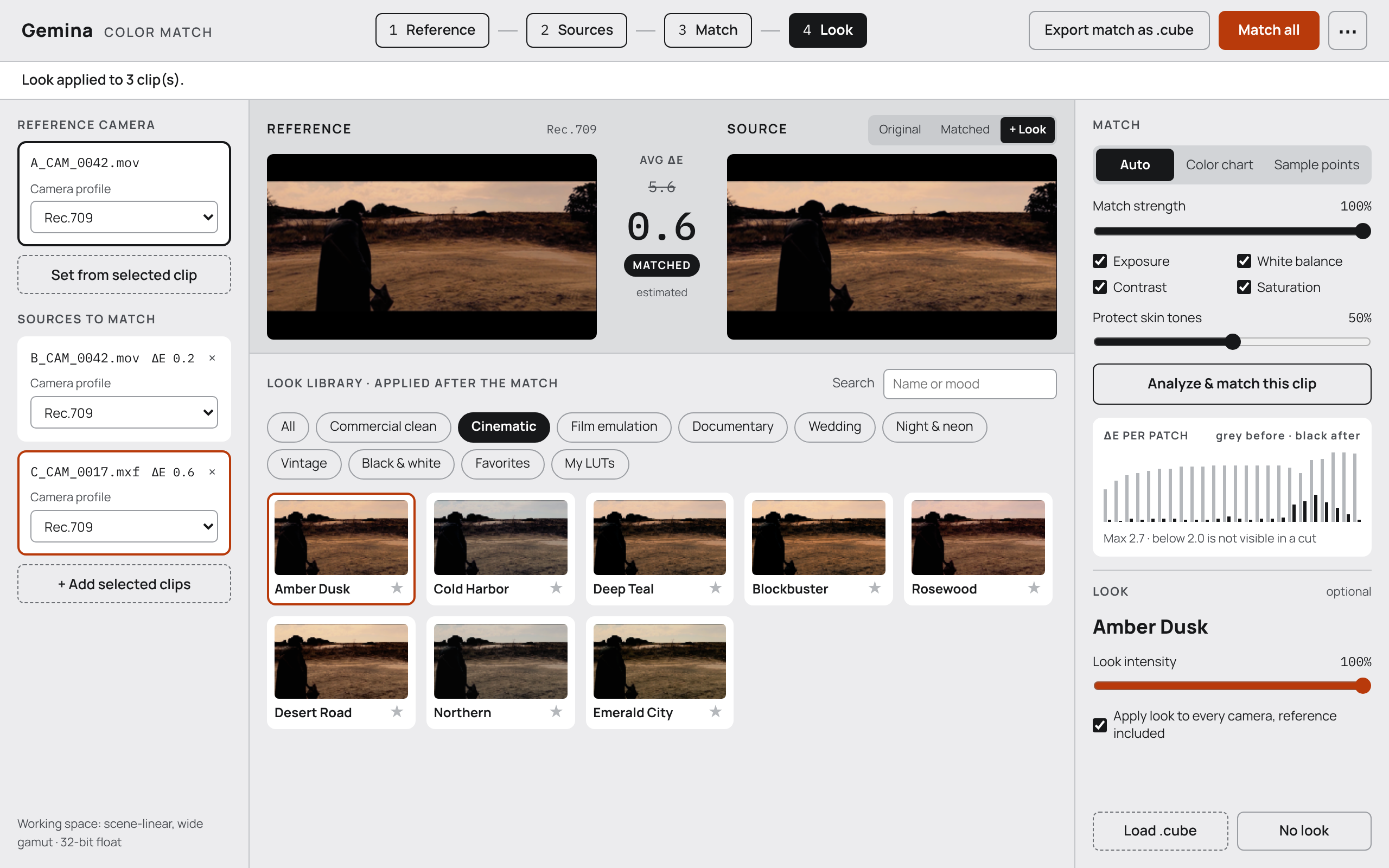
64 looks in 8 categories (Cinematic, Film emulation, Commercial clean, Documentary, Wedding, Night & neon, Vintage, Black & white), previewed on your own frame. Or load your own .cube LUTs. The look is applied after the match, so every camera receives the same grade.
Details
- Camera profiles: Blackmagic Film Gen 5, Panasonic V-Log, Sony S-Log3, ARRI LogC3, Rec.709, sRGB.
- Controls: match strength, exposure, white balance, contrast, saturation, skin tone protection.
- Native effect: 8, 16 and 32-bit in After Effects; 8 and 32-bit in Premiere Pro.
- Export the match as a .cube LUT.
- English and Spanish. One-time purchase, free updates.
Requirements
After Effects or Premiere Pro 2023 or later, Windows 10/11 (64-bit).



Reviews
There are no reviews yet.