





Description
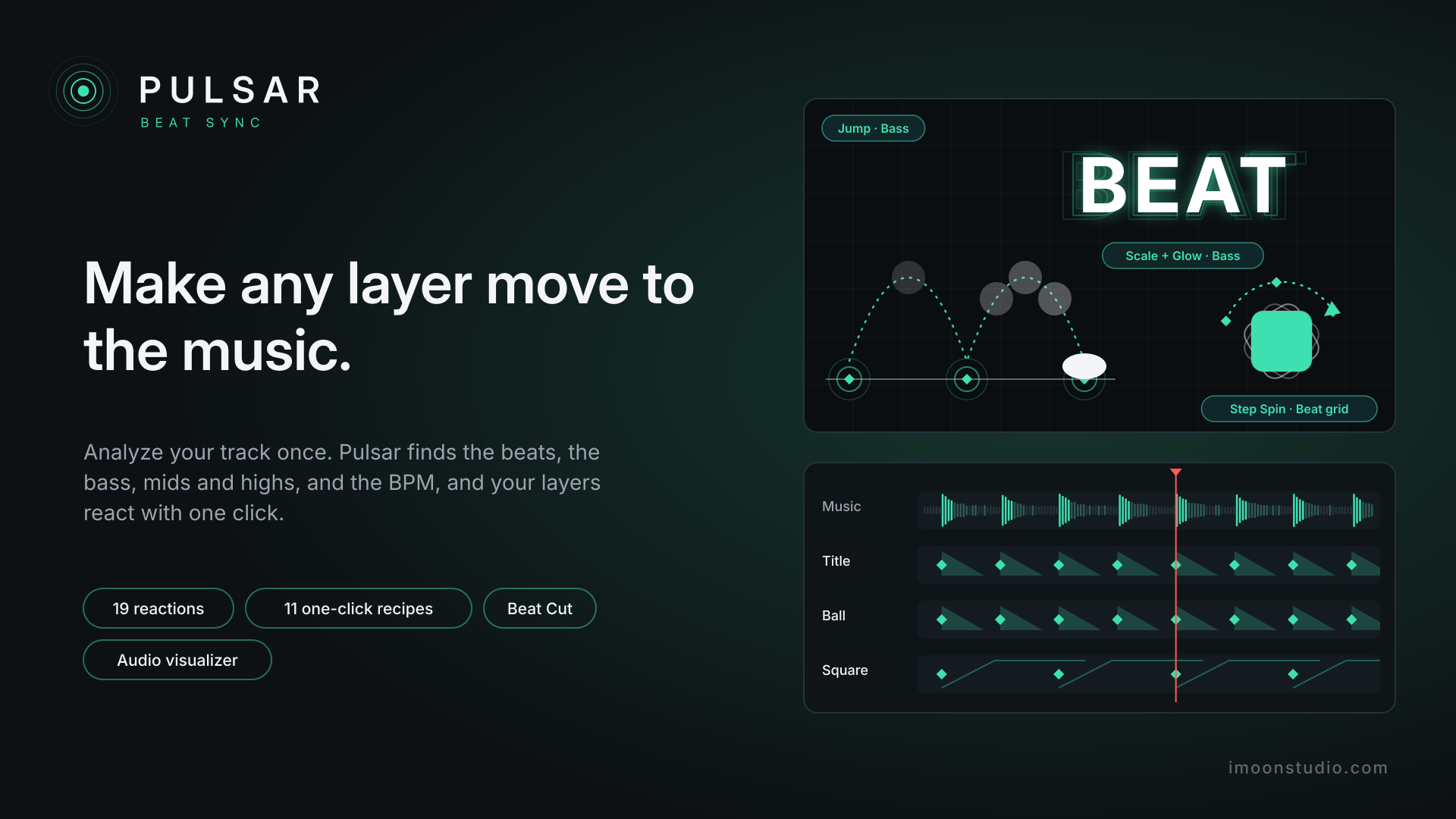
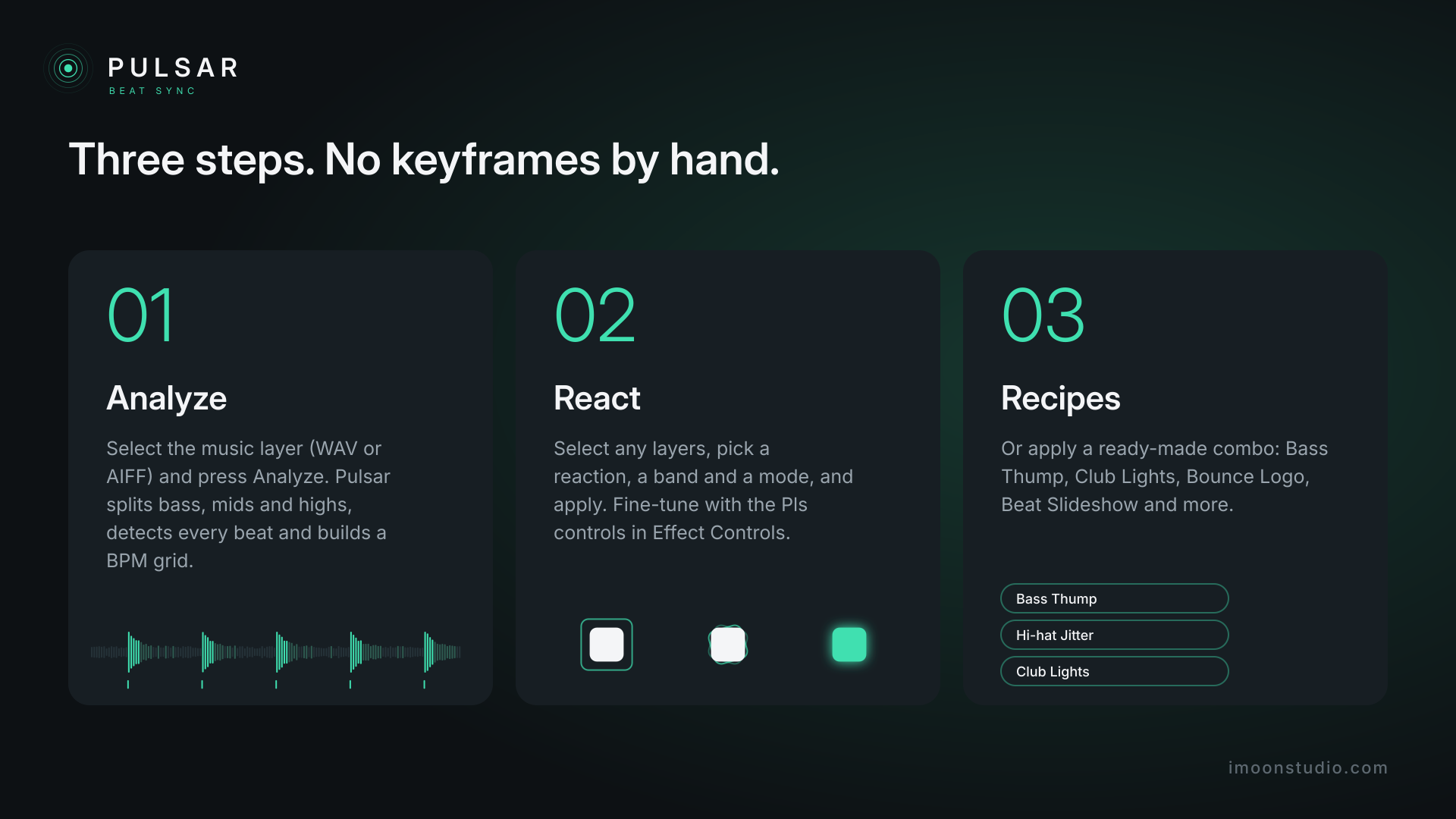
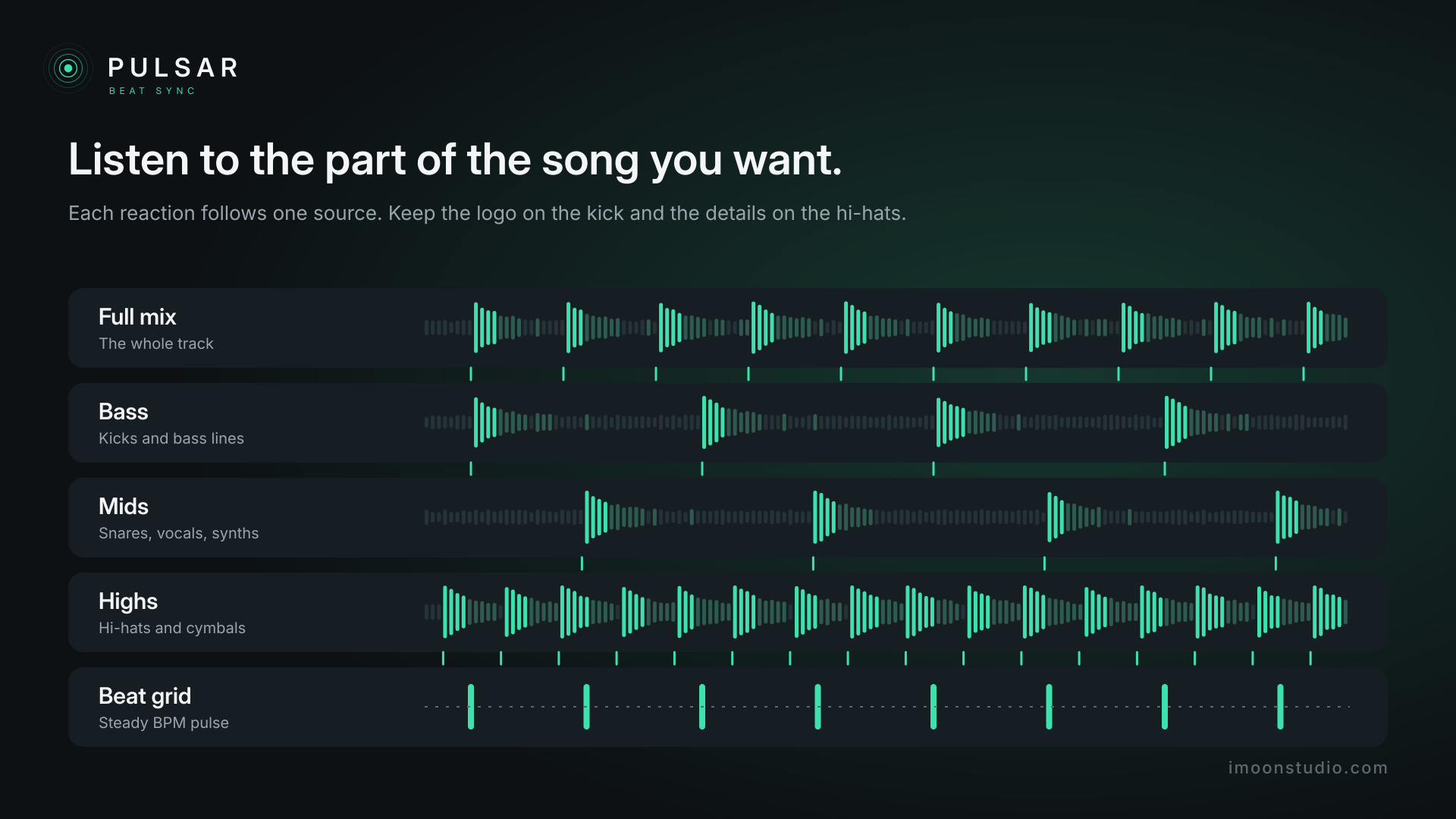
Matching animation to music by hand is slow: listen, mark, keyframe, repeat. Pulsar does it for you. Select the music layer, press Analyze, and Pulsar splits bass, mids and highs, detects the hits in each band and works out the tempo. Then pick a reaction, apply it to your layers, and they move with the song on their own.
Everything stays editable: each reaction adds its own controls in Effect Controls (amount, band, mode, accent, decay and threshold), and if the music changes, just analyze again.
Features:
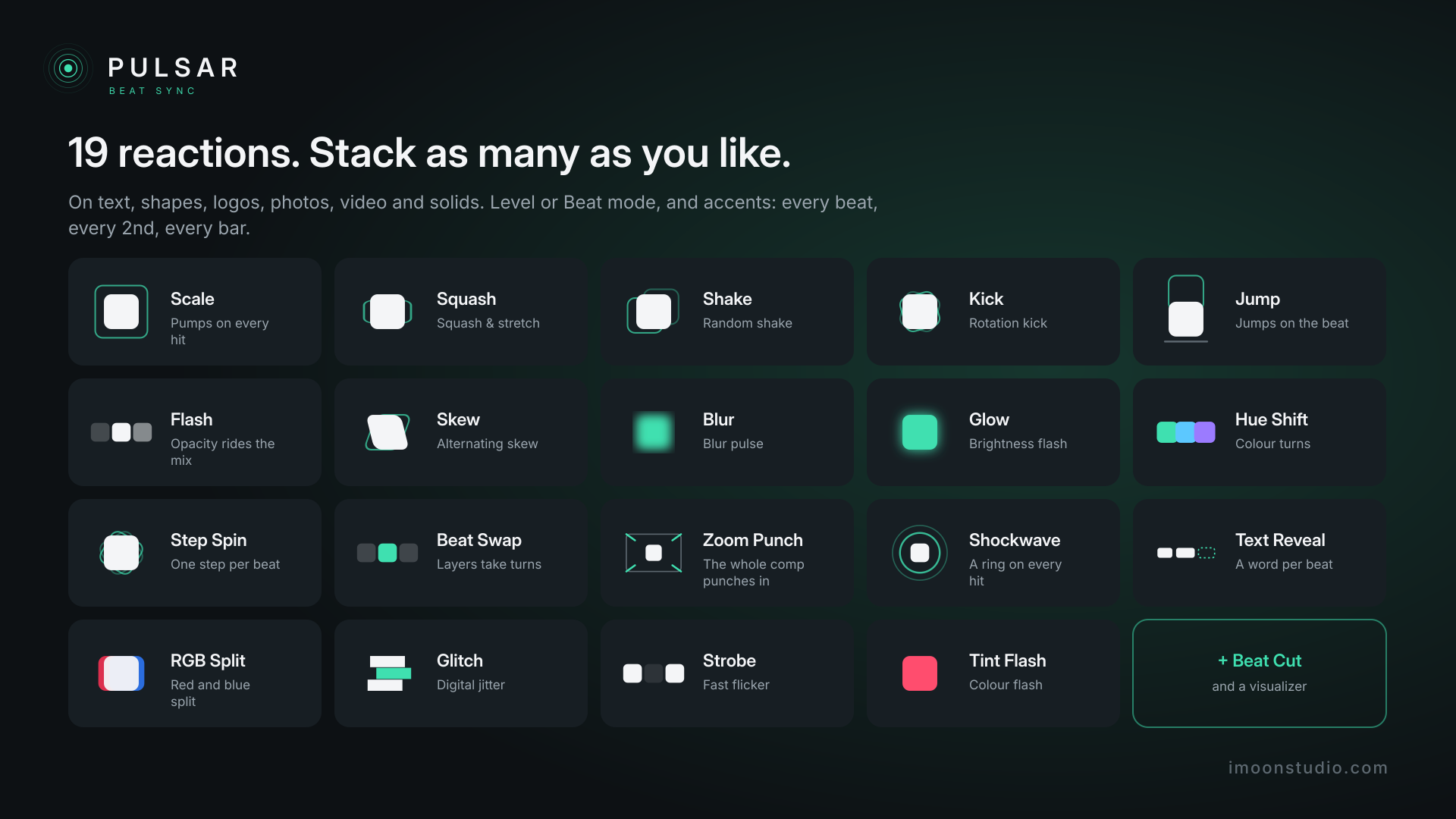
– **19 reactions:** Scale, Squash, Shake, Kick, Jump, Flash, Skew, Blur, Glow, Hue Shift, Step Spin, Beat Swap, Zoom Punch, Shockwave, Text Reveal, RGB Split, Glitch, Strobe and Tint Flash.
– **5 rhythm sources:** full mix, bass, mids, highs or the BPM beat grid.
– **Two modes:** Level (the layer rides the volume) and Beat (it hits on each beat and decays).
– **Accents:** every beat, every 2nd, every 4th (bar) or every 8th.
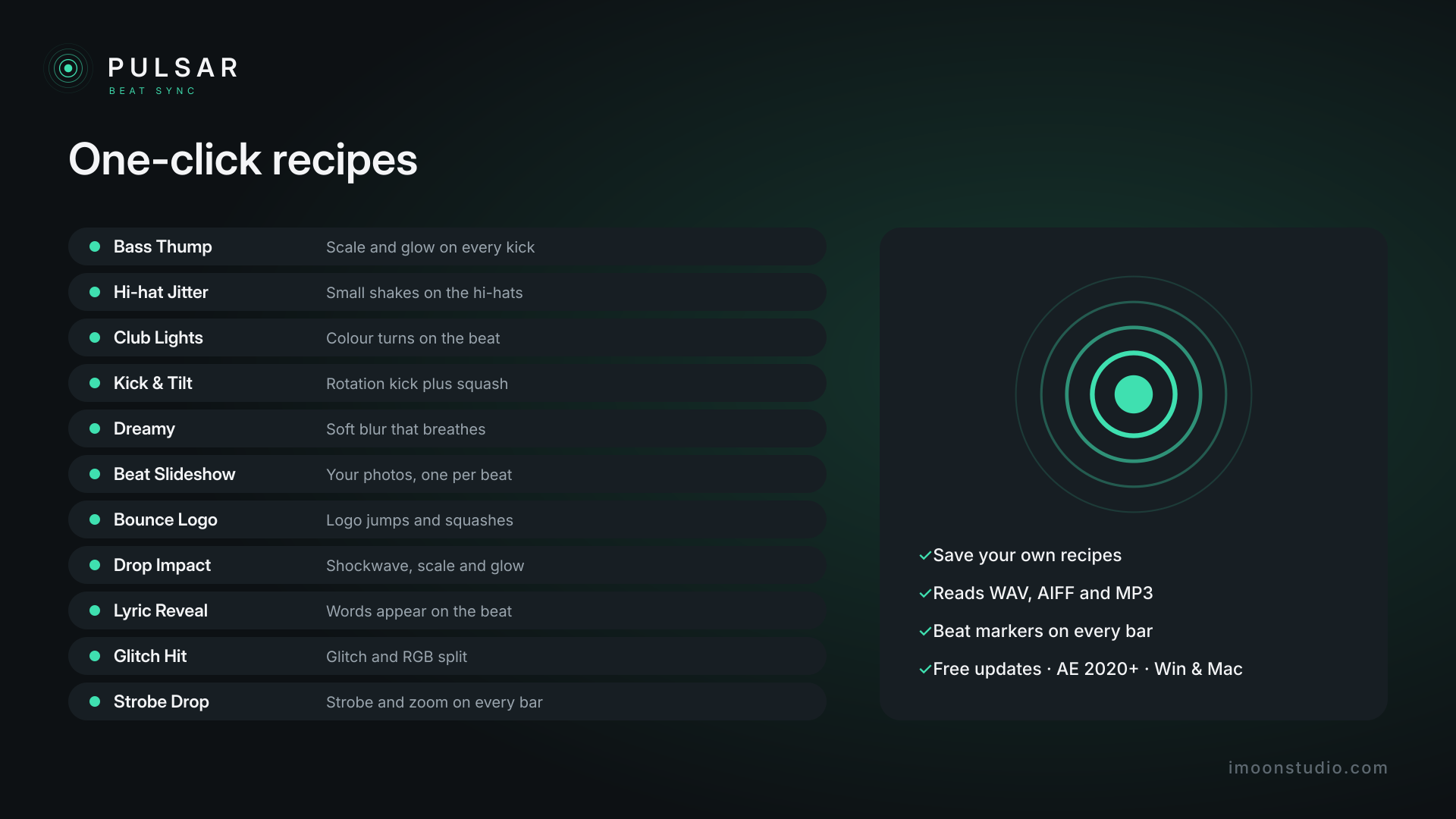
– **11 one-click recipes:** Bass Thump, Hi-hat Jitter, Club Lights, Kick & Tilt, Dreamy, Beat Slideshow, Bounce Logo, Drop Impact, Lyric Reveal, Glitch Hit and Strobe Drop. Save your own combos as recipes.
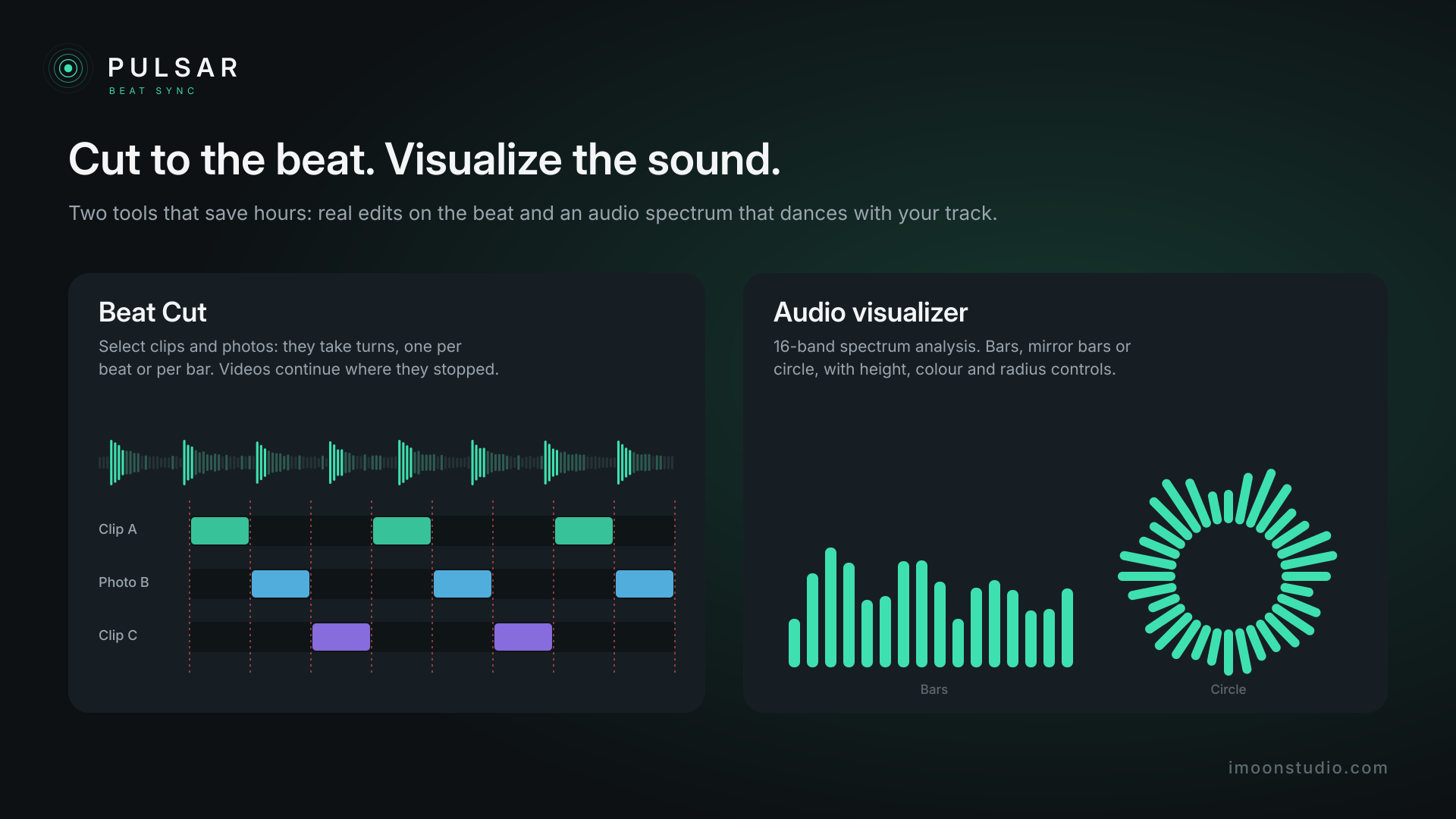
– **Beat Cut:** cuts clips and photos on the beat, taking turns, inside the work area. Beat-synced edits in seconds.
– **Audio visualizer:** bars, mirror bars or circle, with a 16-band spectrum analysis. Perfect for music videos, lyric videos and YouTube visualizers.
– **Text Reveal:** on text layers, one more word appears on each beat.
– **WAV and AIFF** are read directly; **MP3** and other formats are converted to WAV by After Effects itself.
– **Frame-accurate sync** nudge.
– **Help tab** with a quick guide inside the panel, plus a full online guide.
– Checks for updates on its own and tells you in the panel.
**Perfect for:** music videos, lyric videos, audio visualizers, release promos, music reels and shorts, podcast openers and anything that has to hit the beat.


Reviews
There are no reviews yet.