






Description
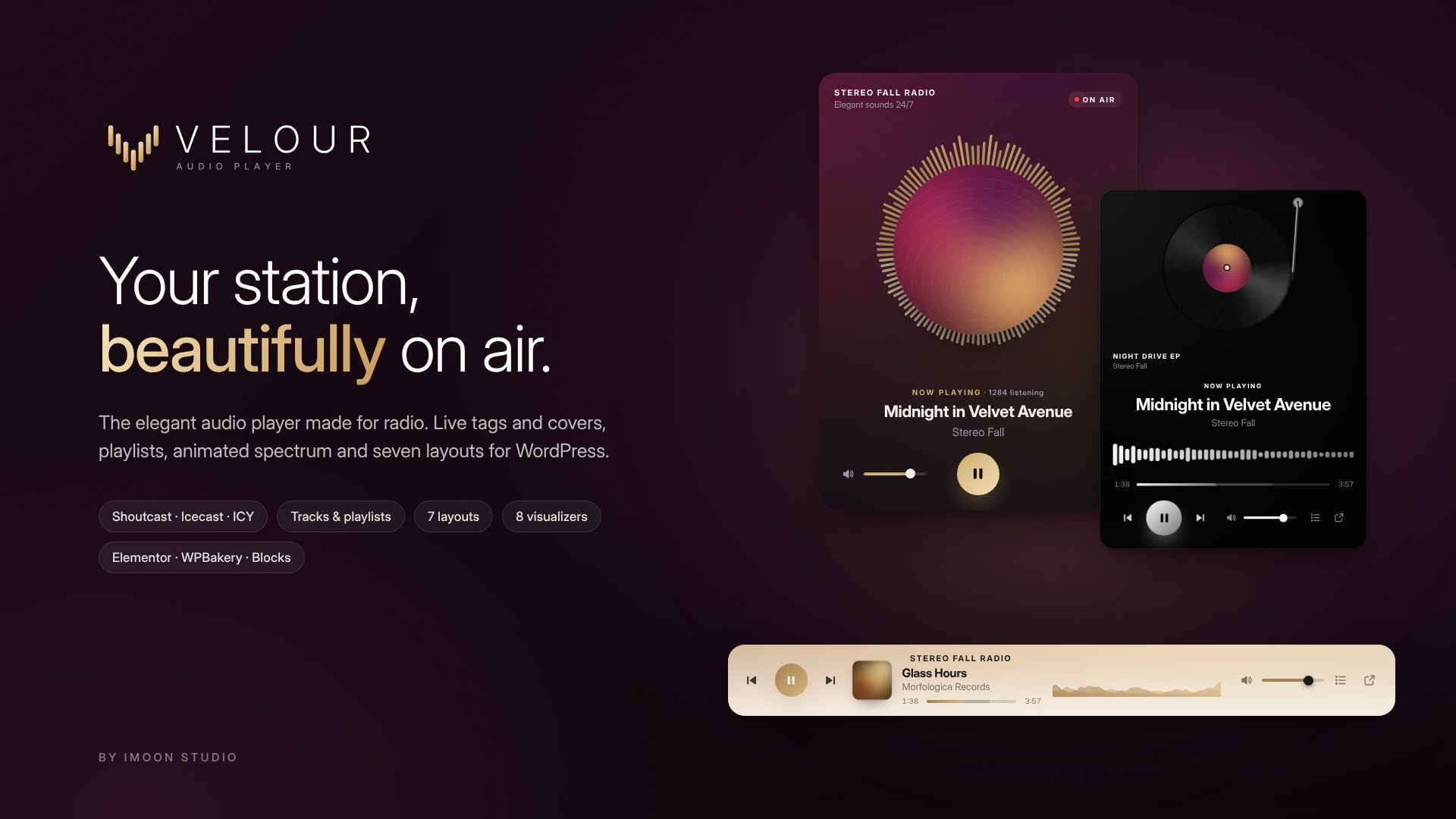
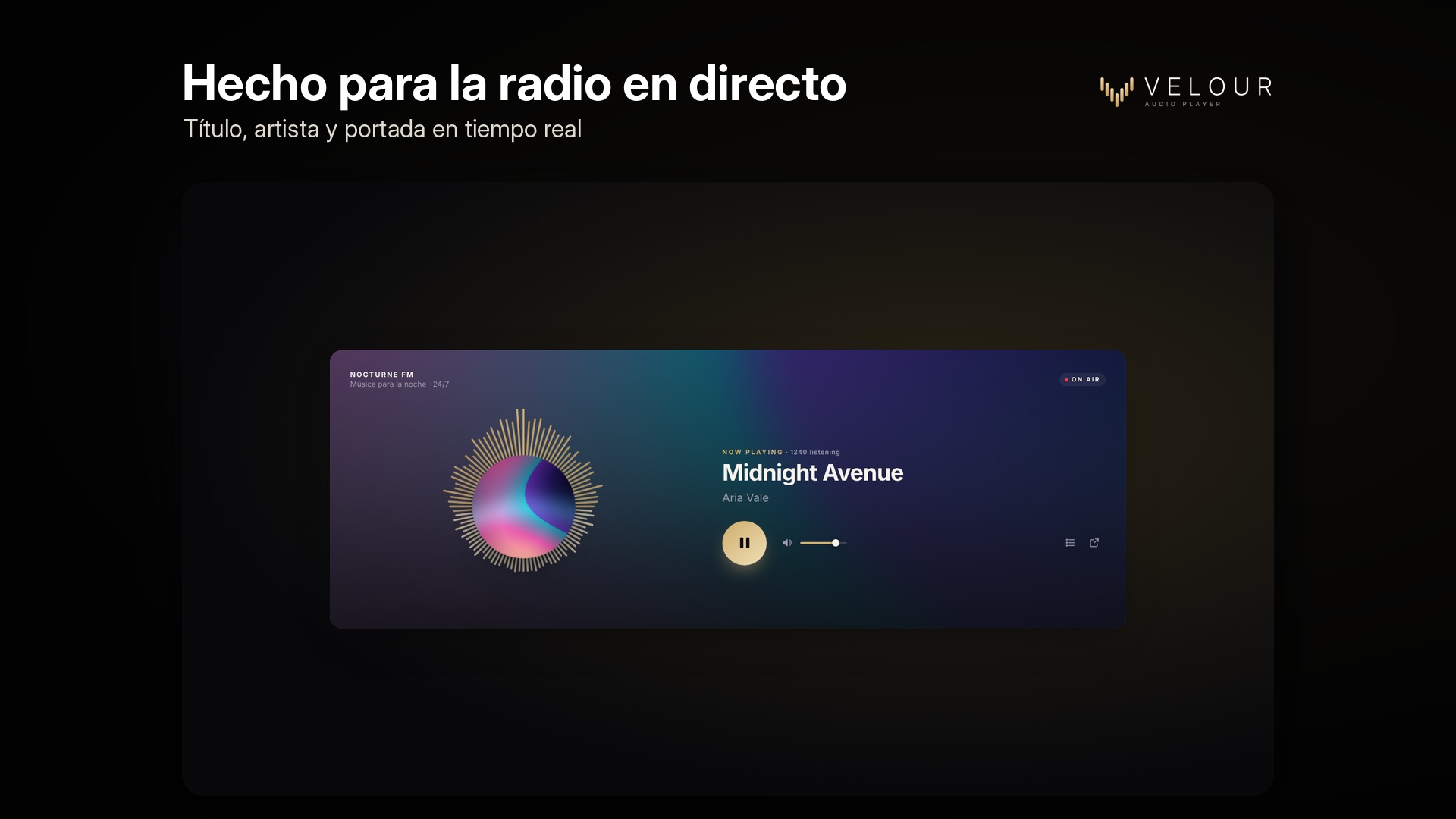
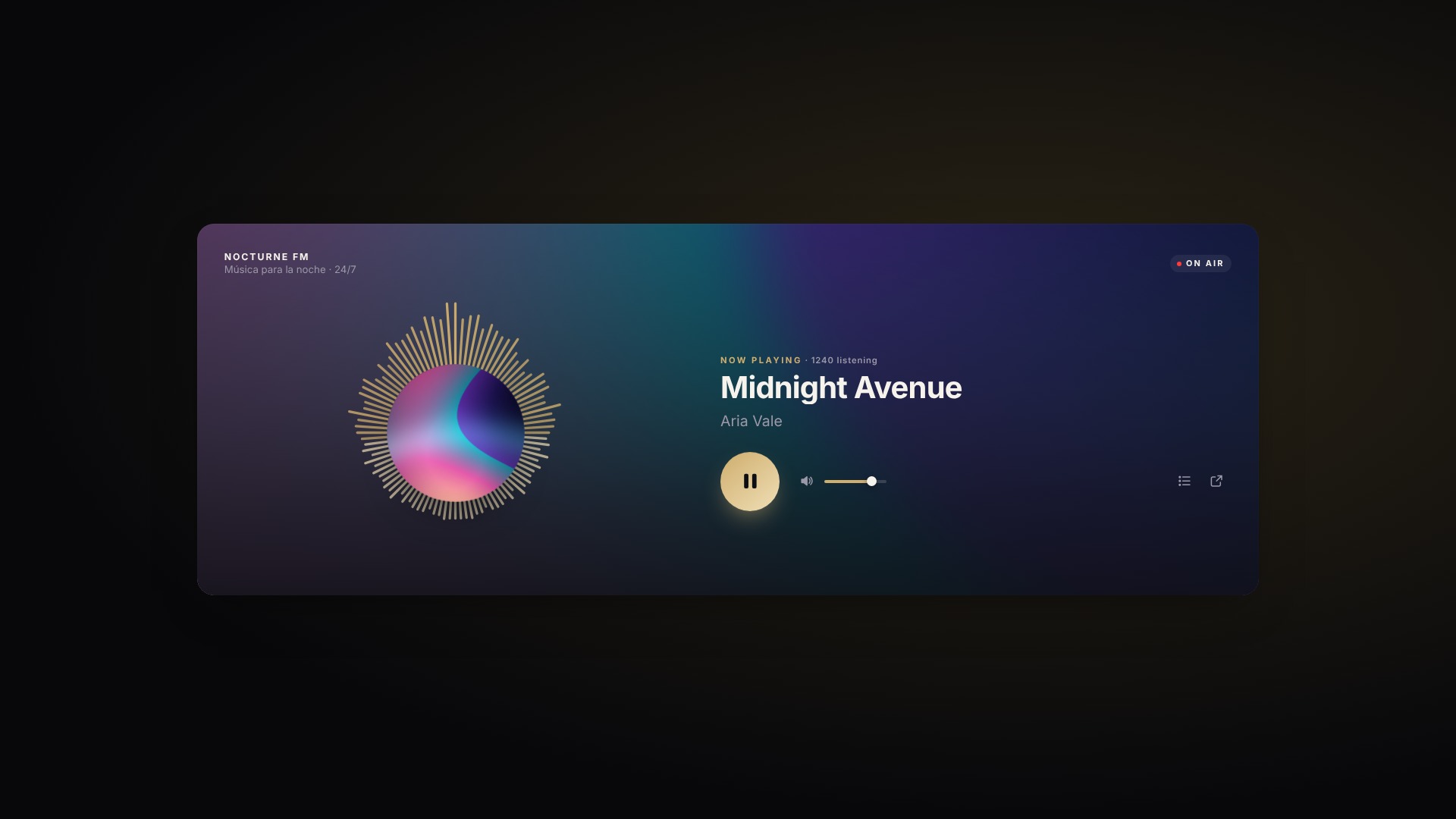
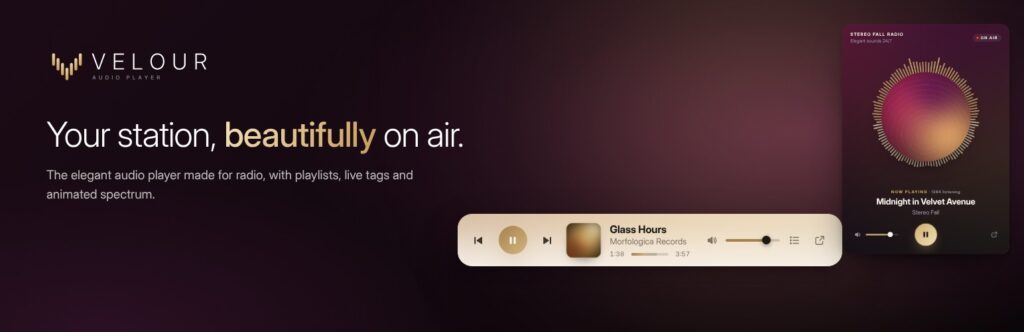
Velour turns your radio station, album, or podcast into a player that looks like it was designed specifically for your brand. Simply paste your stream URL, and Velour automatically detects whether it’s Shoutcast, Icecast, or ICY, displaying the track title, artist, cover art, listener count, and recent playback history in real time. It also plays individual tracks and playlists, offering a choice of seven layouts, animated visualizers, and color themes. There is only one version—no separate “Pro” edition.
-
Live radio
Compatible with Shoutcast v1/v2, Icecast, ICY metadata, and custom JSON formats (AzuraCast, Radio.co, etc.). It displays the title, artist, program cover art, listener count, and recently played tracks, and automatically reconnects if the stream is interrupted.
-
Clues and lists
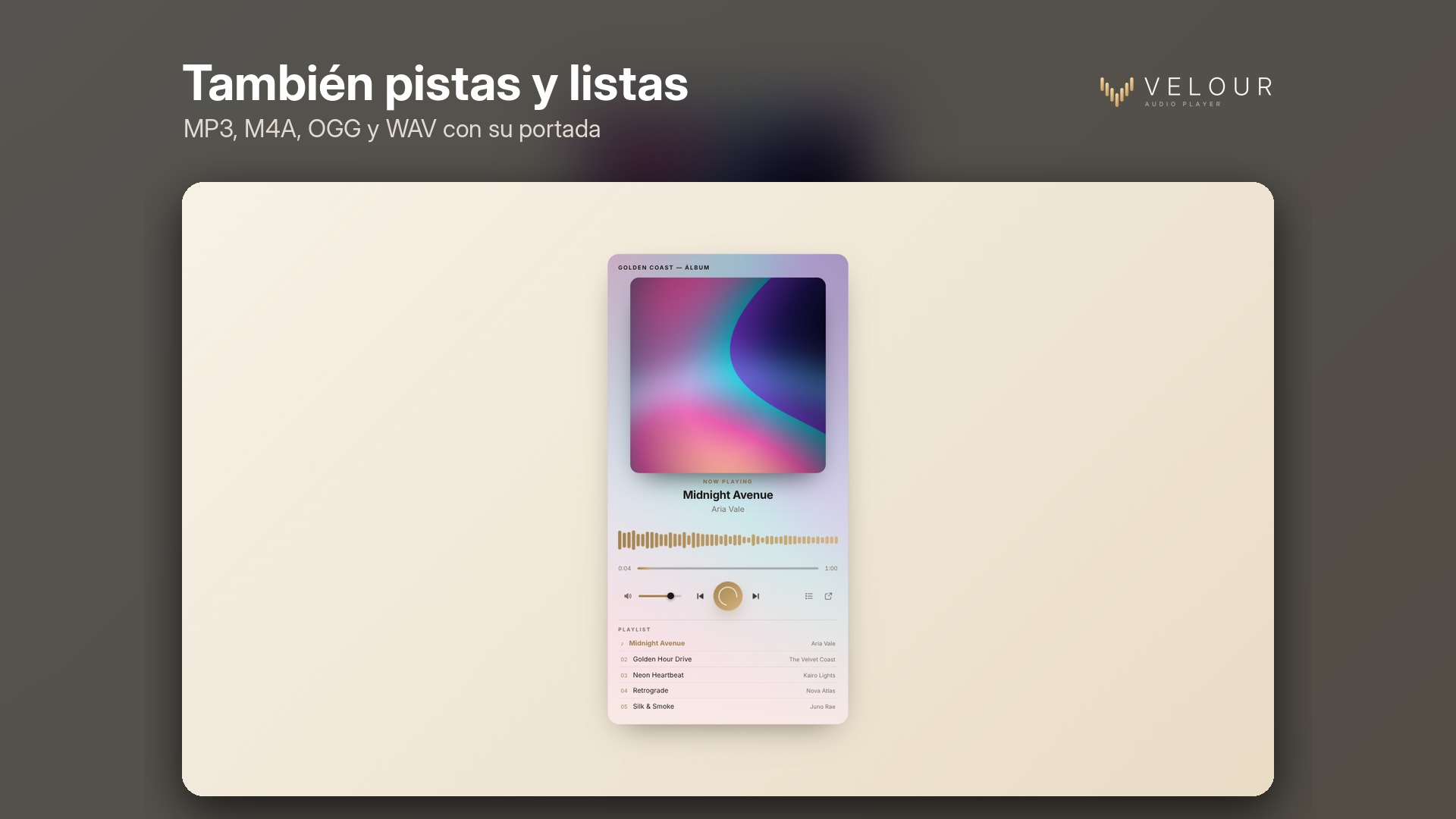
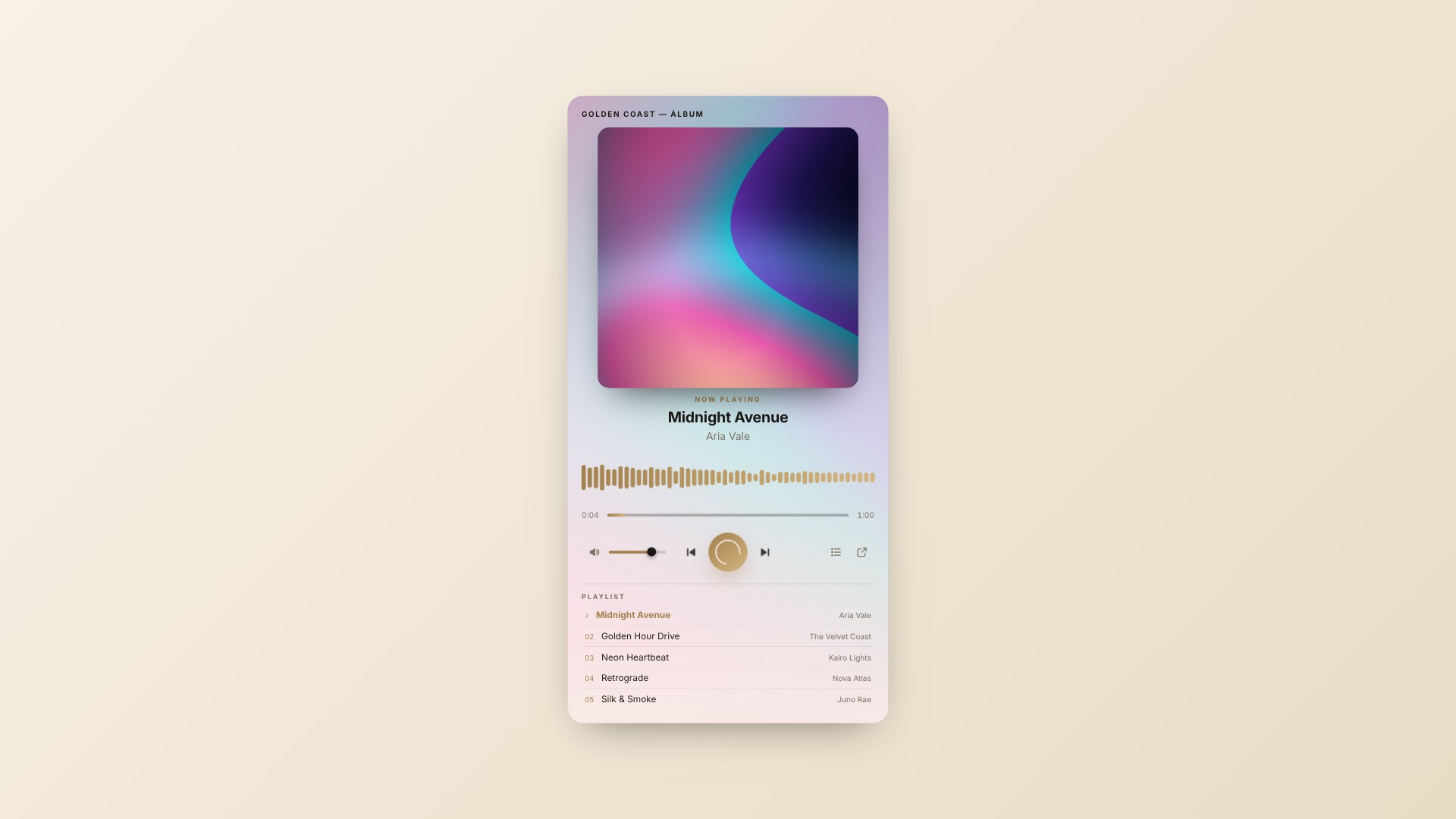
MP3, M4A, OGG, or WAV files from your library or any URL, featuring a progress bar, previous/next controls, shuffle, repeat, and a list with cover art for each track.
-
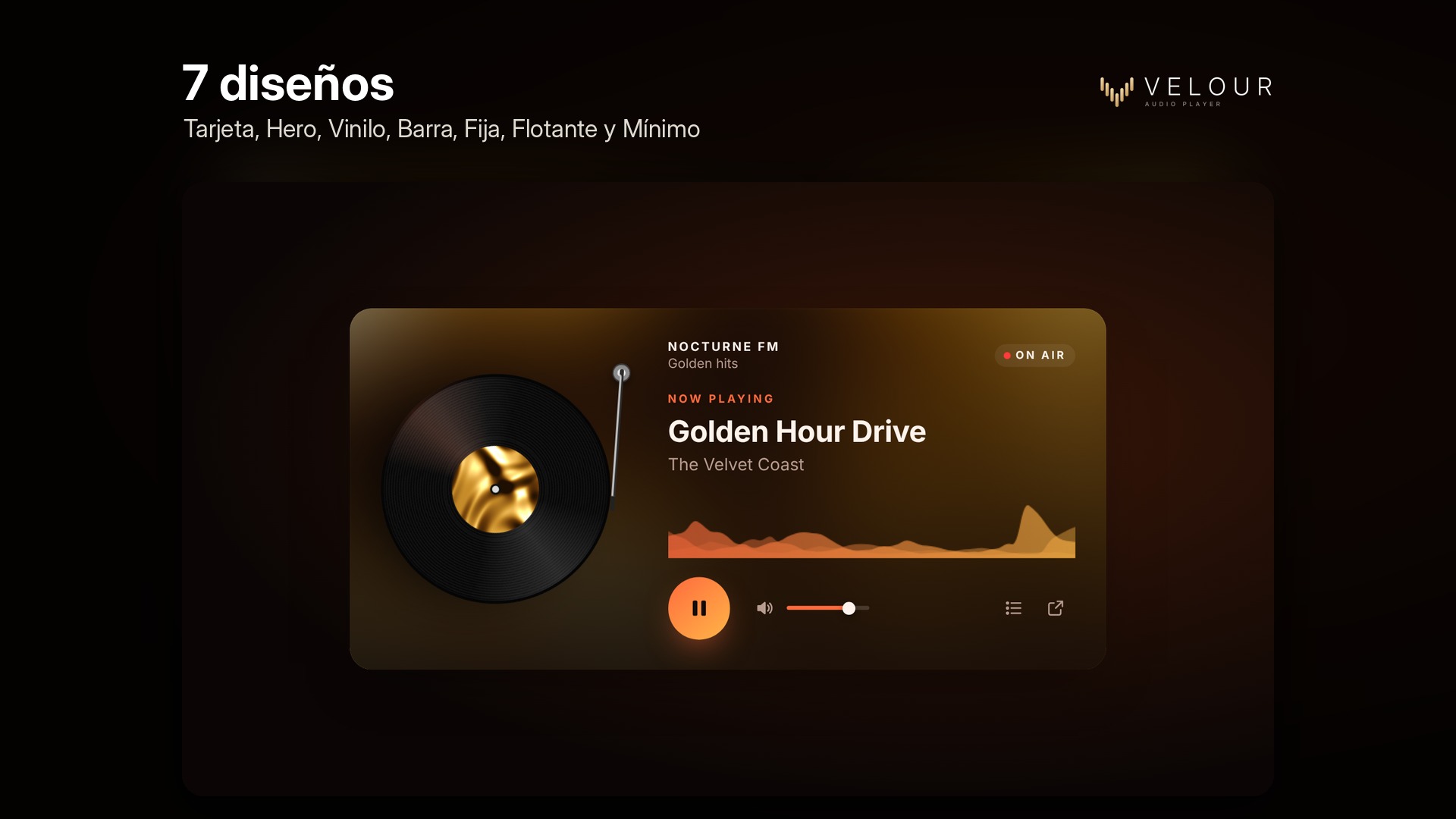
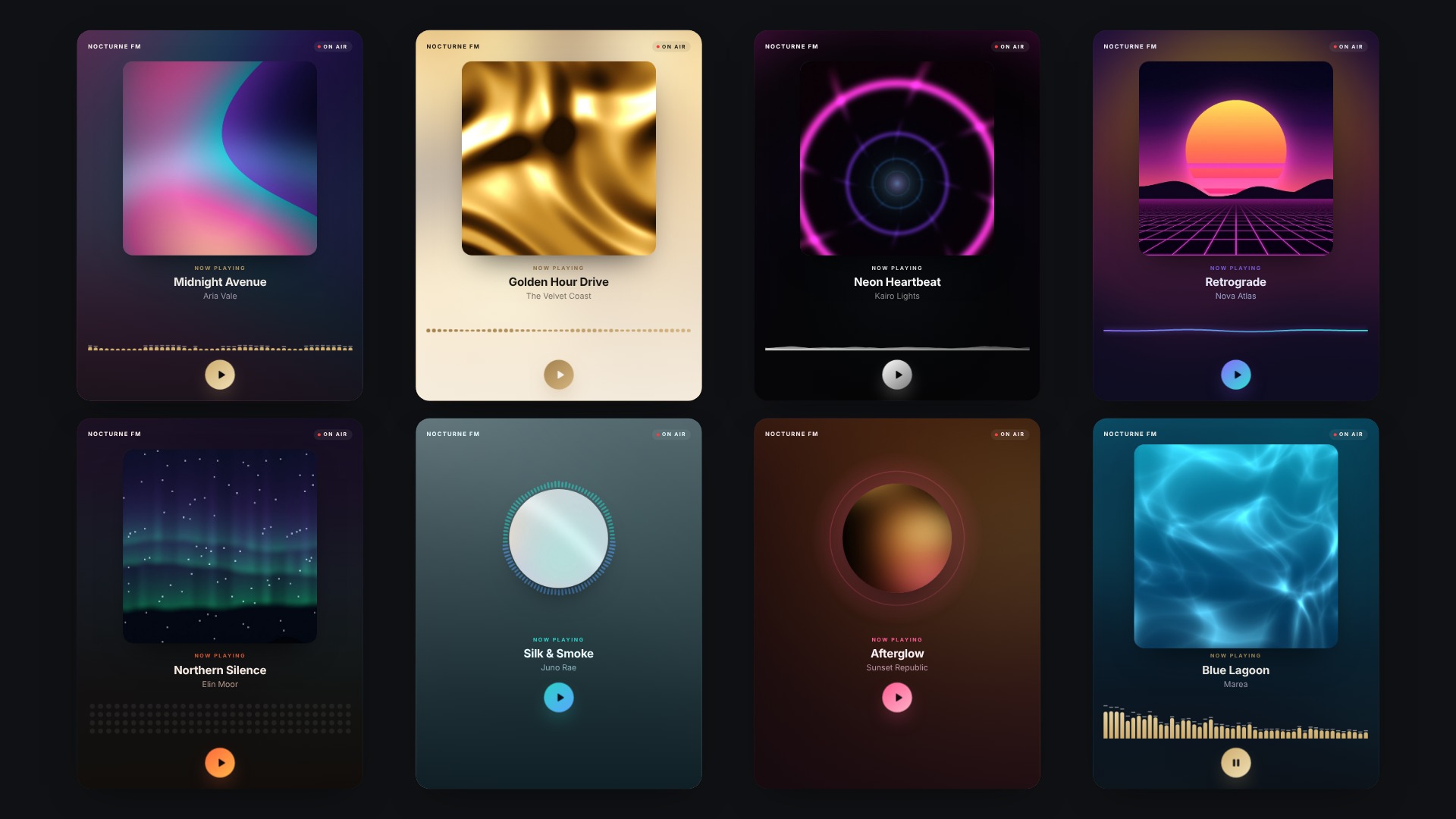
7 designs
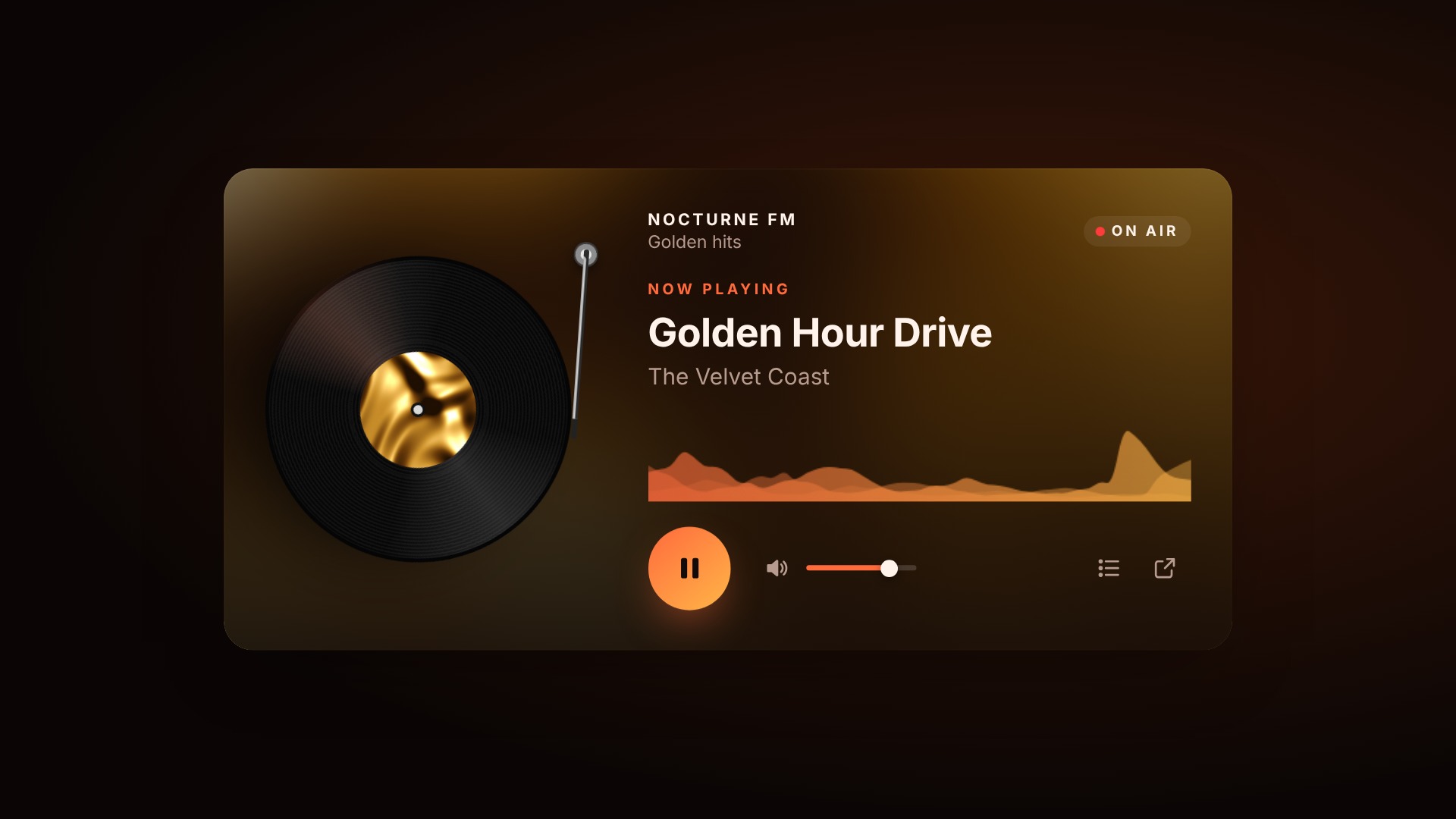
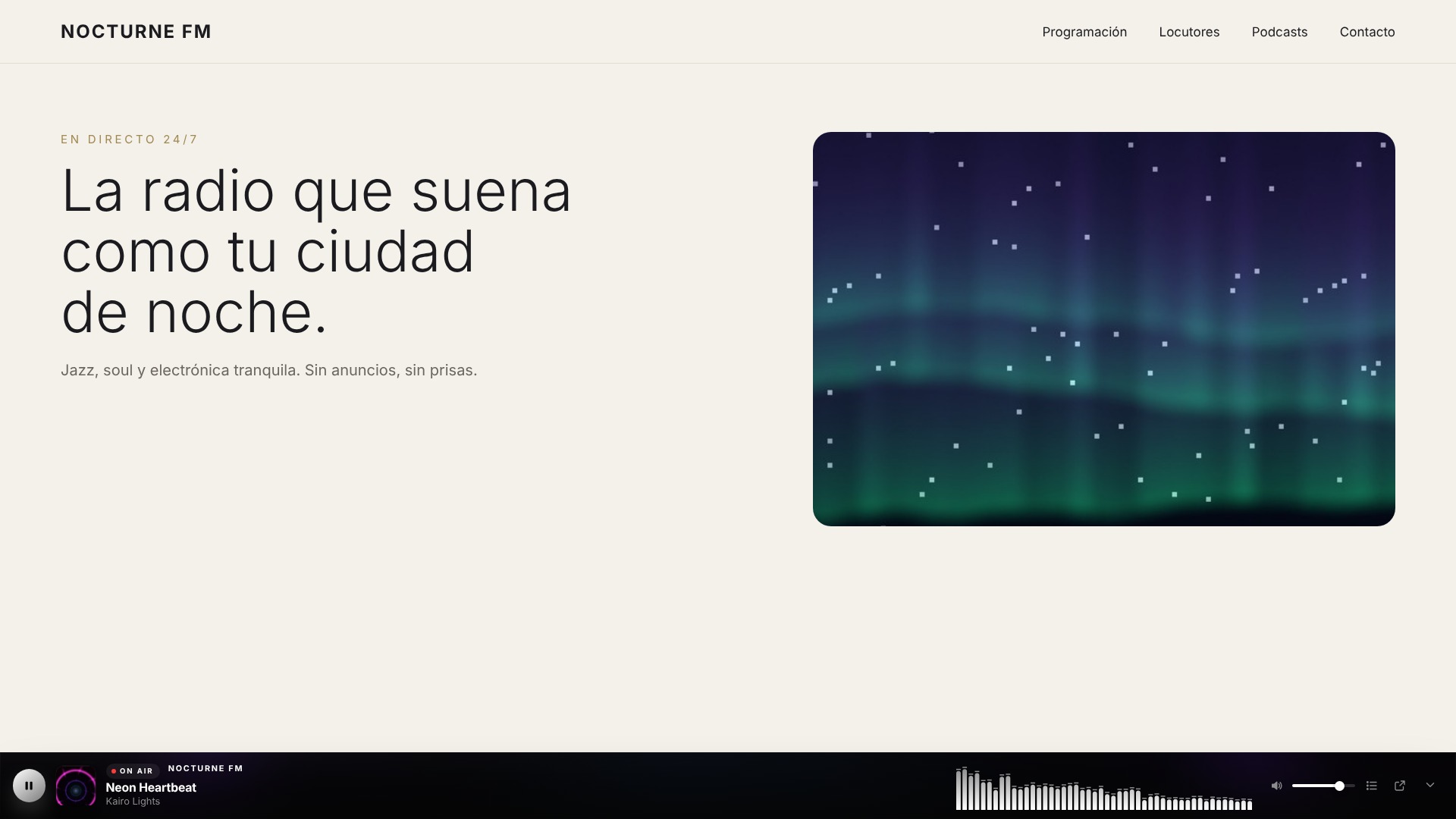
Card, Hero, Vinyl with arm, Bar, Fixed on screen, Floating bubble, and Minimal.
-
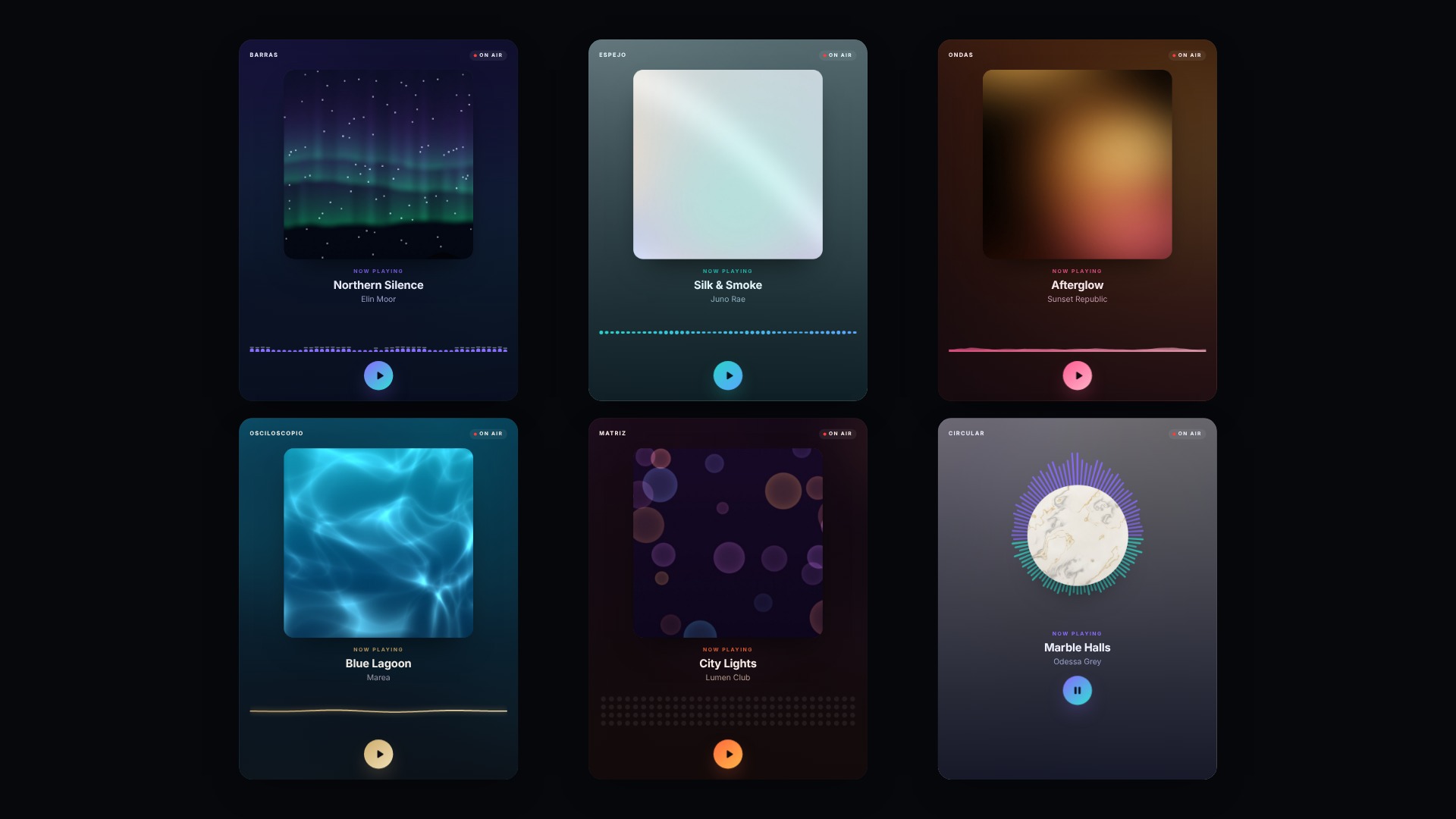
Visualizadores animados
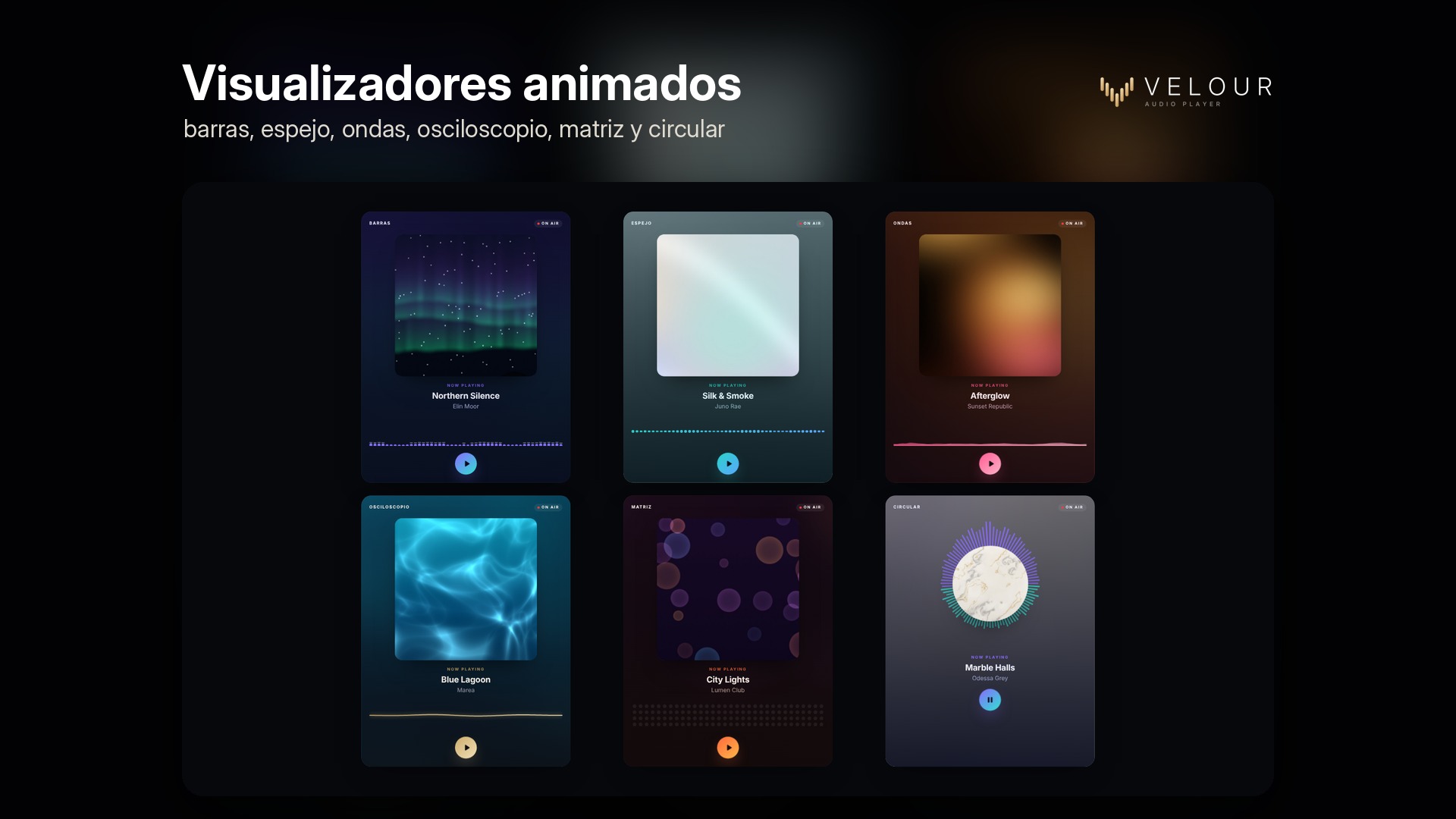
Bars, mirror, waves, oscilloscope, dot matrix, circular spectrum, and rings. They follow the actual audio, and if the server does not support this, they switch to a realistic animation.
-
Personalizable e integrado
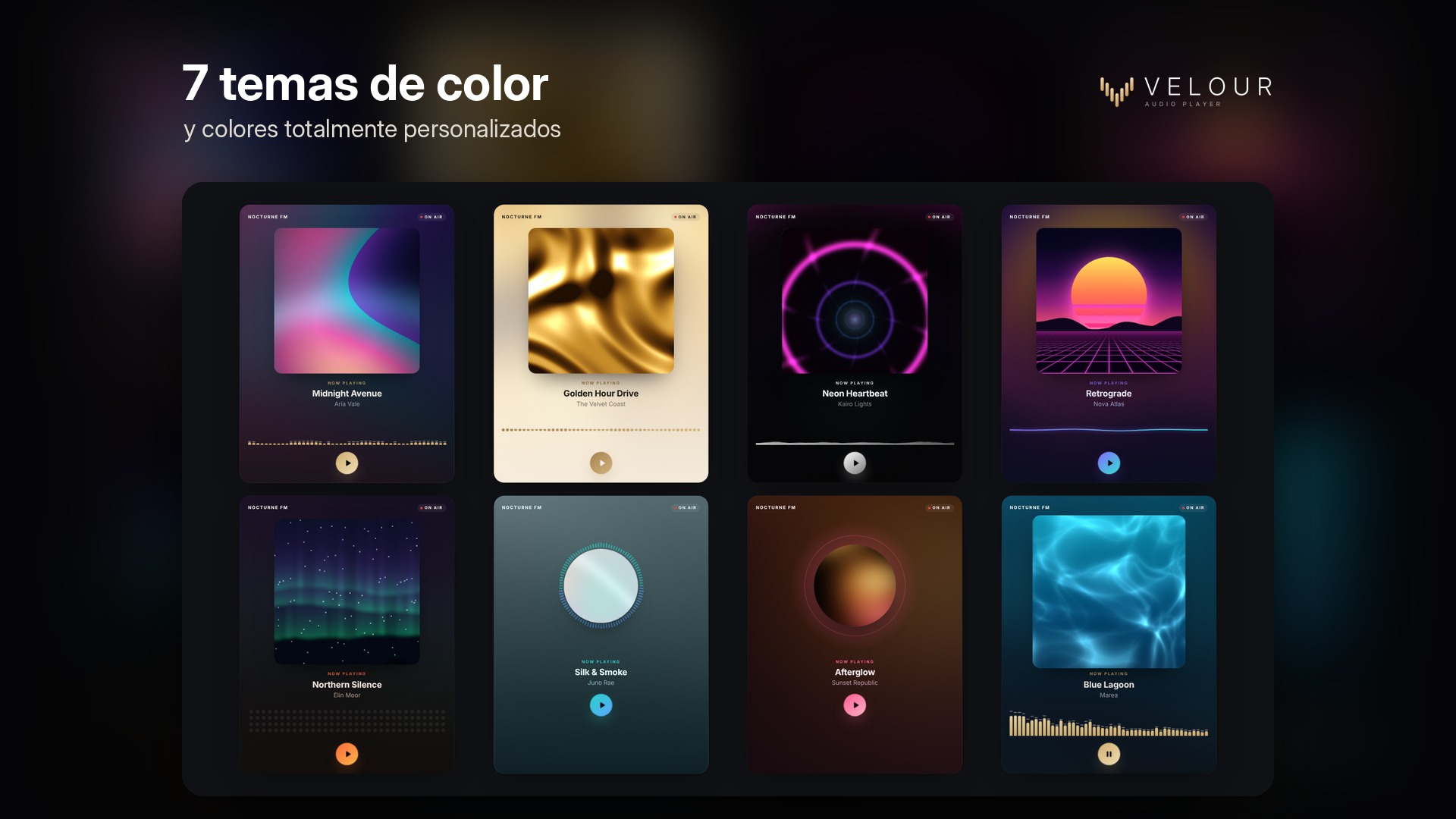
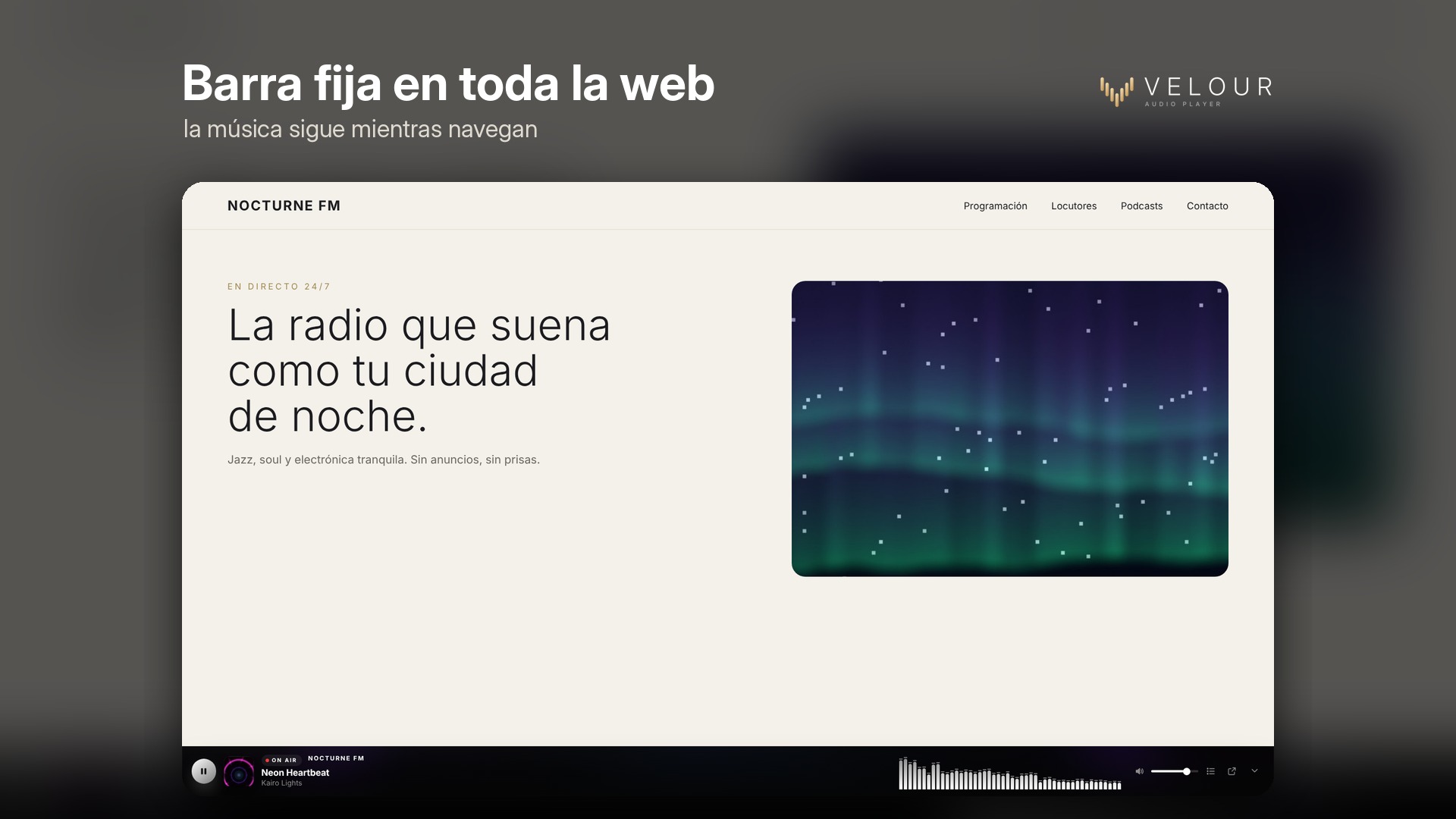
7 color themes (or custom colors), a background featuring a blurred version of the cover art, a glassmorphism or gradient effect, and an "On Air" indicator available in 4 styles. Includes a persistent player that remains visible across the entire website, a pop-up window, mobile lock-screen controls, a shortcode, an Elementor widget, a WPBakery element, and a block.
-
Install and activate Velour
Upload the zip file via Plugins → Add New → Upload Plugin, and activate it.
-
Create your player
In Velour → Add new, select "Live radio" and paste your stream URL (click "Test connection"), or select "Tracks or playlist" and add your files.
-
Design it and publish it
Adjust it using the live preview, then insert it via a shortcode, an Elementor widget, a WPBakery element, or a block.


Reviews
There are no reviews yet.