






Description
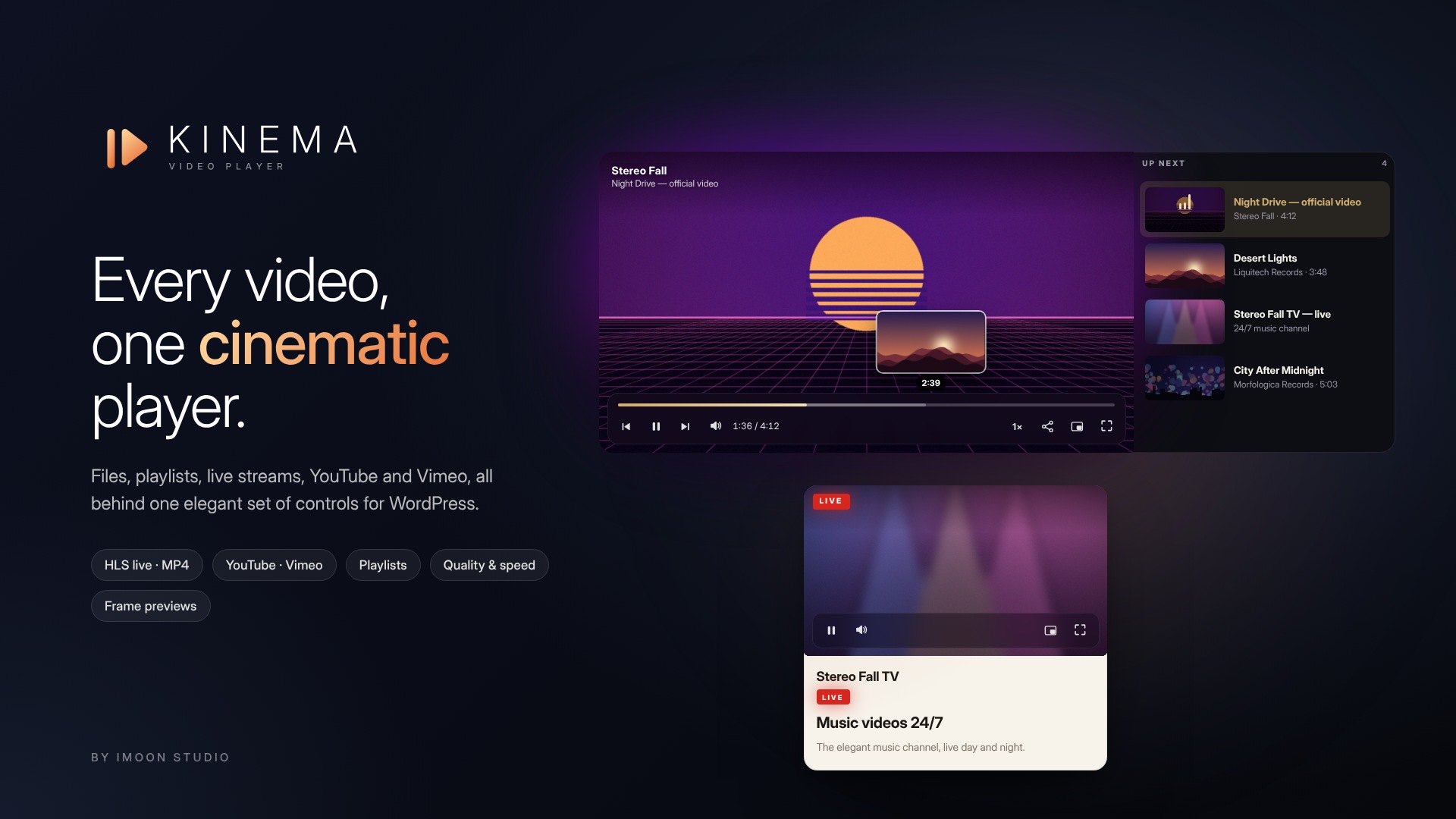
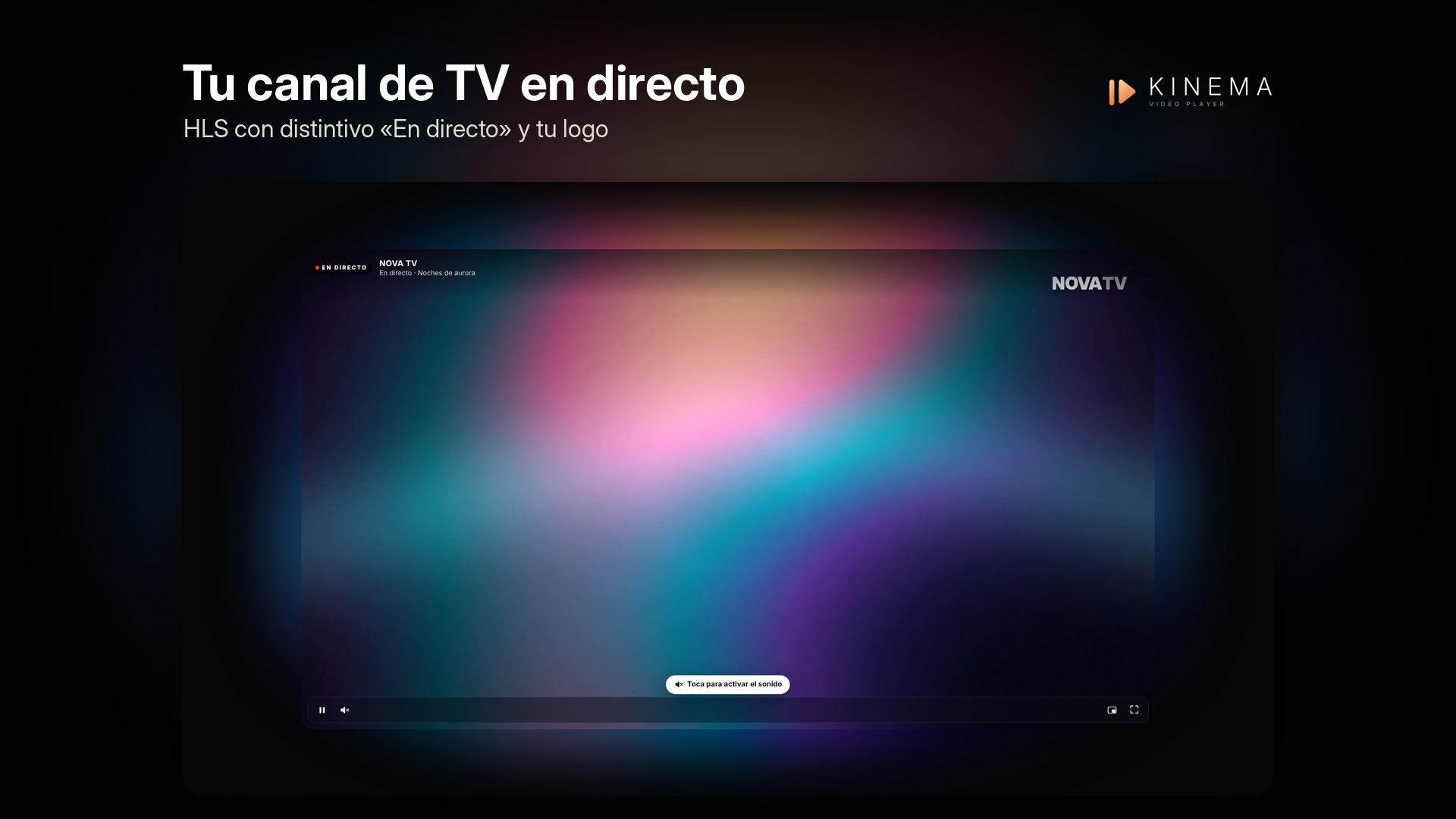
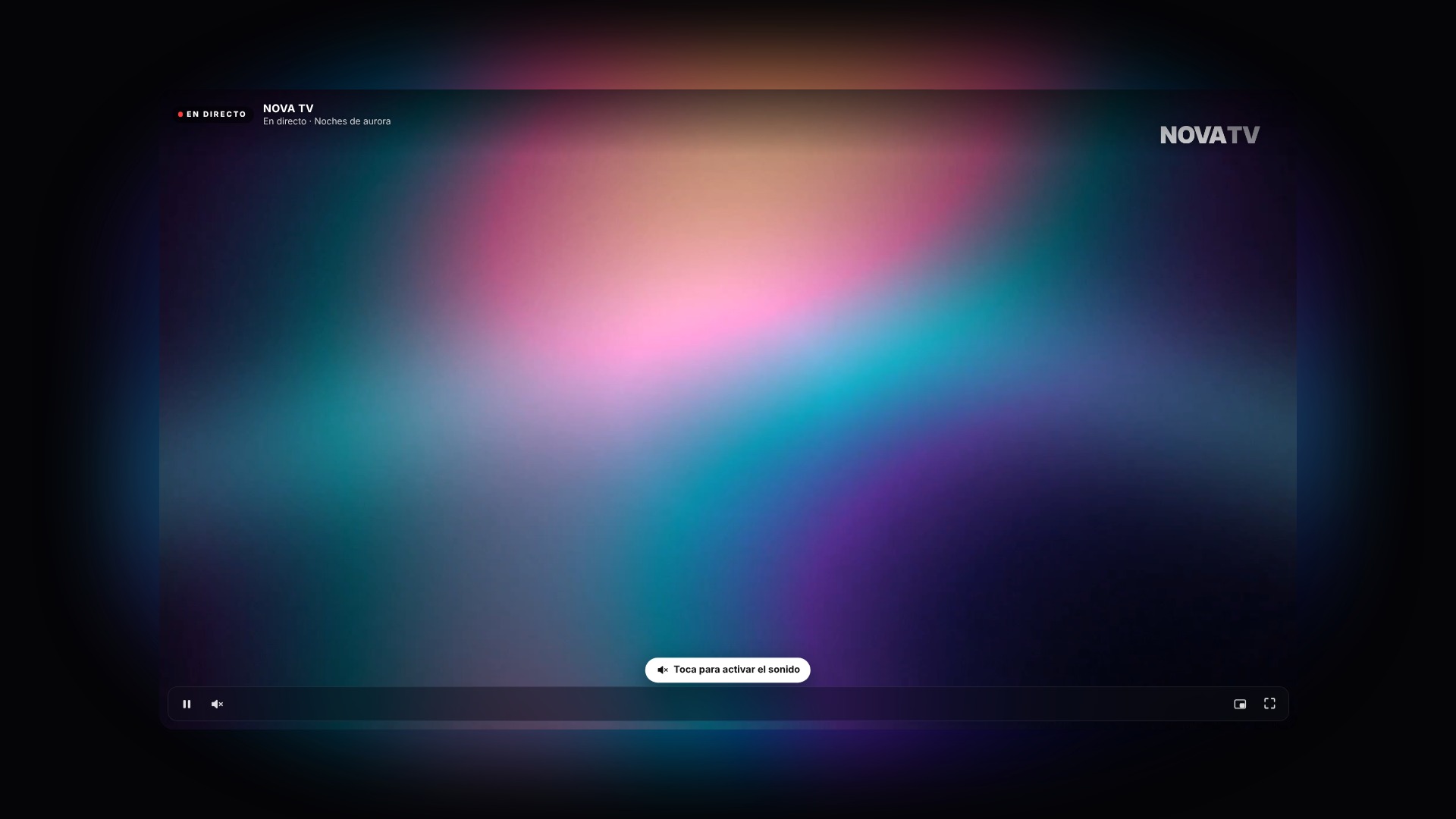
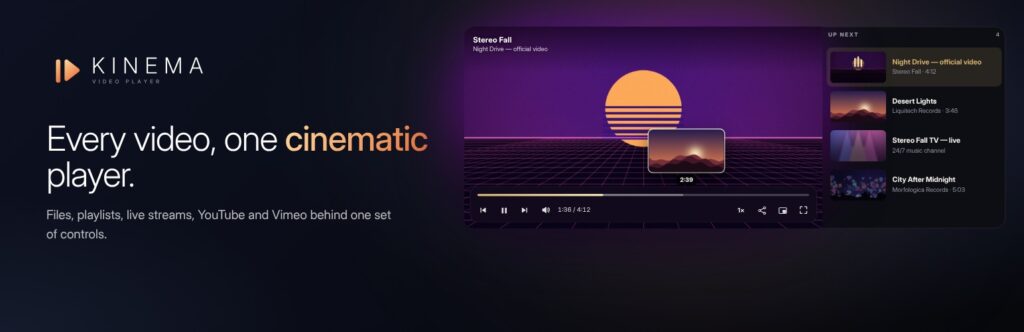
Kinema provides your videos and live streams with a cinema-grade player that aligns with your brand—at a fraction of the cost of other video platforms. It supports MP4 and WebM files, HLS live streams (.m3u8), and links from YouTube and Vimeo—all using Kinema’s consistent set of controls—and allows you to mix them within a single playlist. There is only one version; no separate “Pro” edition.
-
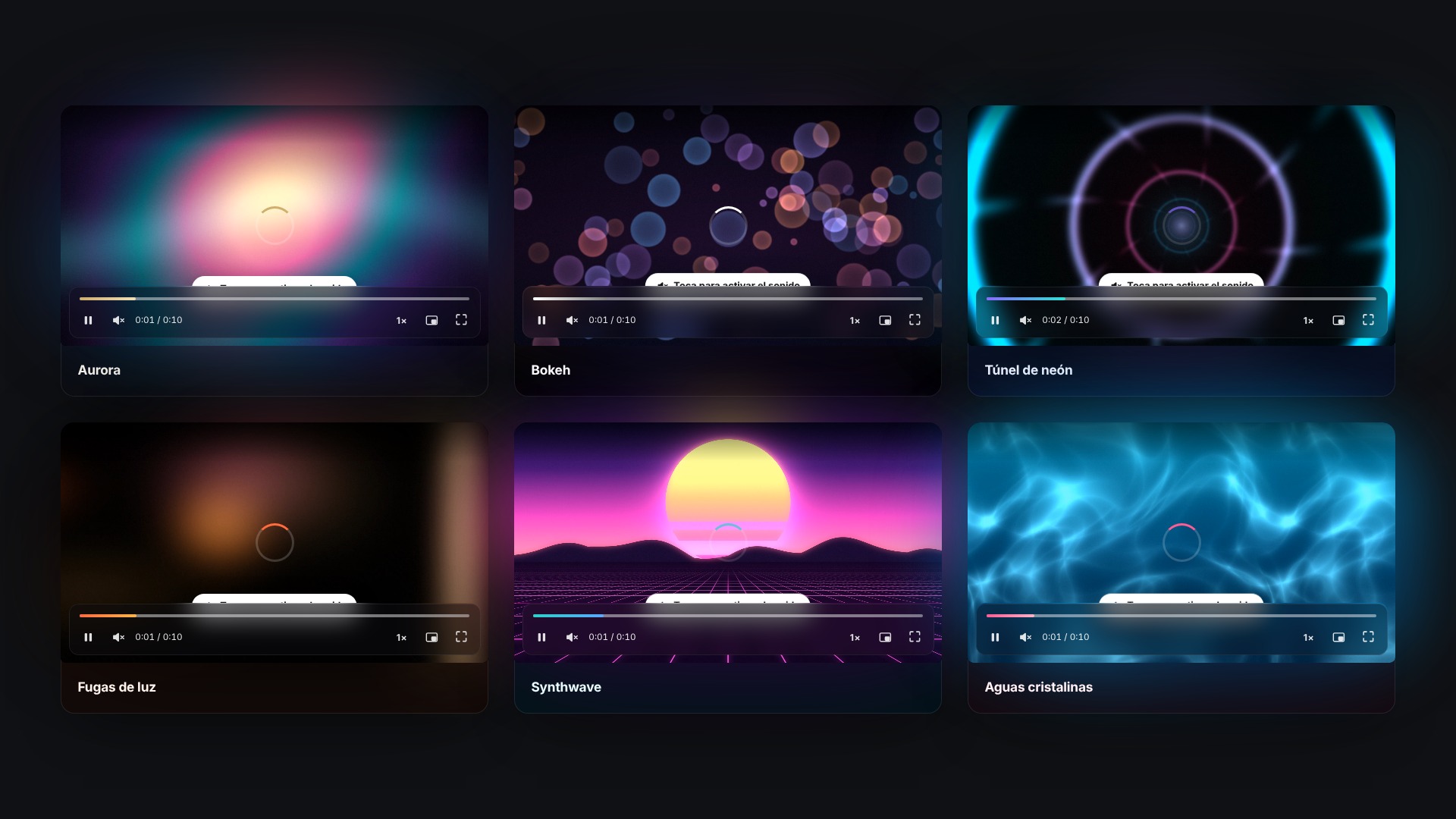
Everything with the same appearance
MP4 and WebM files, HLS live streams, and YouTube and Vimeo videos—all using Kinema’s controls instead of their own. You can mix them together in a single playlist.
-
Professional controls
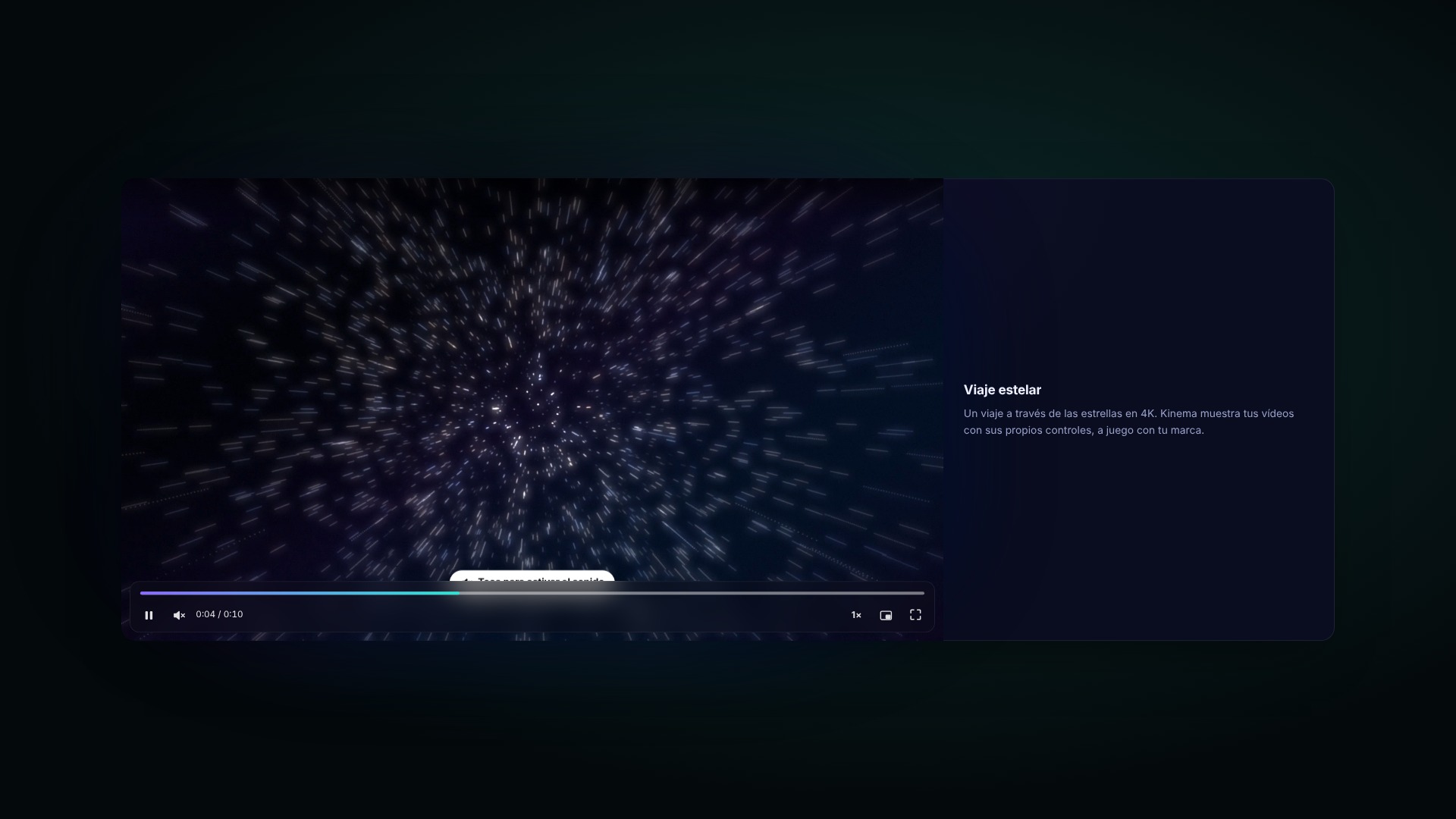
Frame previews when hovering over the progress bar, playback speeds from 0.5× to 2×, quality selector, a "Live" indicator that changes to "Go to live," picture-in-picture, full-screen mode, and keyboard shortcuts.
-
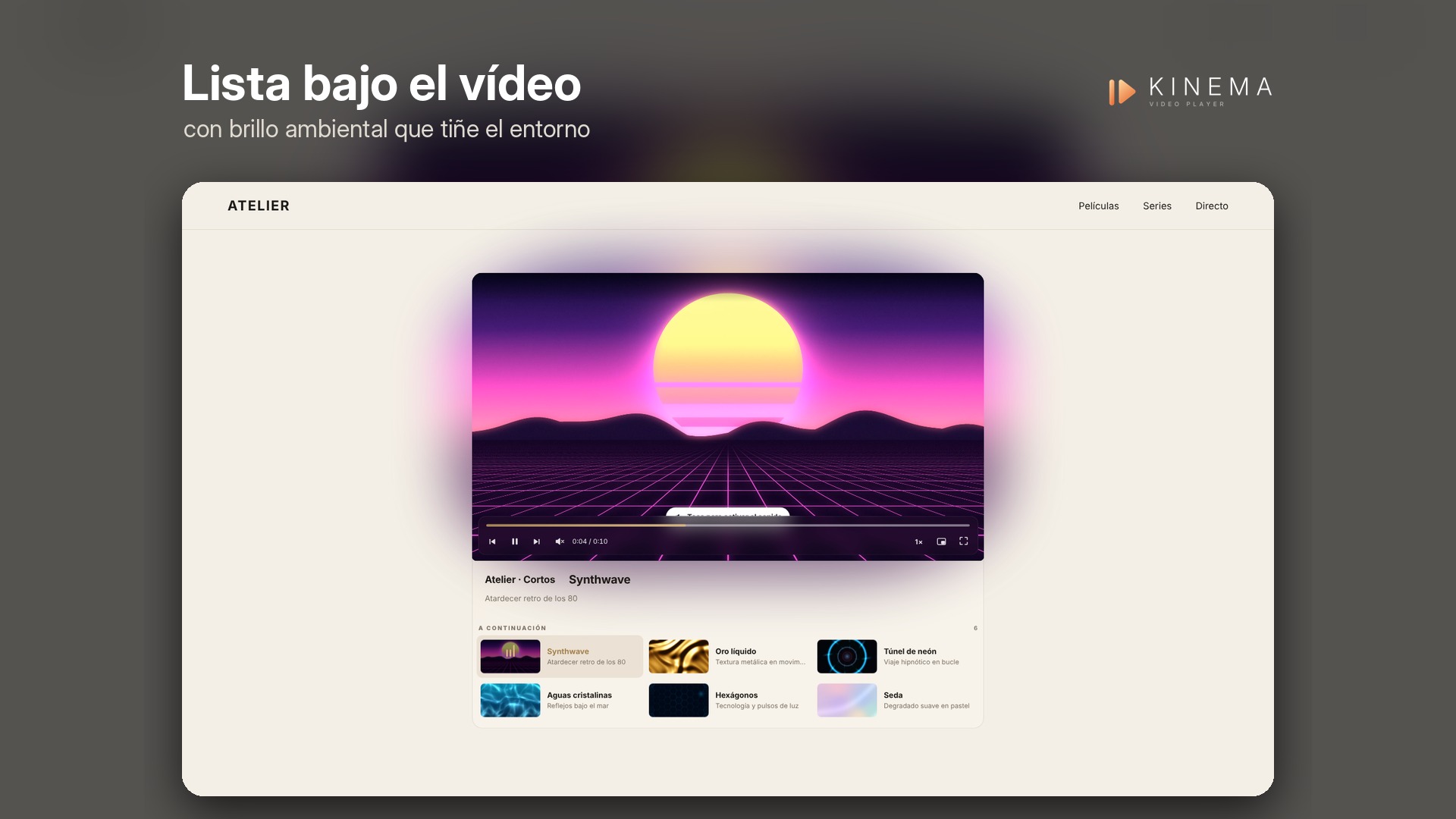
Video playlists
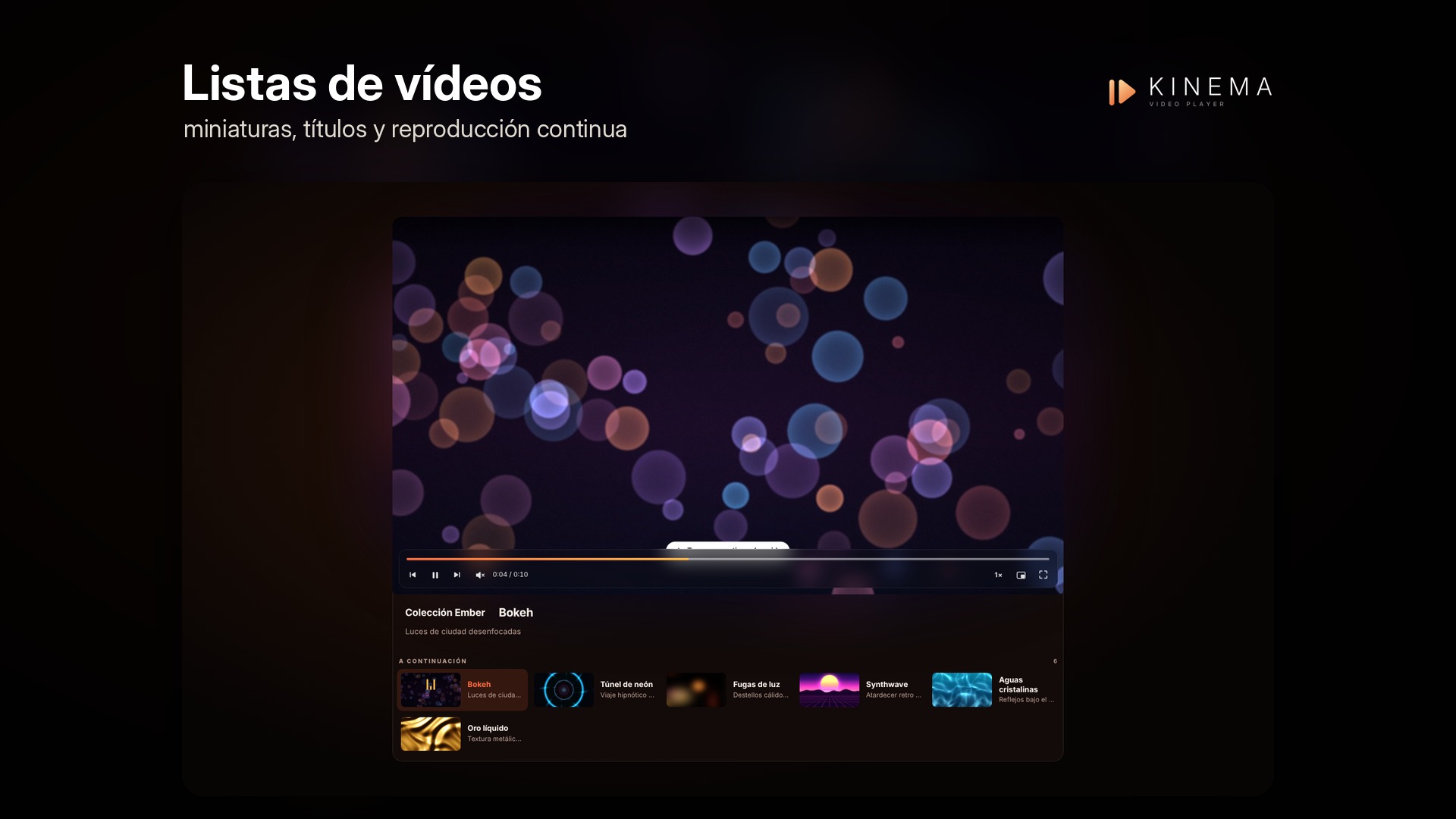
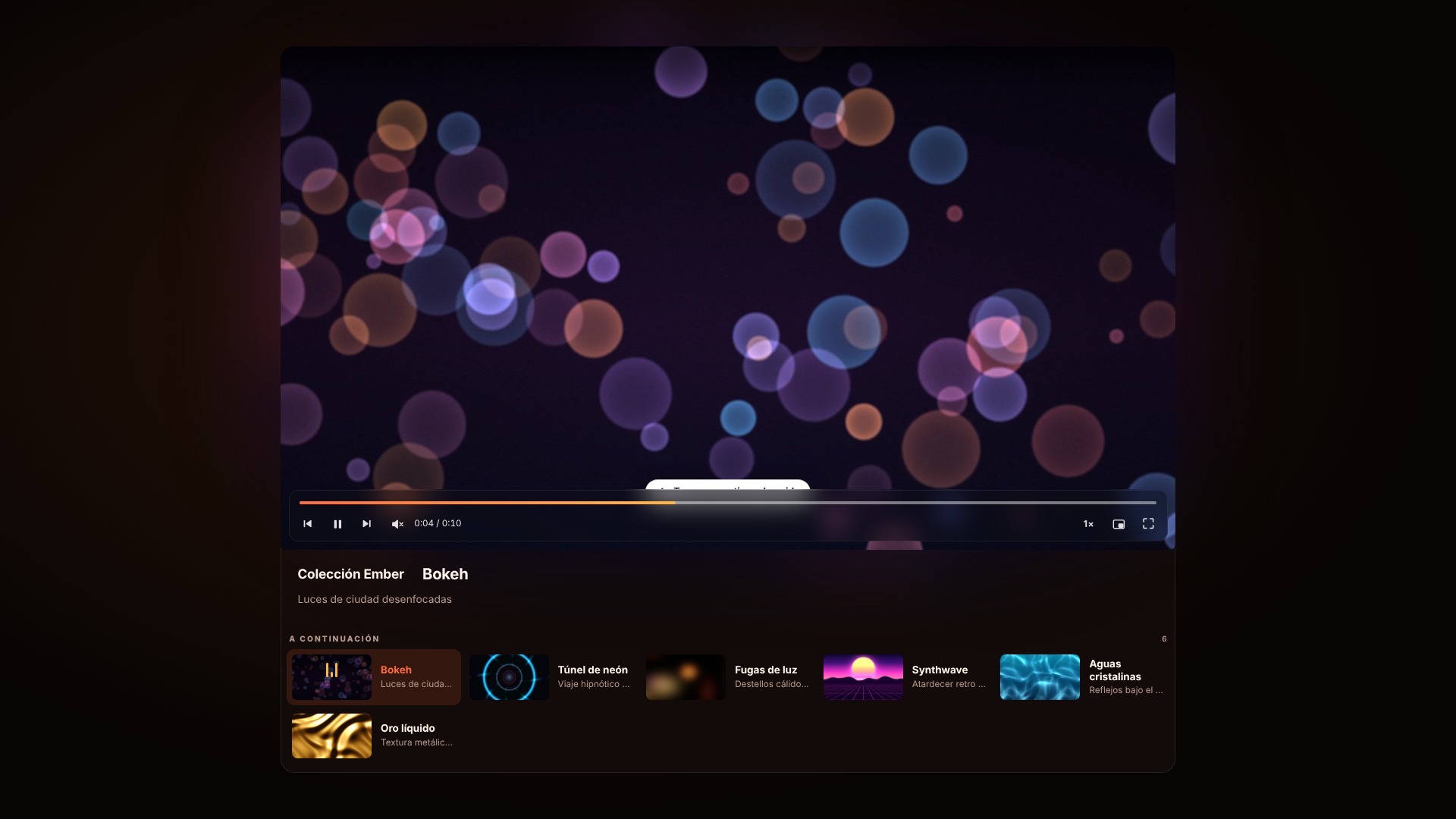
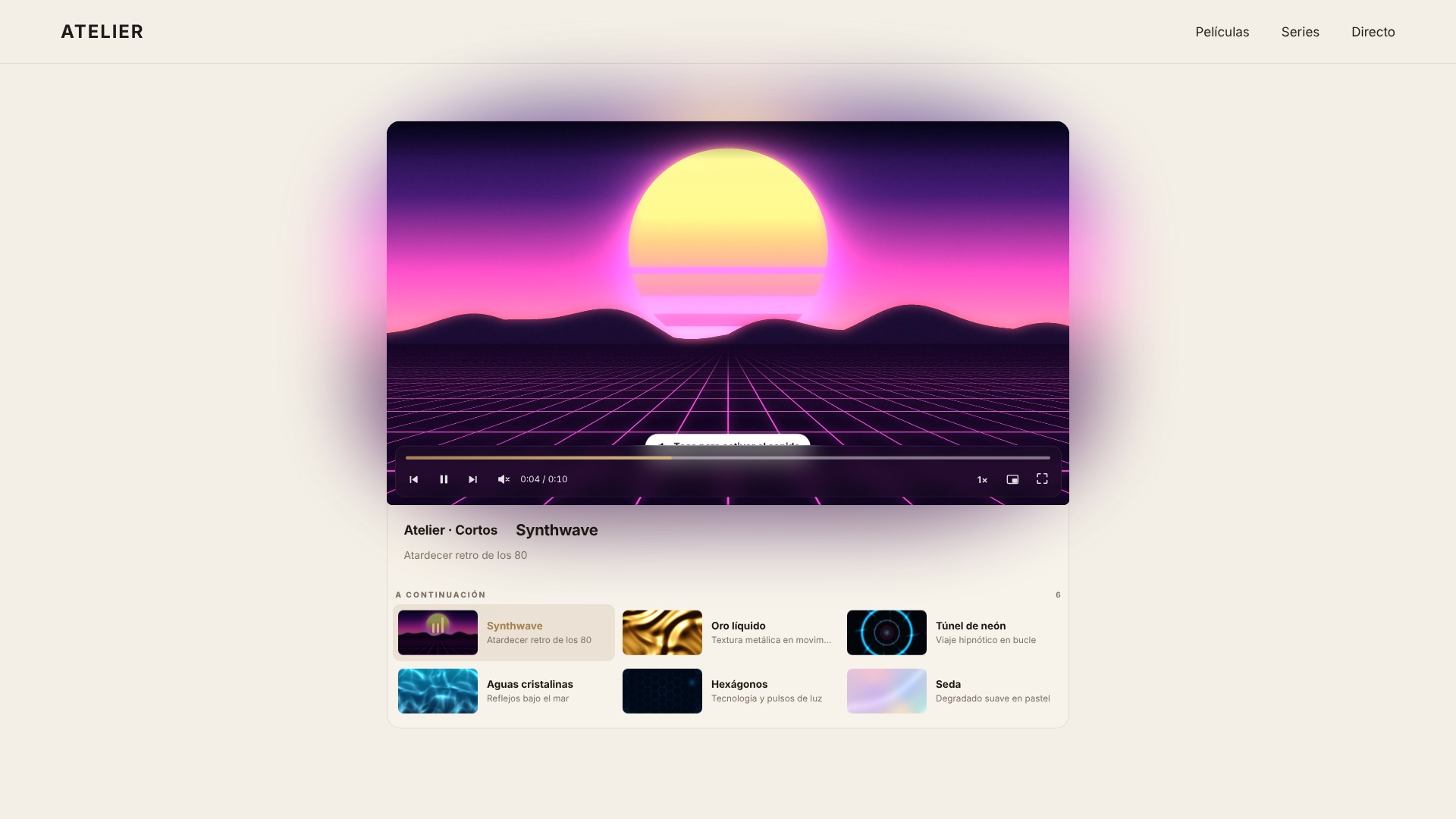
Located next to or below the video—or simply via "previous/next" controls—these include thumbnails, titles, and descriptions; the next video starts automatically, and they can be rearranged by dragging and dropping.
-
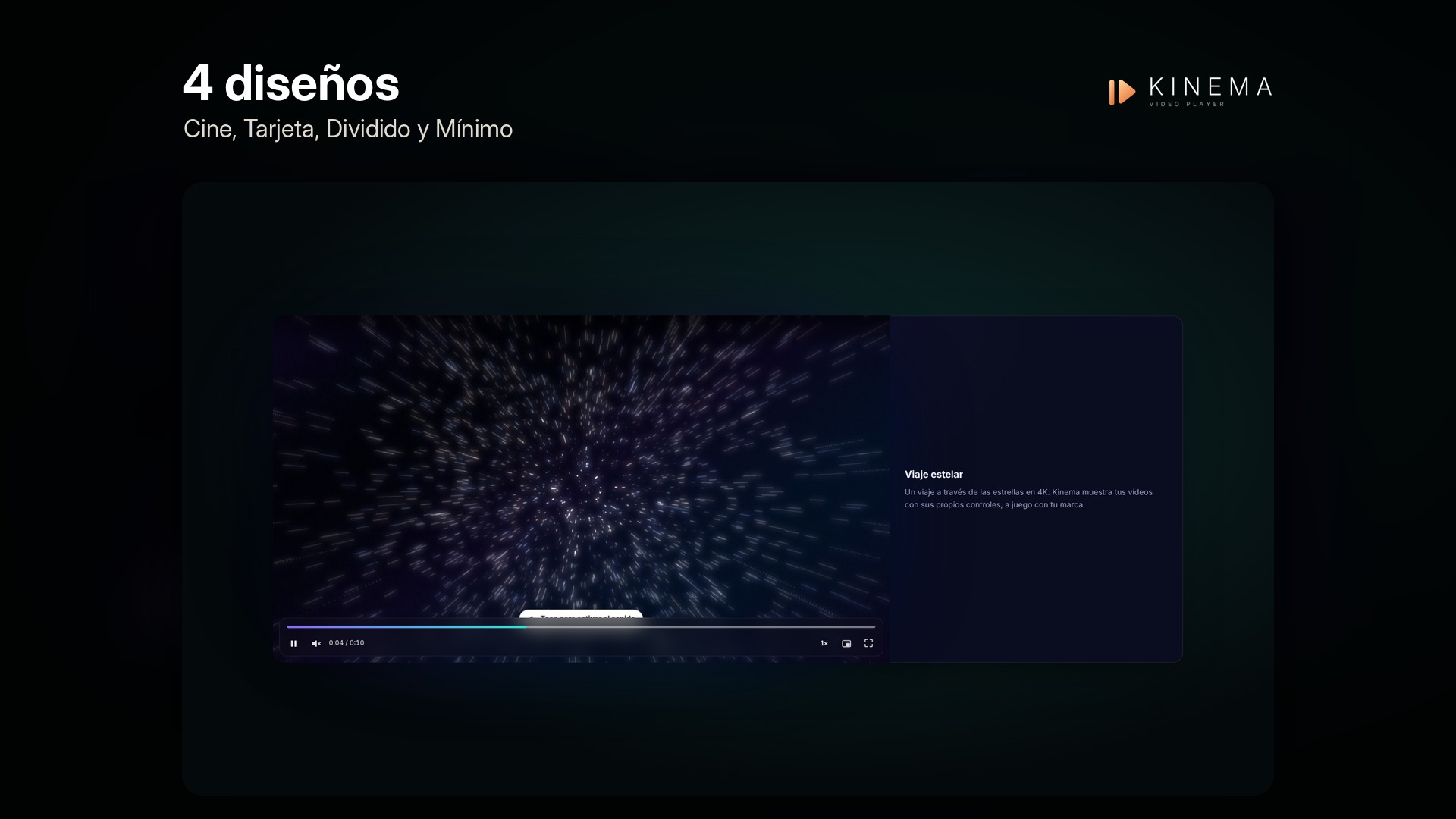
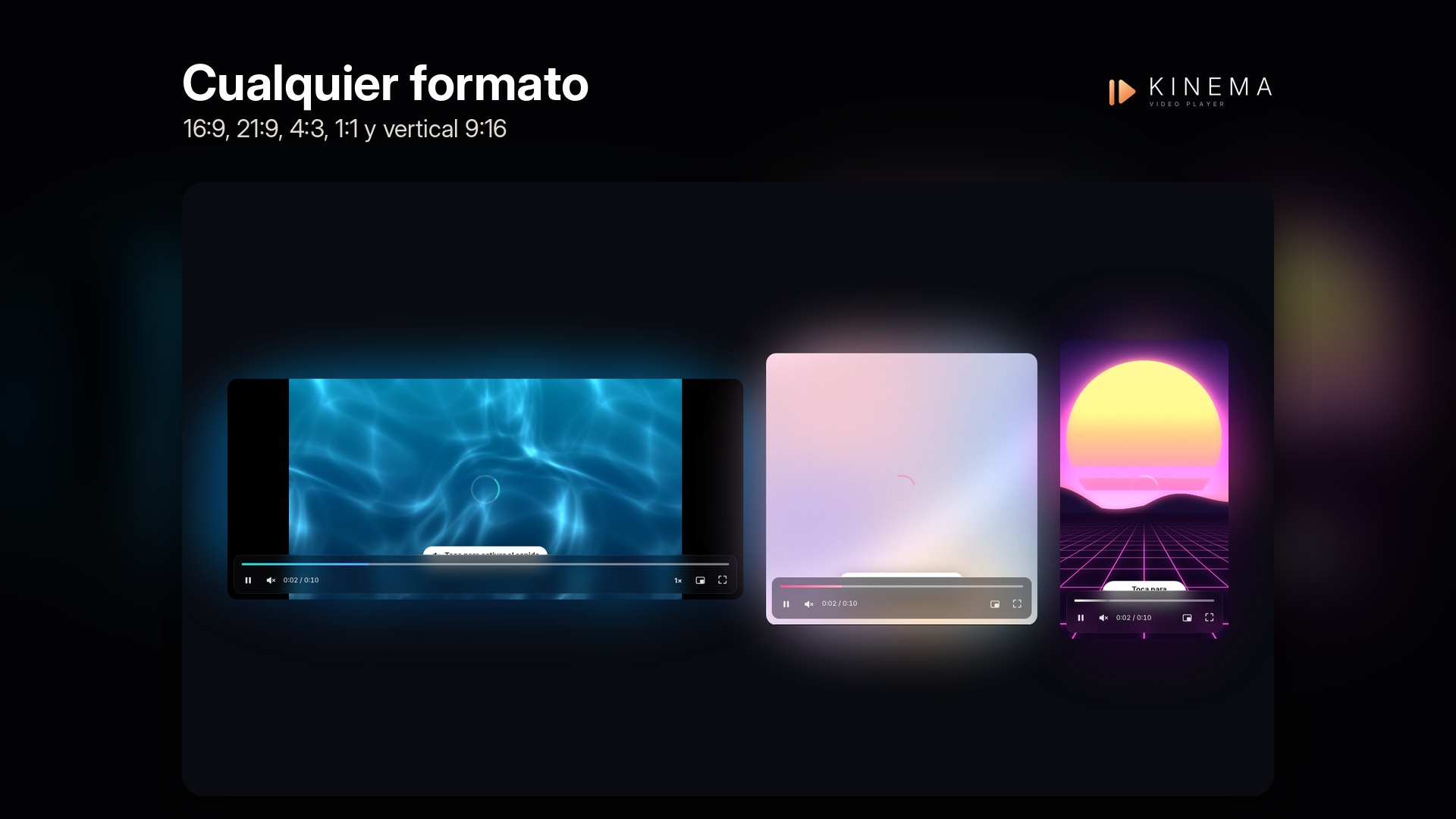
Aspecto premium
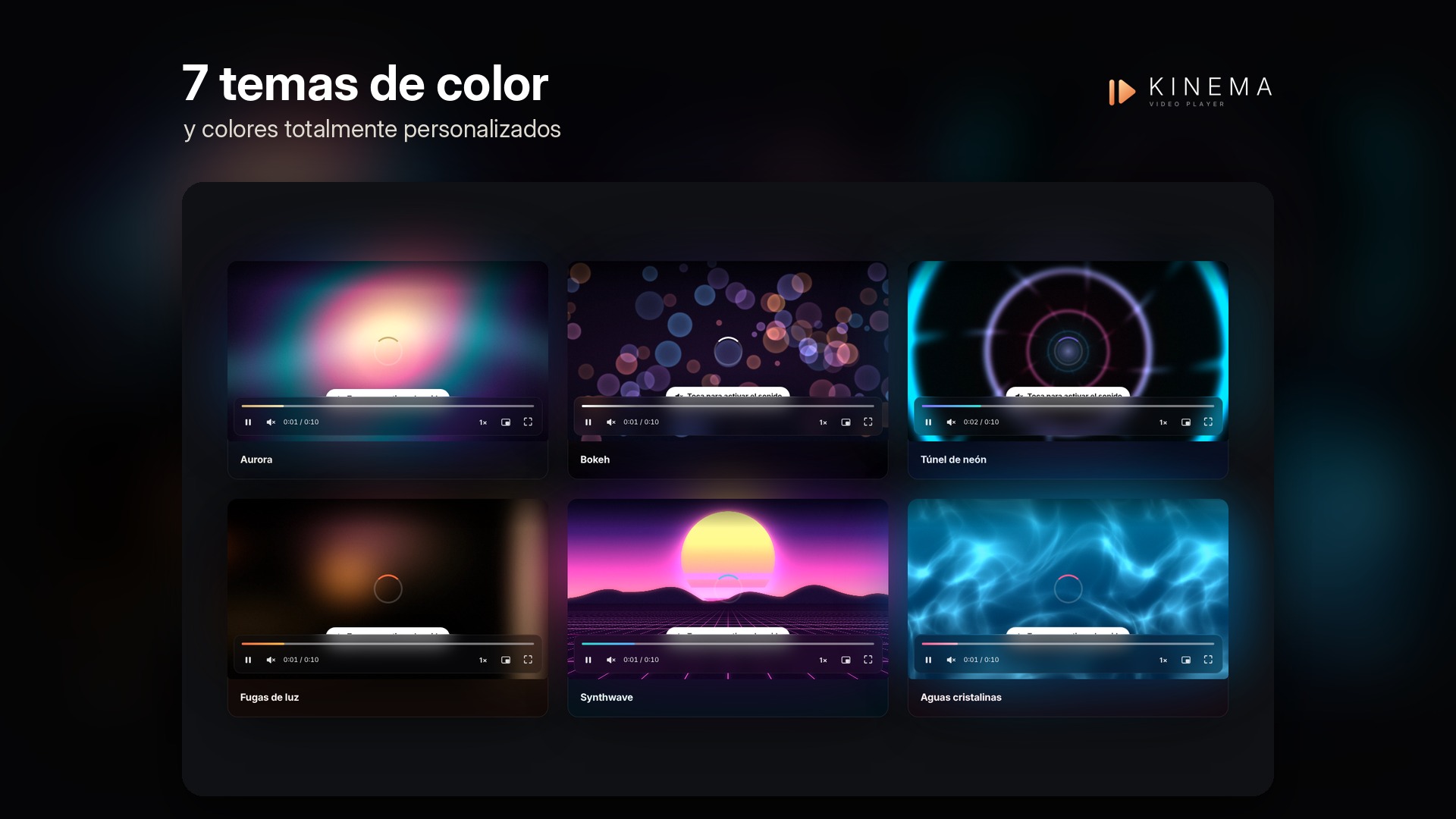
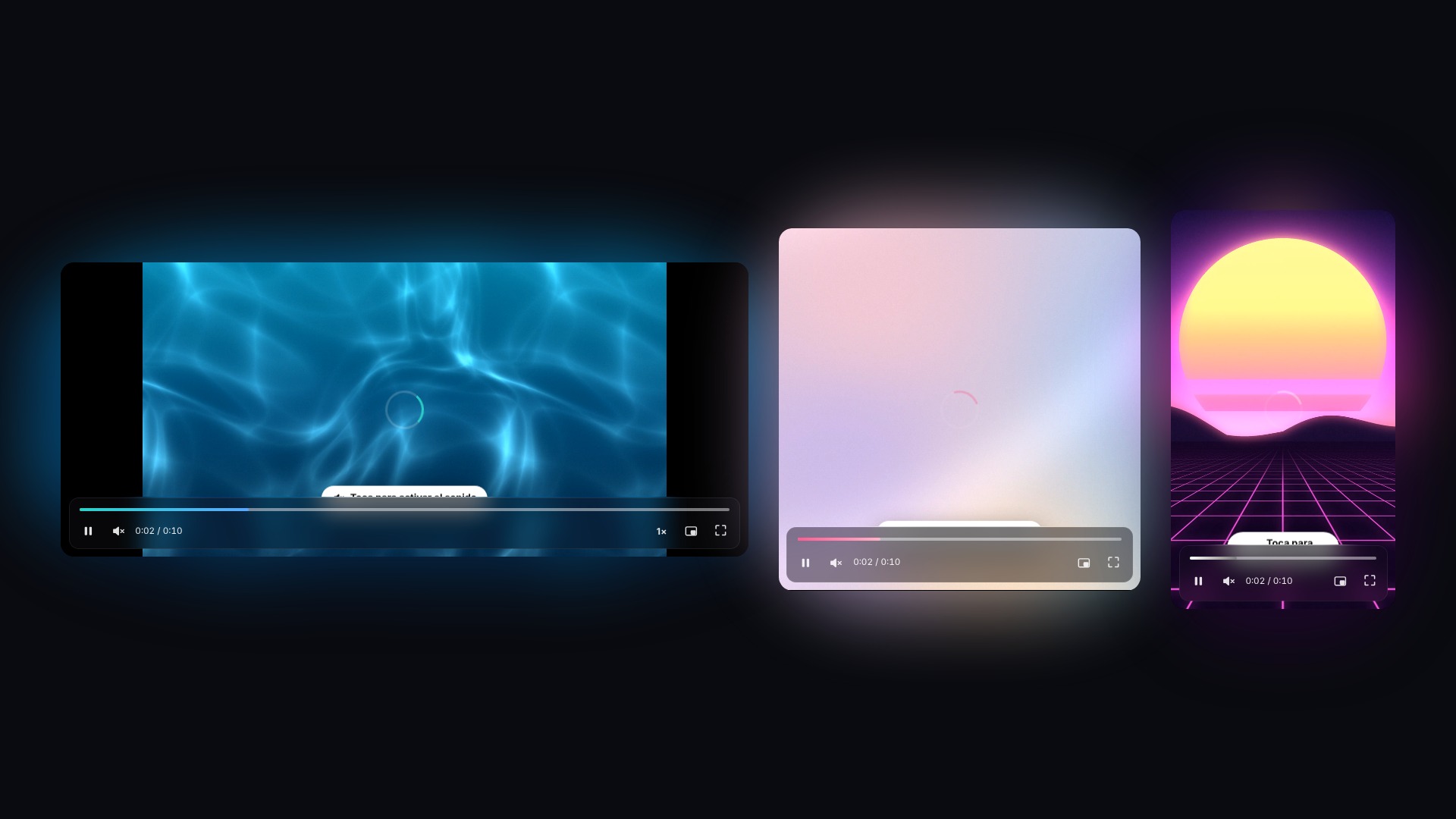
4 designs (Cinema, Card, Split, and Minimal), ambient glow based on the image colors, a watermark logo in any corner, 7 color themes (or custom colors), and aspect ratios including 16:9, 21:9, 4:3, 1:1, and vertical 9:16.
-
Pensado para webs reales
A mini-player that follows the visitor as they scroll, a "Back shortly" screen featuring your own image when the channel is offline, muted autoplay with an unmute button, live preview, shortcode, Elementor widget, WPBakery element, and a block.
-
Install and activate Kinema
Upload the zip file via Plugins → Add New → Upload Plugin, and activate it.
-
Create your player
In Kinema → Add new, select "A video or live channel" and paste the URL, or "A list of videos" and add them.
-
Diséñalo y publícalo
Adjust it using the live preview, then insert it via a shortcode, an Elementor widget, a WPBakery element, or a block.

Reviews
There are no reviews yet.