




Description
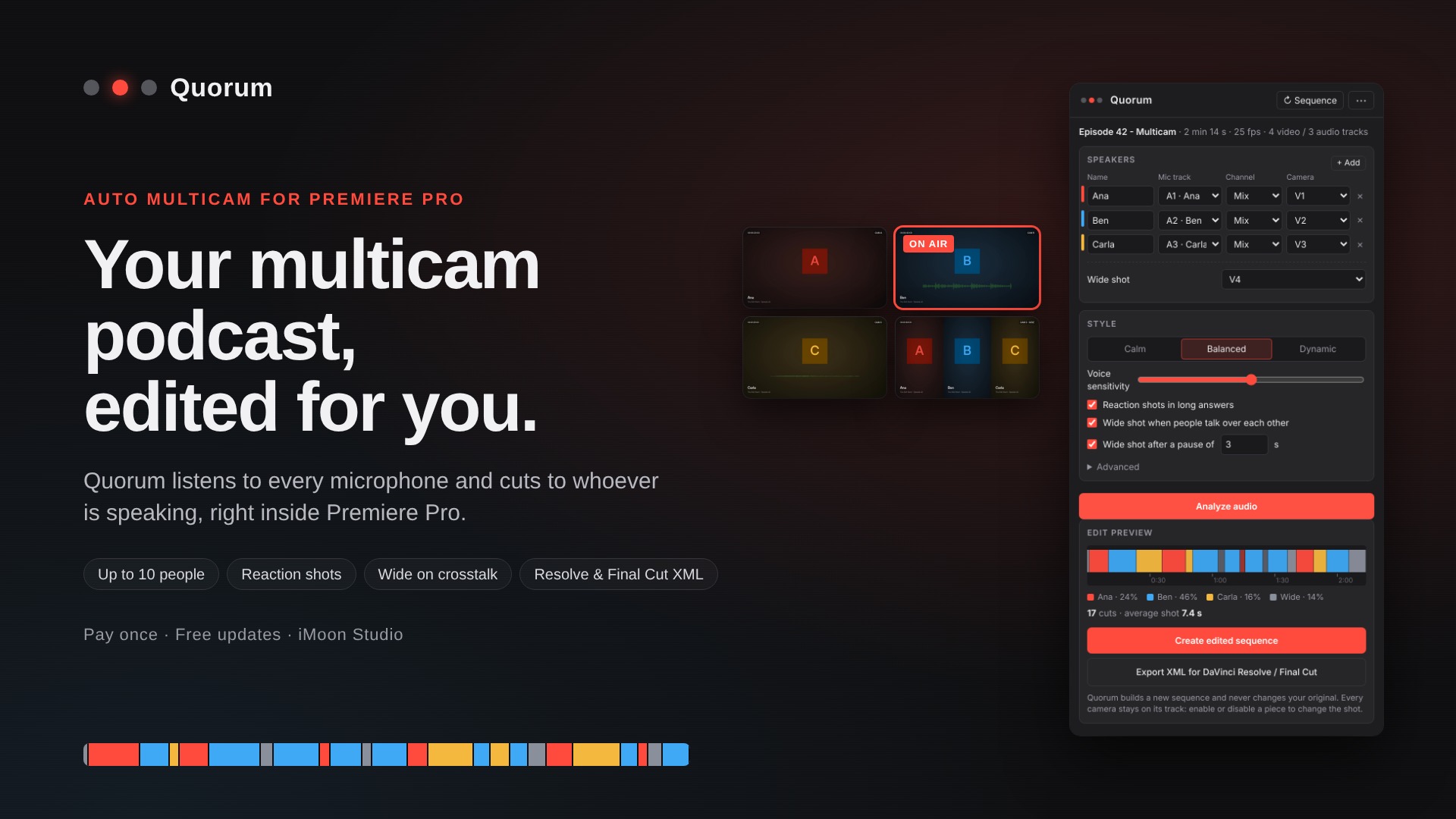
Editing a multicam podcast by hand means hours of watching and clicking, just to put the right person on screen. Quorum does that first pass for you in minutes.
Give it one microphone per person and their cameras. Quorum listens to every mic, works out who is speaking, and builds the edit the way an editor would: no jumpy cuts, reaction shots during long answers, and the wide shot when people talk over each other or pause.
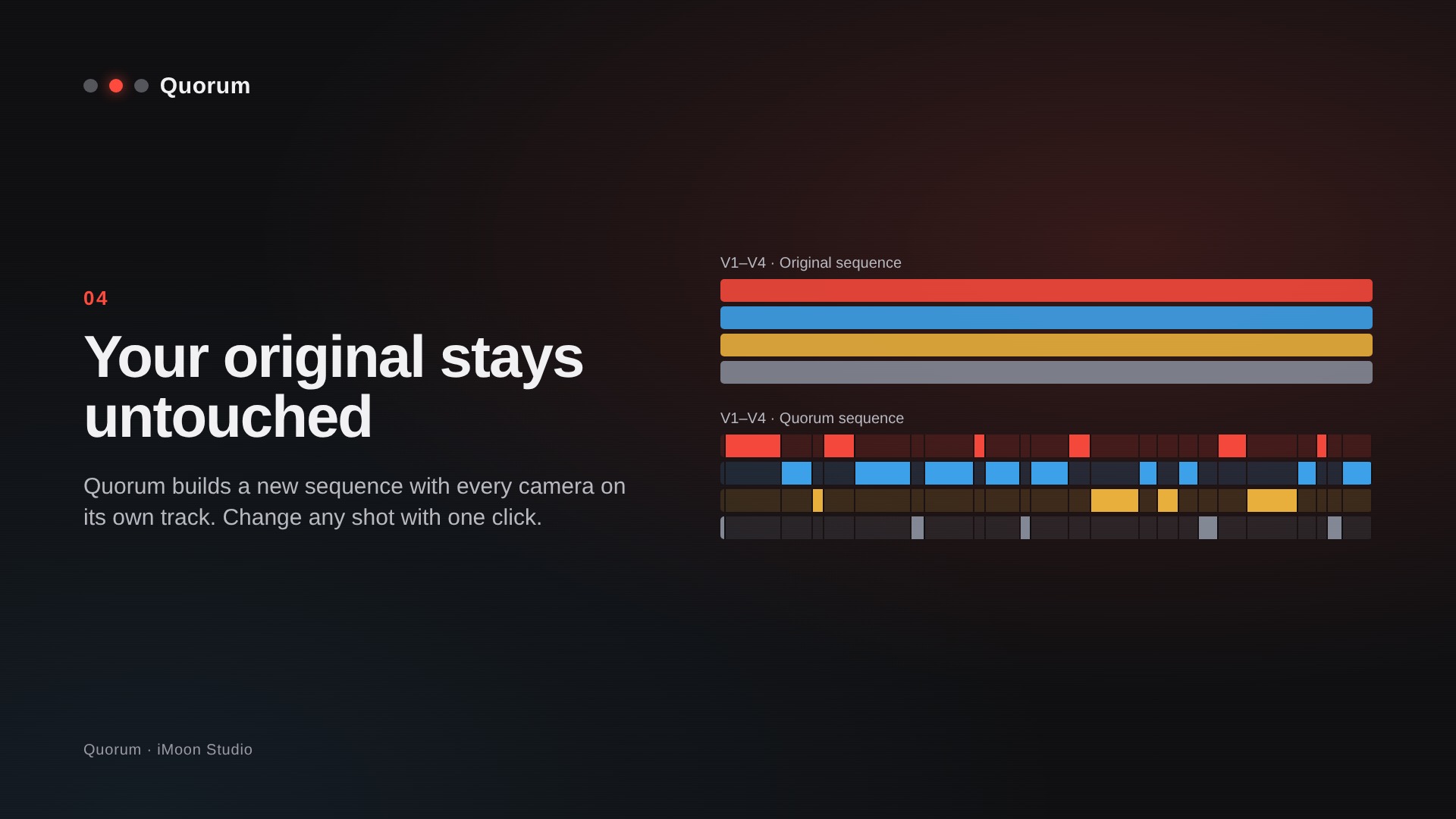
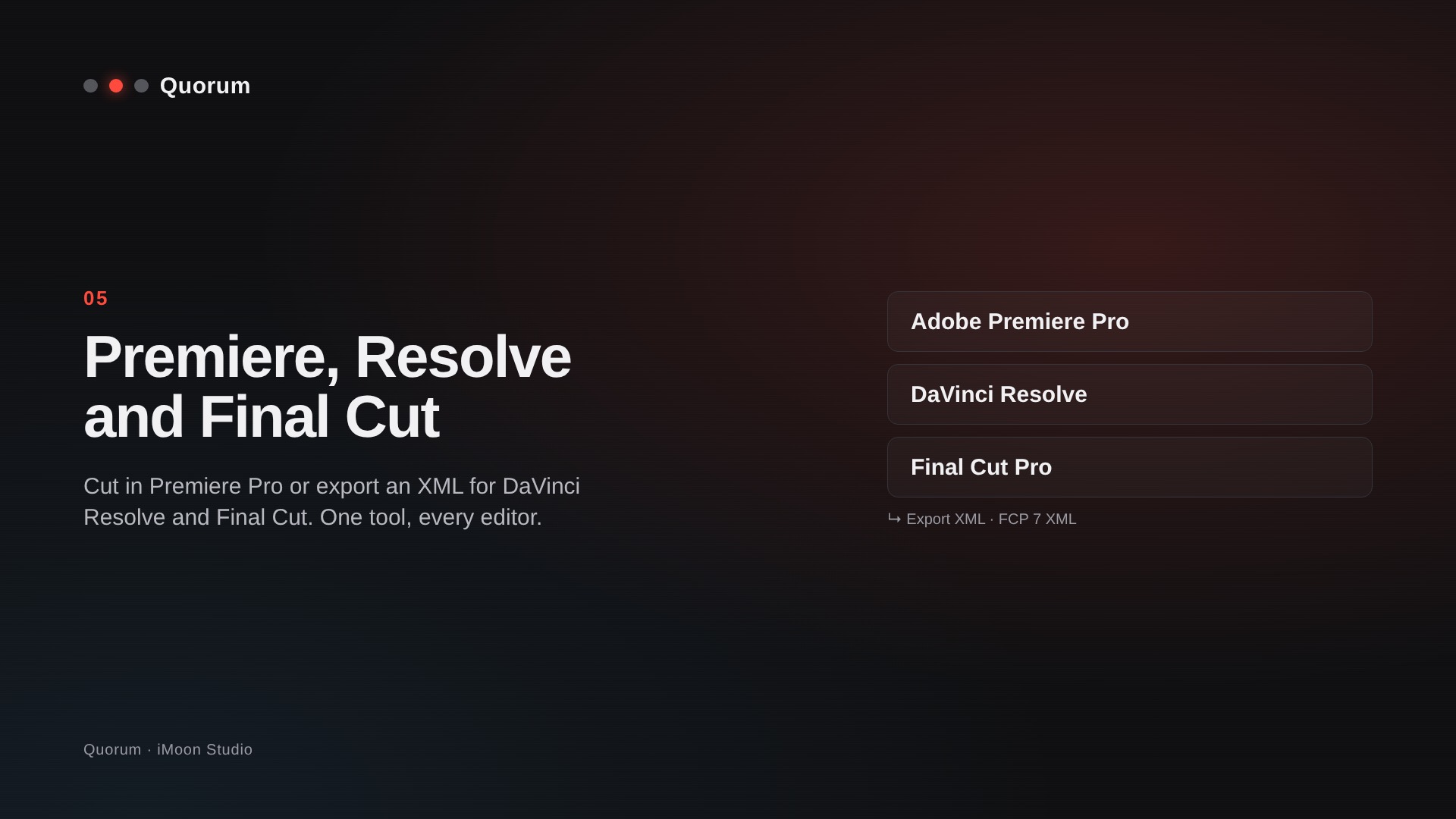
It never touches your original sequence. Quorum creates a new one with every camera on its own track, so changing any shot takes one click. Prefer DaVinci Resolve or Final Cut? Export the edit as XML.
Made by an editor with 15 years in film, TV and advertising, for editors who would rather spend their time on the creative part.
Features:
- Automatic camera switching for podcasts, interviews and round tables: up to 10 people, each with their own mic and camera, plus a wide shot.
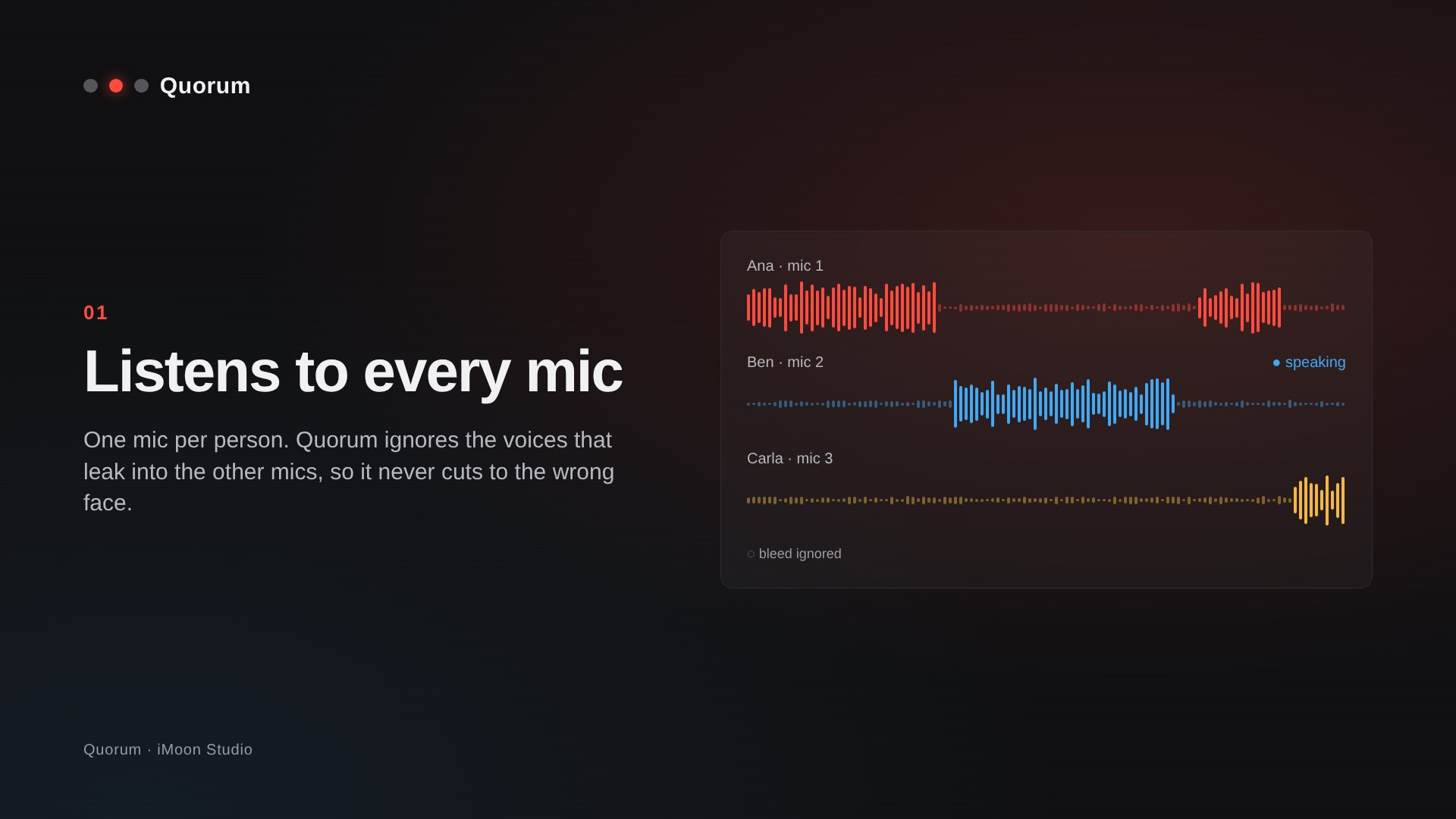
- Handles mic bleed: voices that leak into the other mics are ignored, so Quorum never cuts to the wrong face.
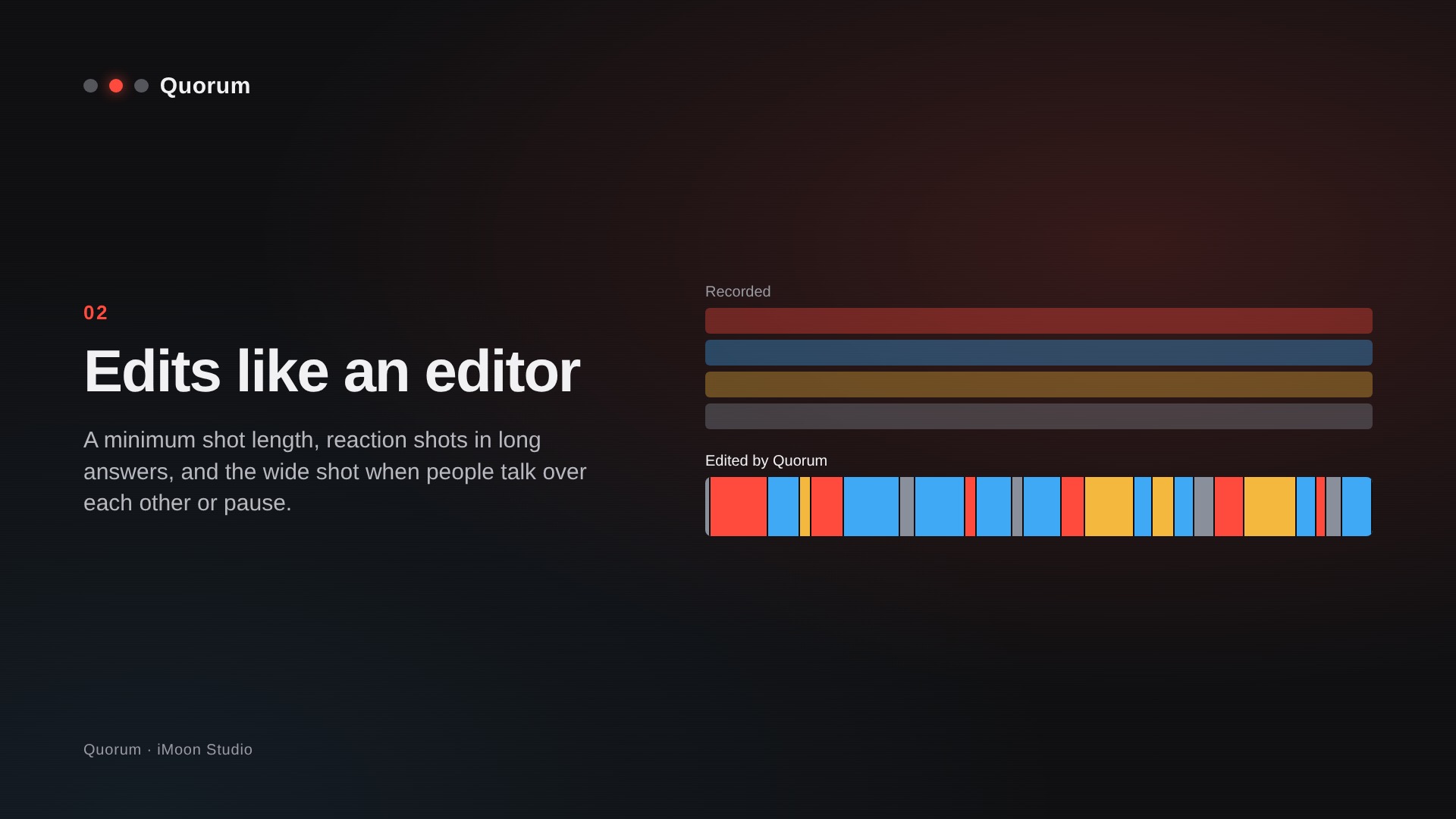
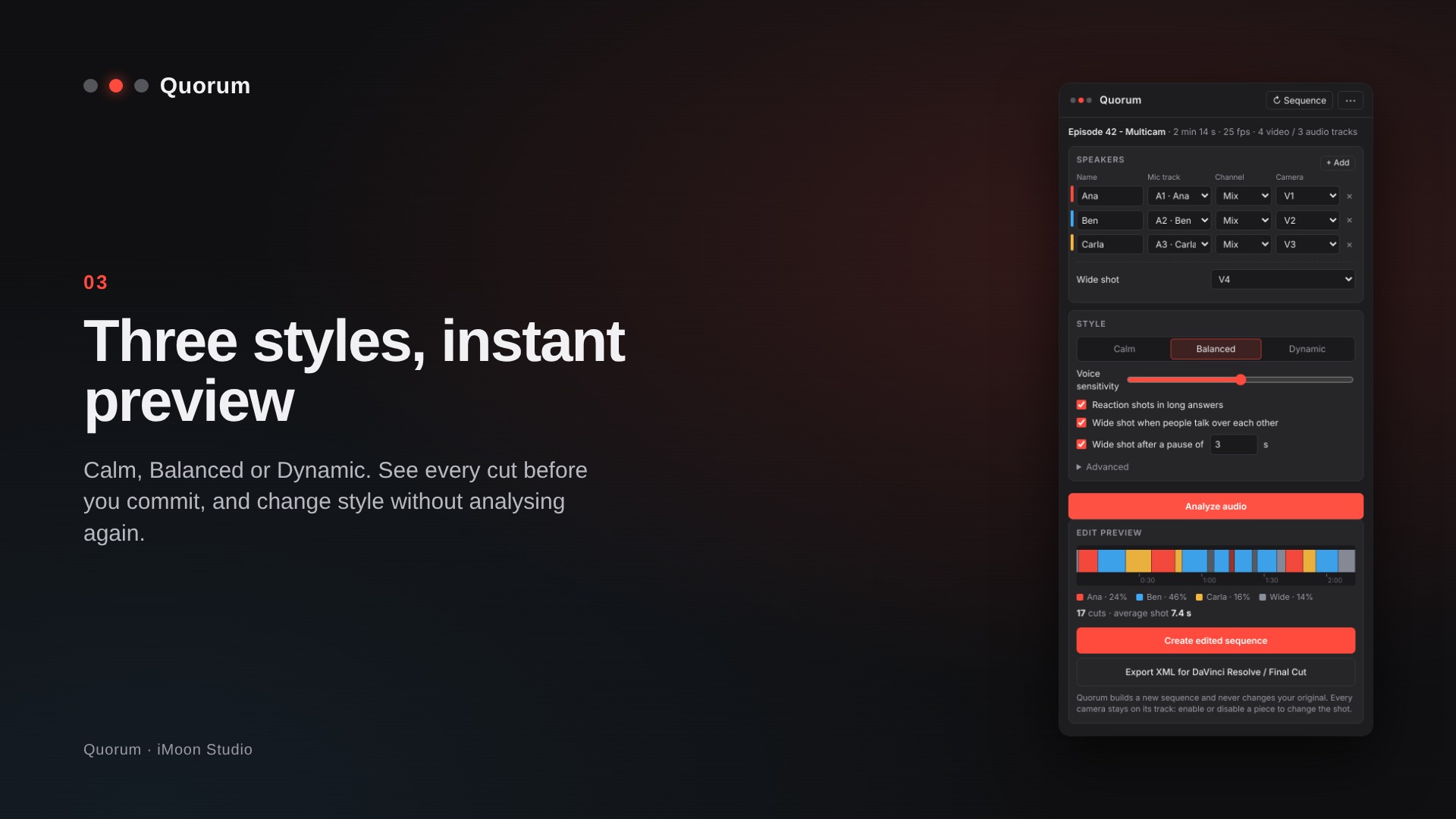
- Edits like an editor: minimum shot length, reaction shots in long answers, wide shot on crosstalk and after pauses, and a cut just before the first word.
- Three styles with instant preview: Calm, Balanced and Dynamic. Change style without analysing the audio again.
- Stereo mics supported: use the left and right channels of one recorder as two different people.
- Non-destructive: a new sequence, your original untouched, every camera on its own track.
- XML export for DaVinci Resolve and Final Cut Pro.
Works offline after activation. English and Spanish interface. - Pay once, free updates: Quorum tells you when a new version is out.
How it works:
- Put your cameras and one mic per person on a Premiere Pro sequence.
- Open Window › Extensions › Quorum and press Analyze audio.
- Pick a style, check the preview and press Create edited sequence.
Requirements:
- Adobe Premiere Pro 2023 or newer (v23+).
- Windows 10 or 11 (64-bit).
One audio track per person (or one channel of a stereo recording). - Internet connection to activate (once) and to confirm the purchase once a week; works up to 30 days offline.
Activation
No licence keys. Type the email you bought with and paste the 6-digit code you receive. One computer per purchase; you can move it to a new computer at any time.
What’s included:
- Quorum installer for Windows (installs the Premiere Pro panel).
- Free updates.


Reviews
There are no reviews yet.