






Description
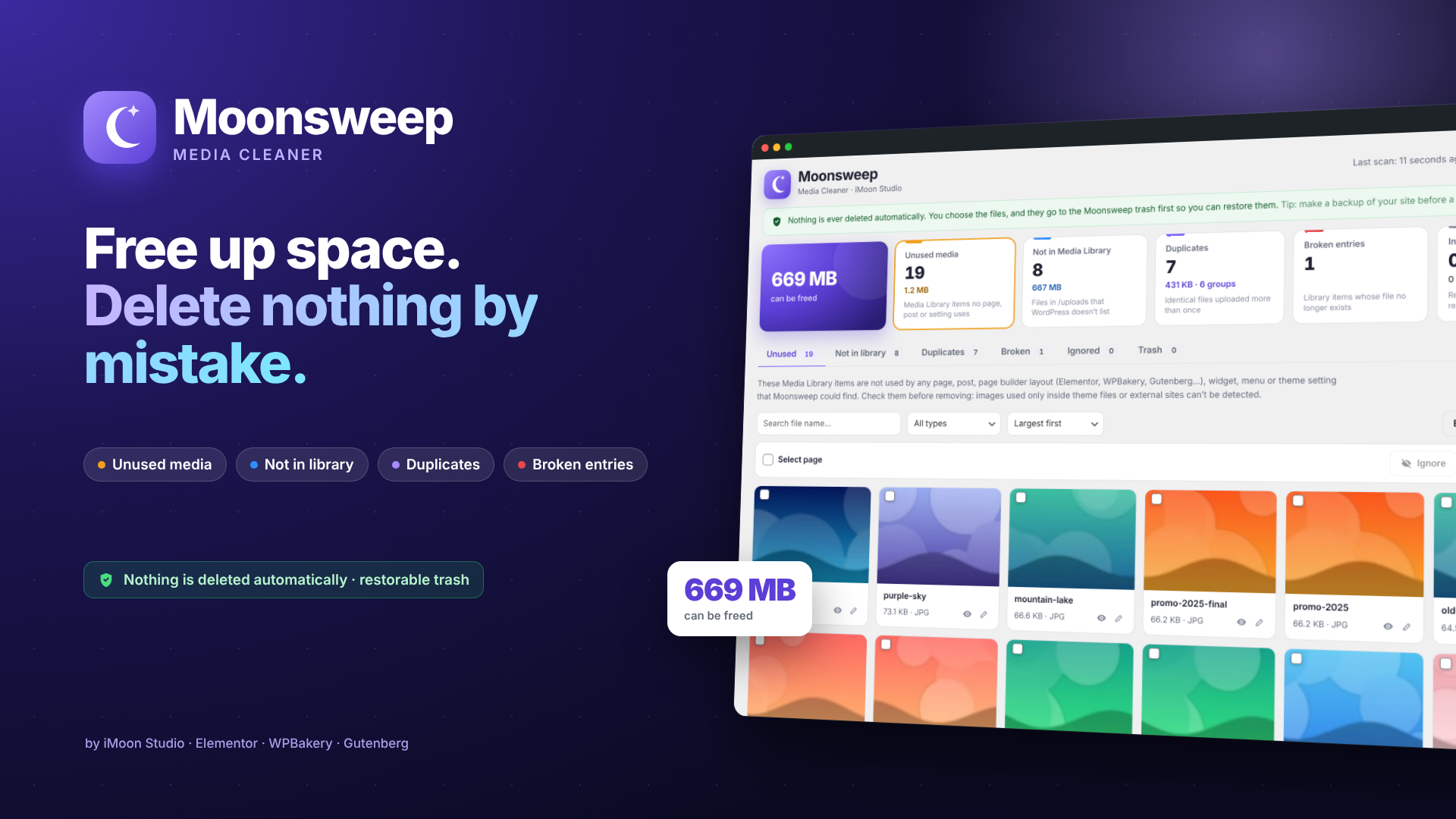
Find the excess files in your WordPress site: unused media, files outside the media library, duplicates, and broken entries. You review and choose what to remove—nothing is ever deleted automatically.
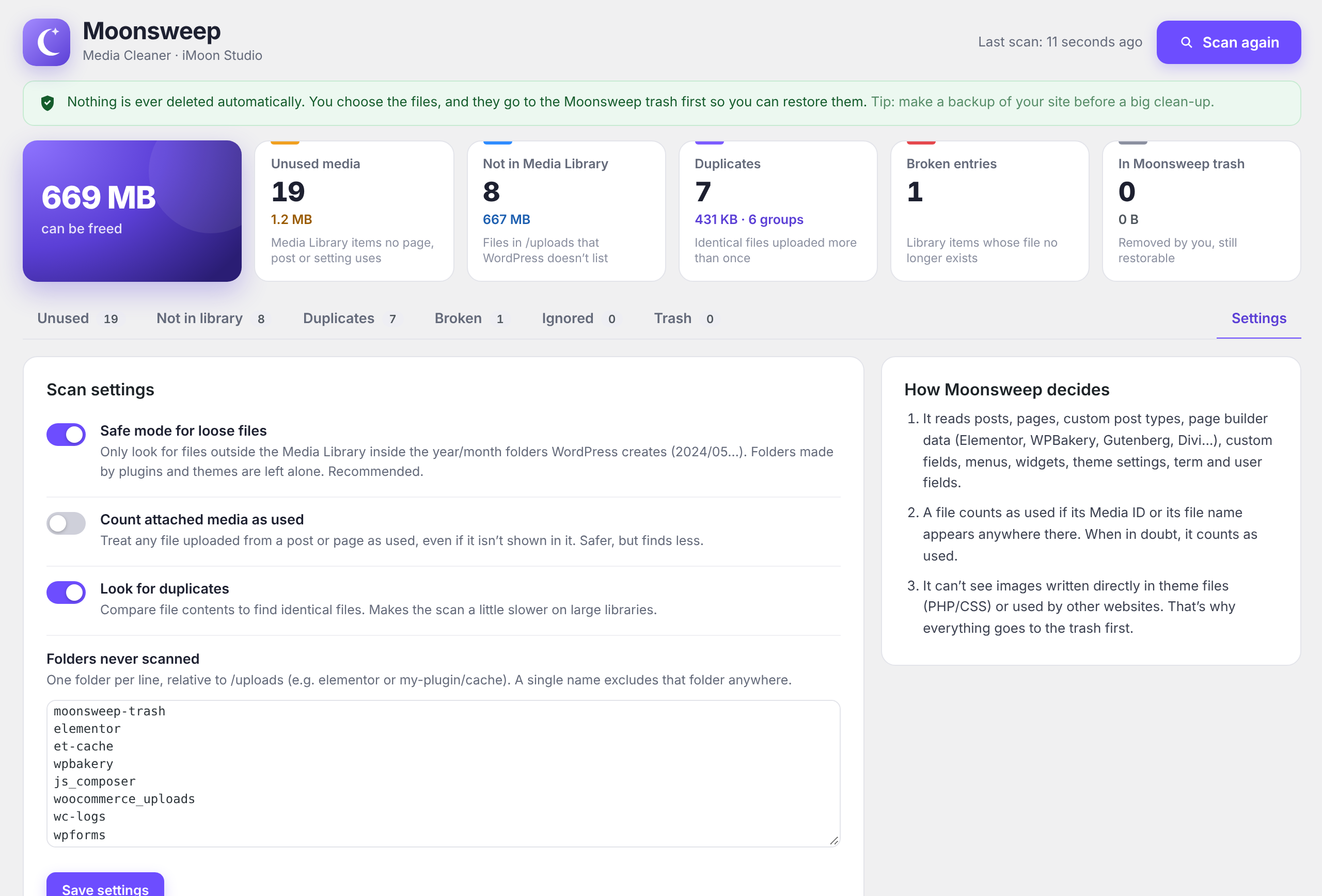
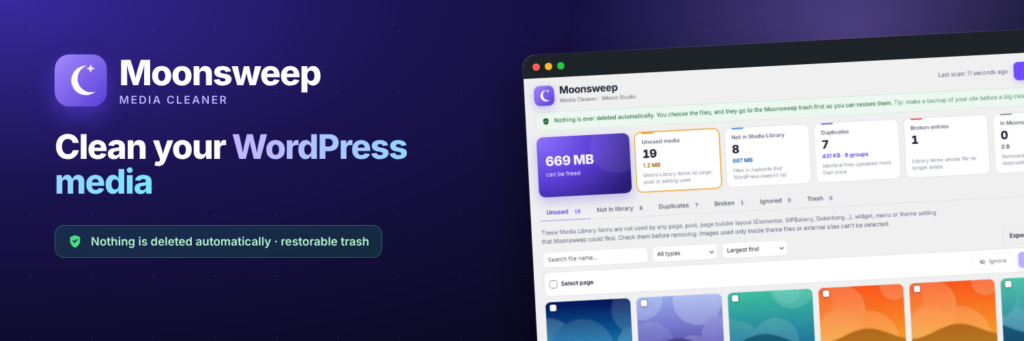
Moonsweep analyzes your website and displays—on a clear, visual screen—everything that is taking up space without serving any purpose. It detects media files that aren’t being used by any page, post, Elementor or WPBakery layout, widget, menu, or theme setting. It also identifies files in the `/uploads` directory that aren’t registered in WordPress, duplicate copies, and library entries for which the actual file no longer exists. Anything you choose to remove is first moved to the Moonsweep trash, from where it can be restored to its original state. A single, complete version—no “Pro” edition required.
-
Unused media
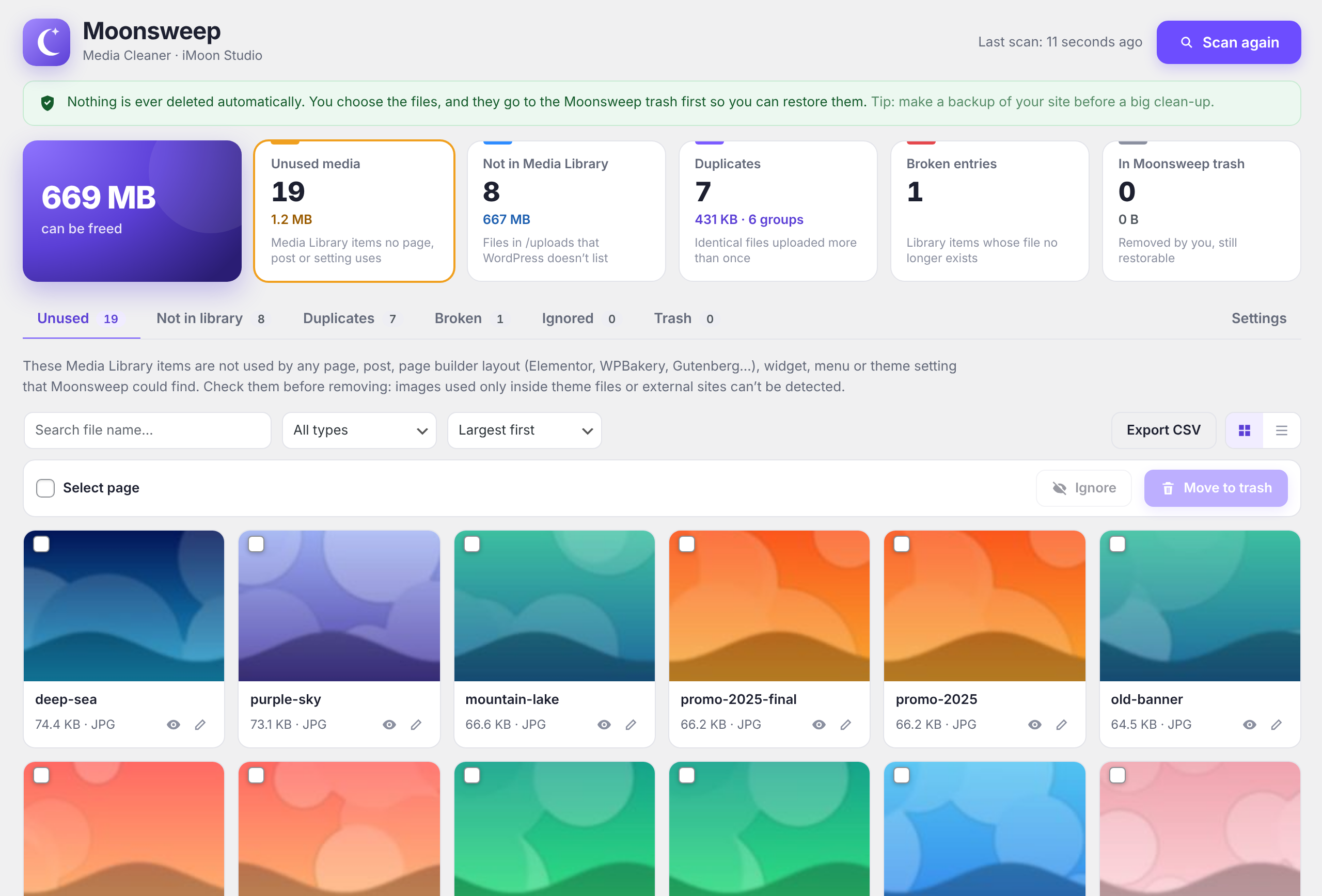
Media Library files that are not used by any content. Scans posts, pages, Elementor, WPBakery, Gutenberg, Divi, ACF and Meta Box fields, WooCommerce galleries, menus, and widgets.
-
Outside the library
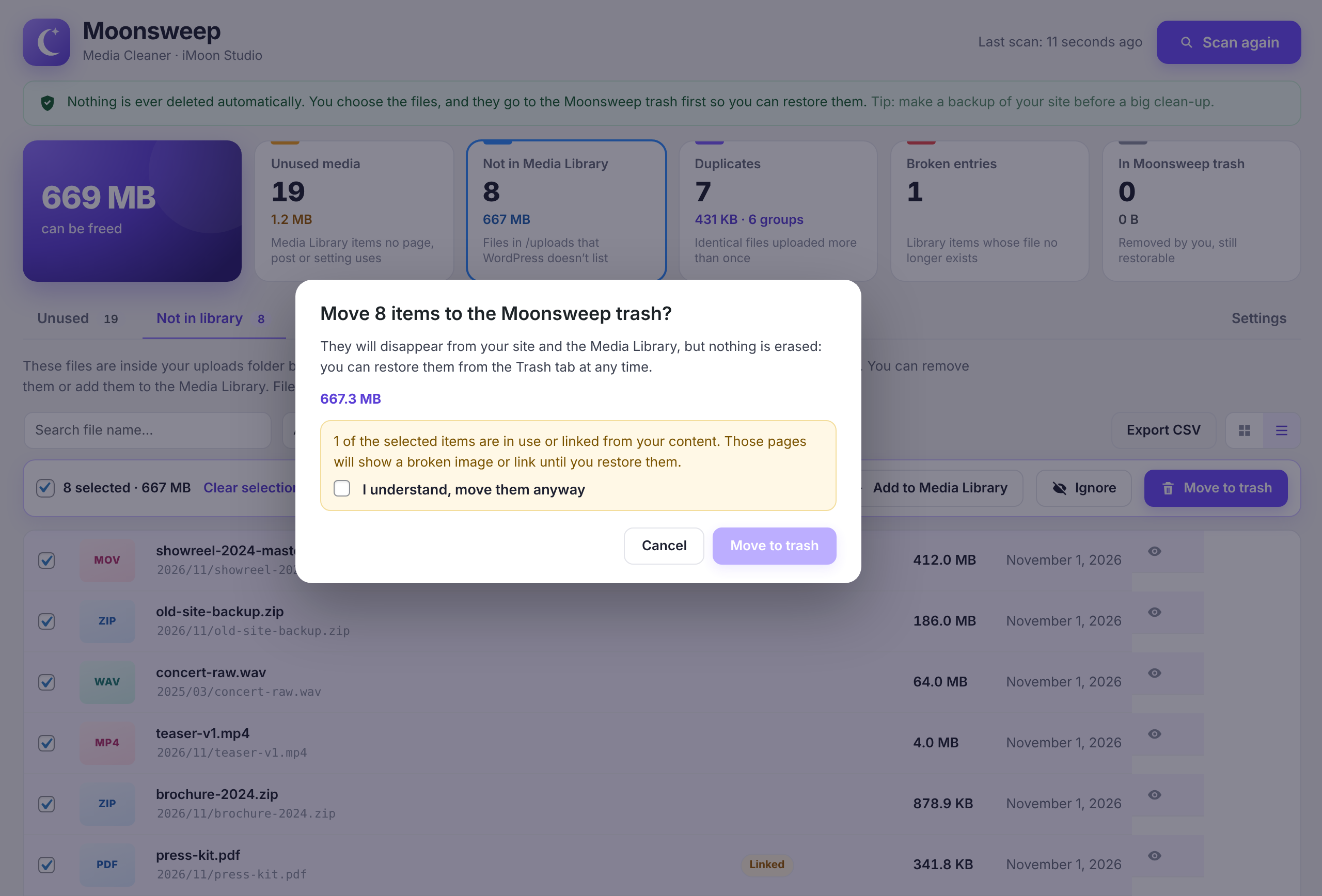
Files in /uploads that WordPress doesn't list—leftovers from deleted plugins, failed uploads, or files copied via FTP. You can remove them or add them to the media library with a single click.
-
Duplicates
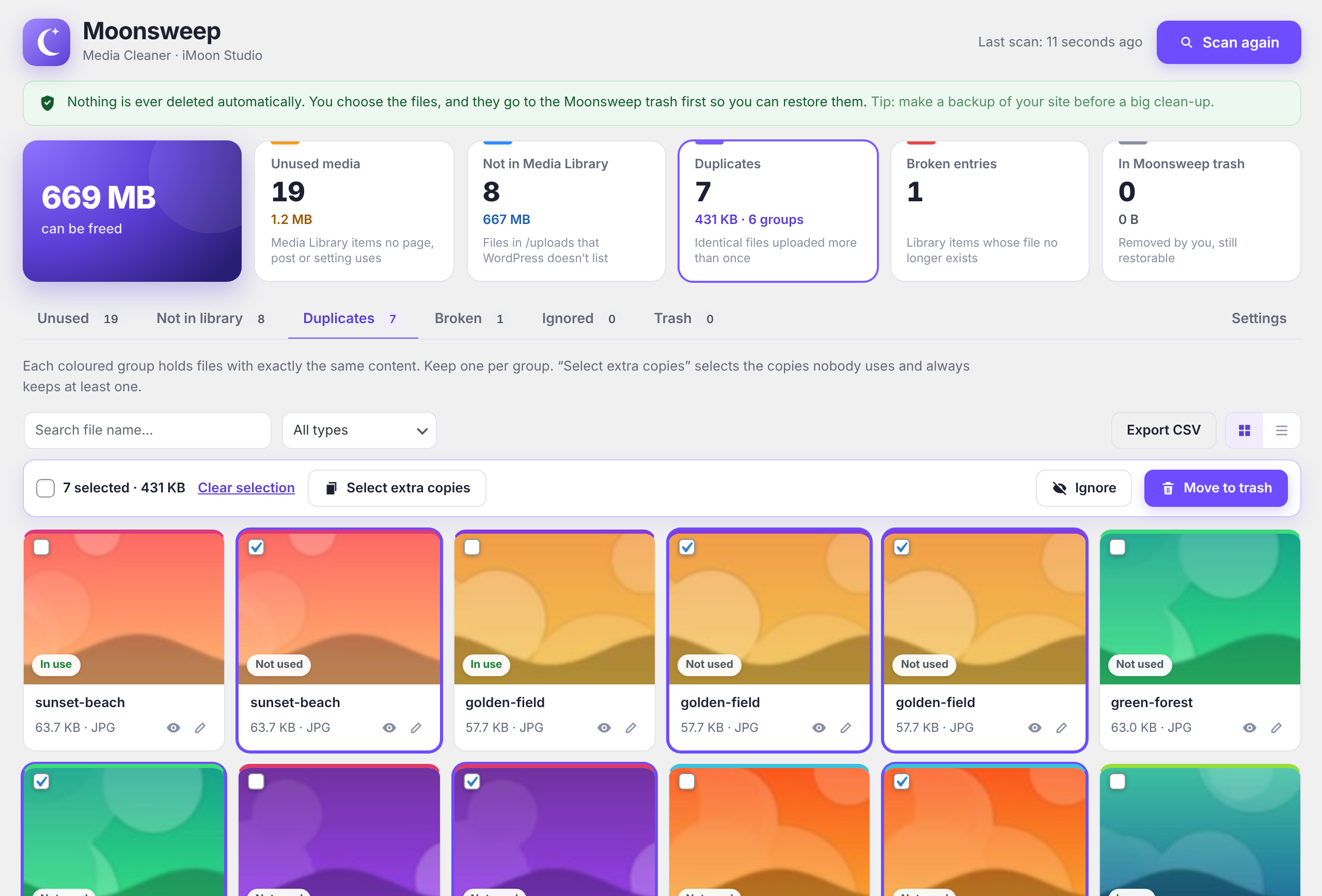
Identical files uploaded multiple times, grouped by color. "Select extra copies" leaves one file per group and never selects the one currently in use.
-
Secure by design
Nothing is deleted automatically. Everything goes into a recoverable trash bin that preserves the original ID, thumbnails, title, and alt text. Permanent deletion requires typing "DELETE" to confirm.
-
Designed for real-world hosting
The analysis proceeds in small steps and never exhausts the server's time, even when there are thousands of files.
-
Install and activate Moonsweep
Upload moonsweep.zip via Plugins → Add New → Upload Plugin, and activate it.
-
Analyze your website
Go to Media → Moonsweep Cleaner and click "Analyze now."
-
Check and clean
Go through each tab, select what you want to remove, and click "Move to trash."




Reviews
There are no reviews yet.