





Description
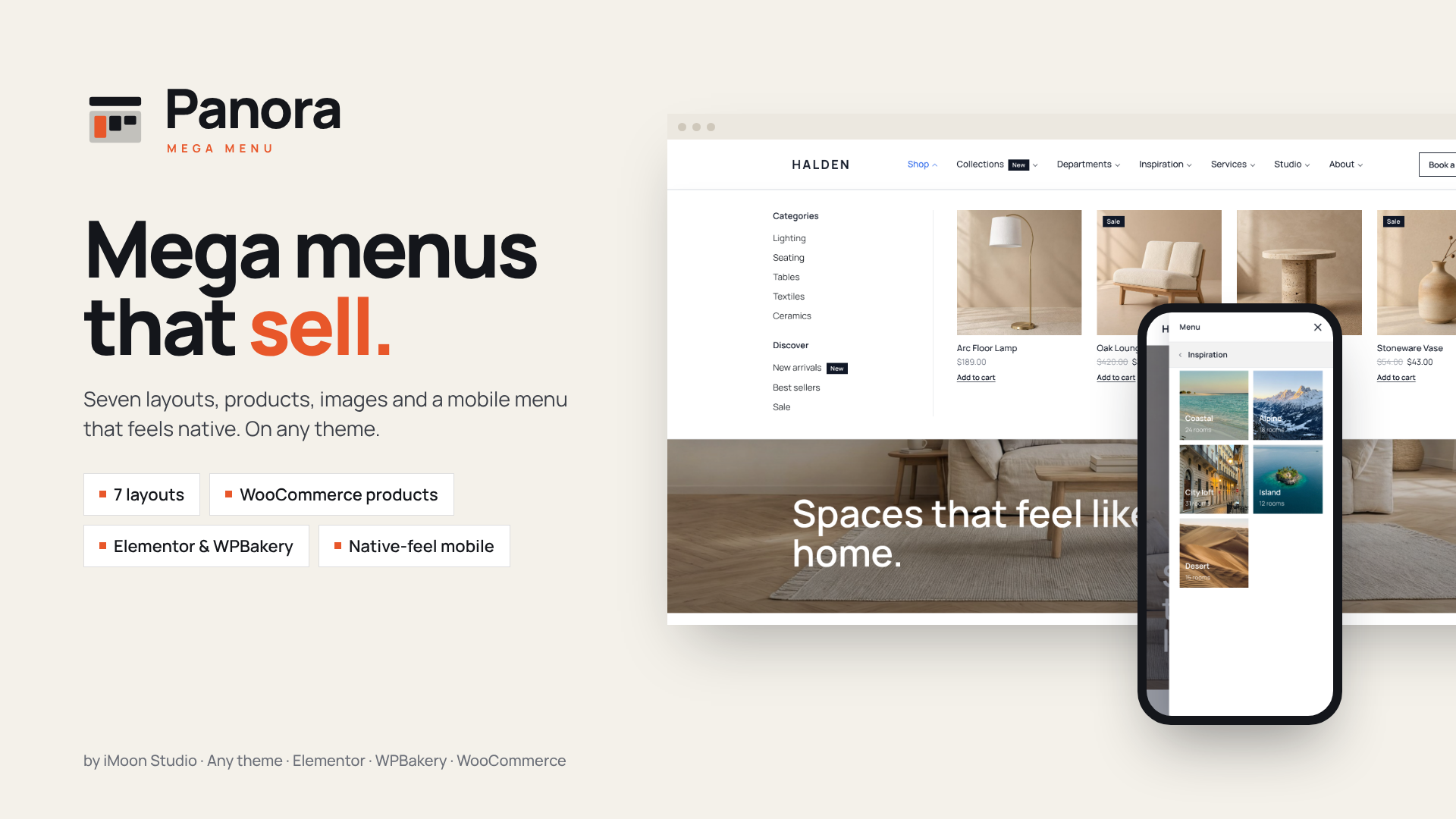
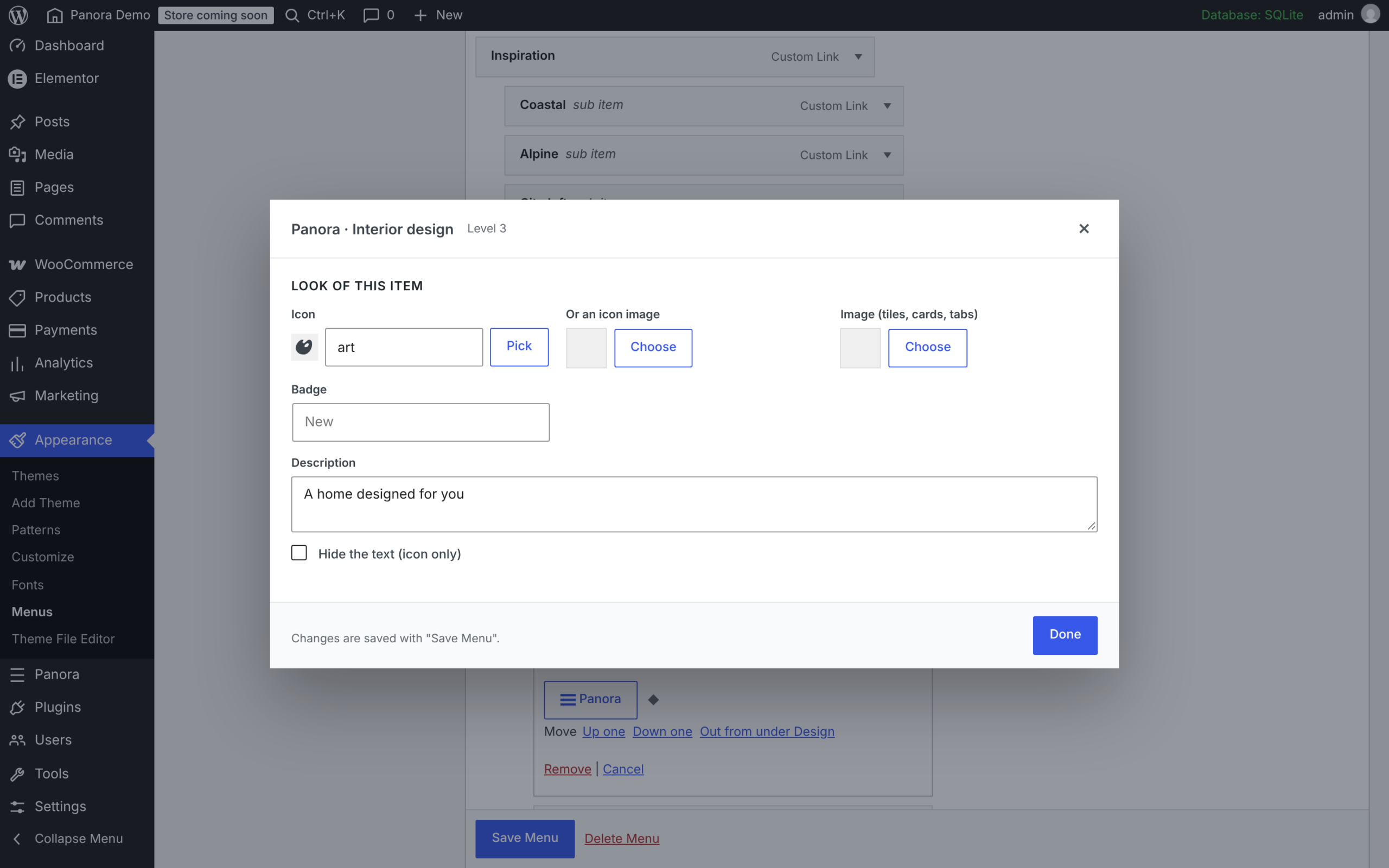
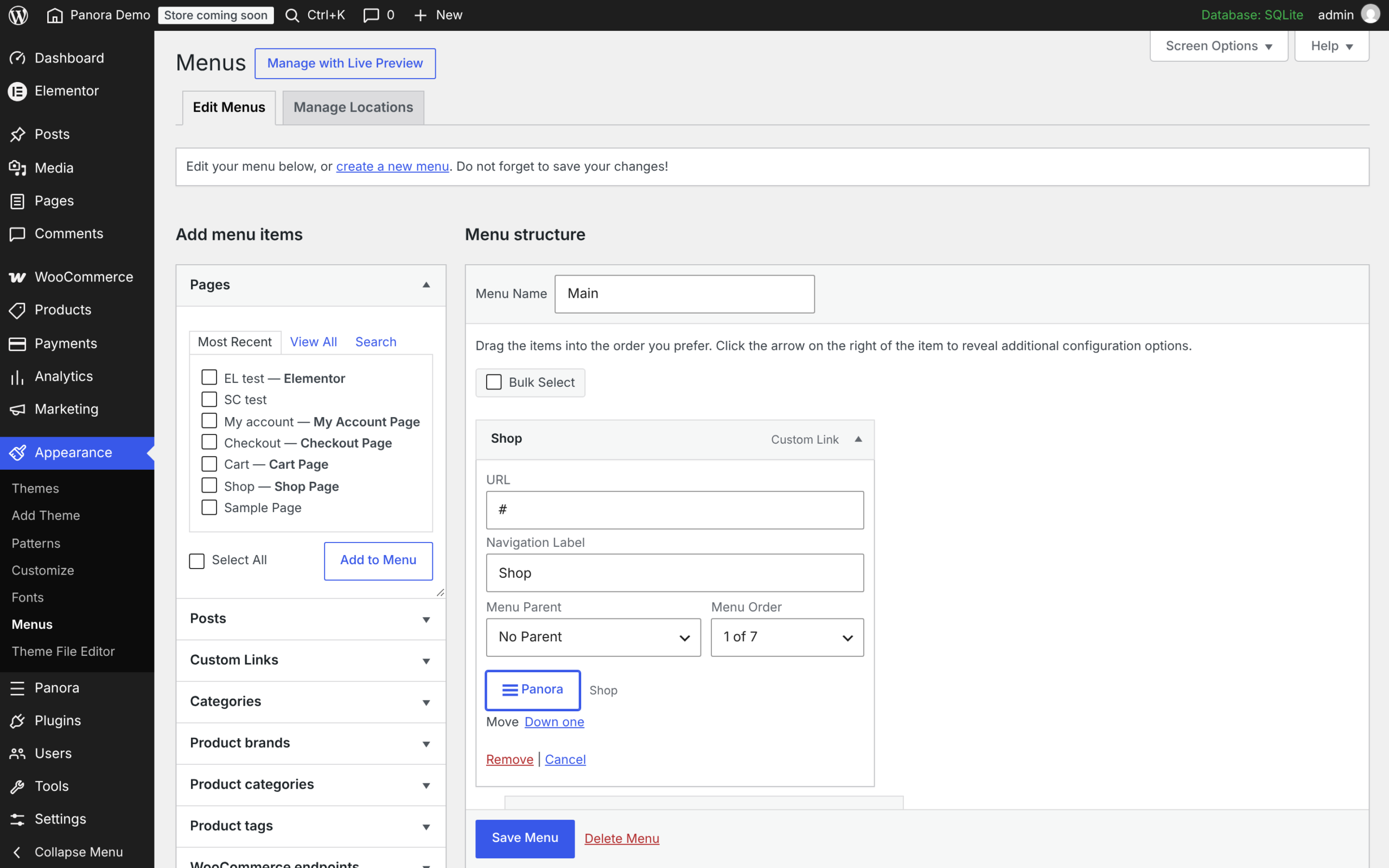
Visitors decide in seconds where to go next. Panora shows them everything at a glance: categories, products, offers and images, right from your menu. You keep working in Appearance › Menus: every item gets a Panora button with its options, so there is no new menu system to learn and no blocks.
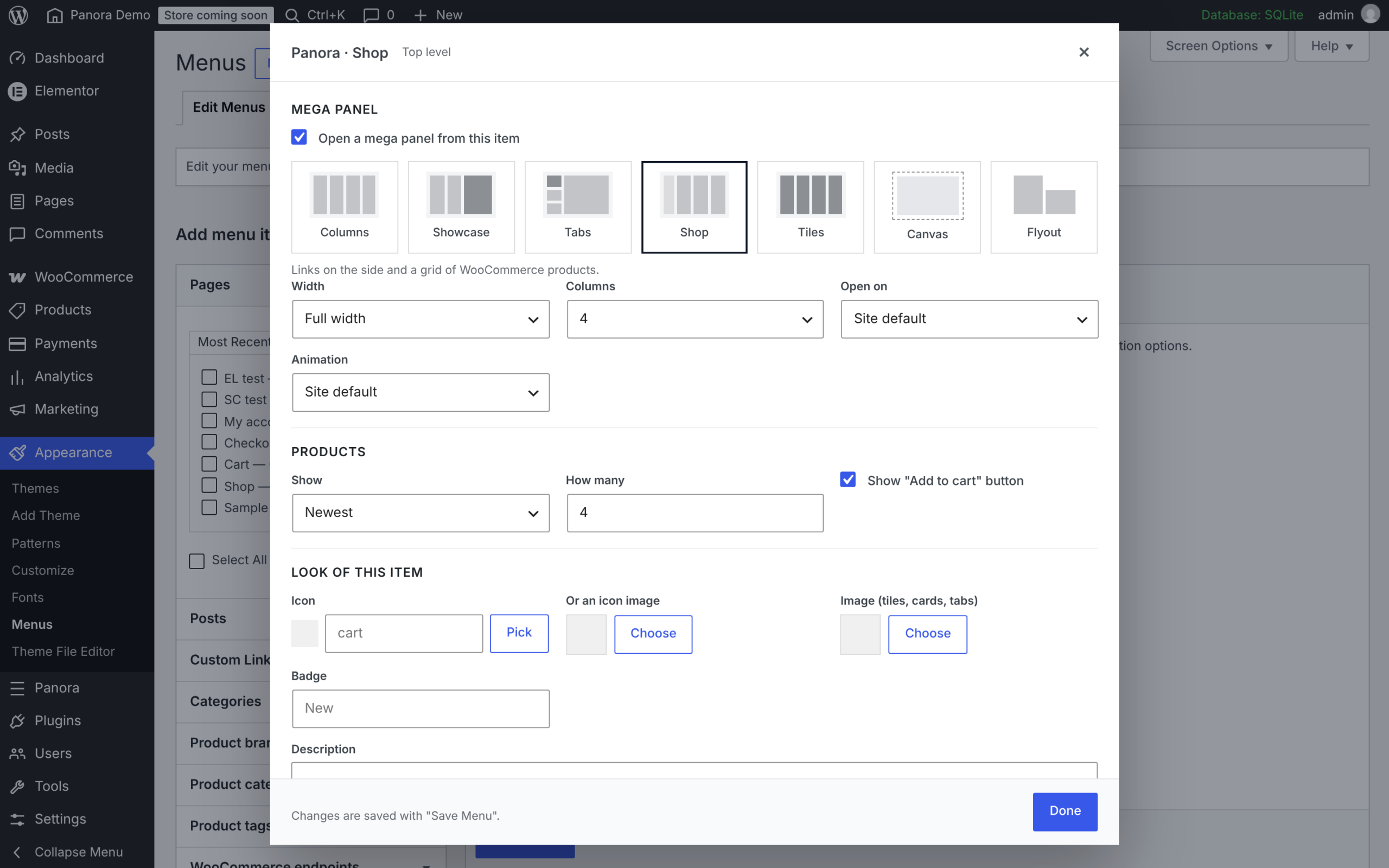
Seven layouts, clearly different
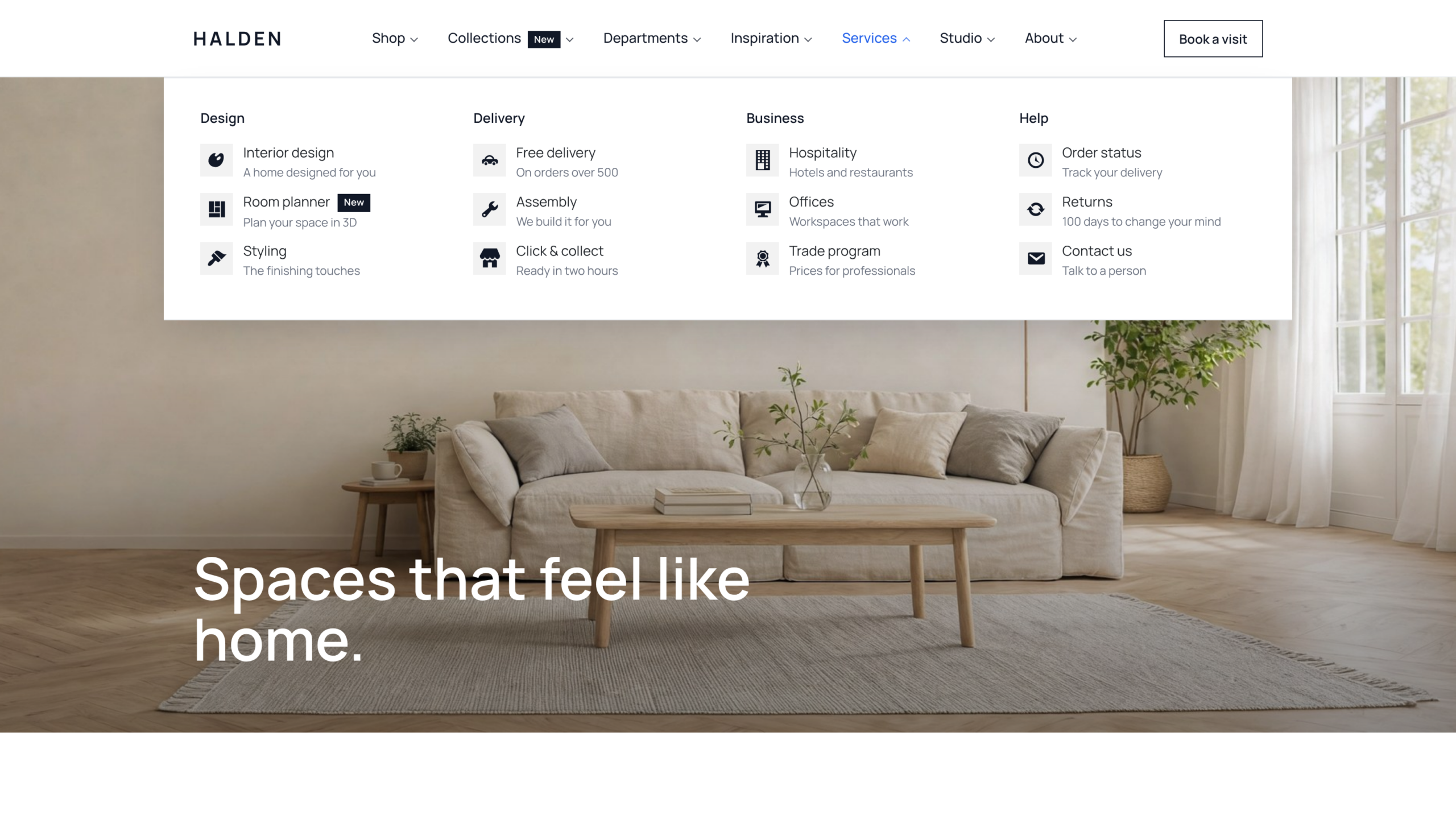
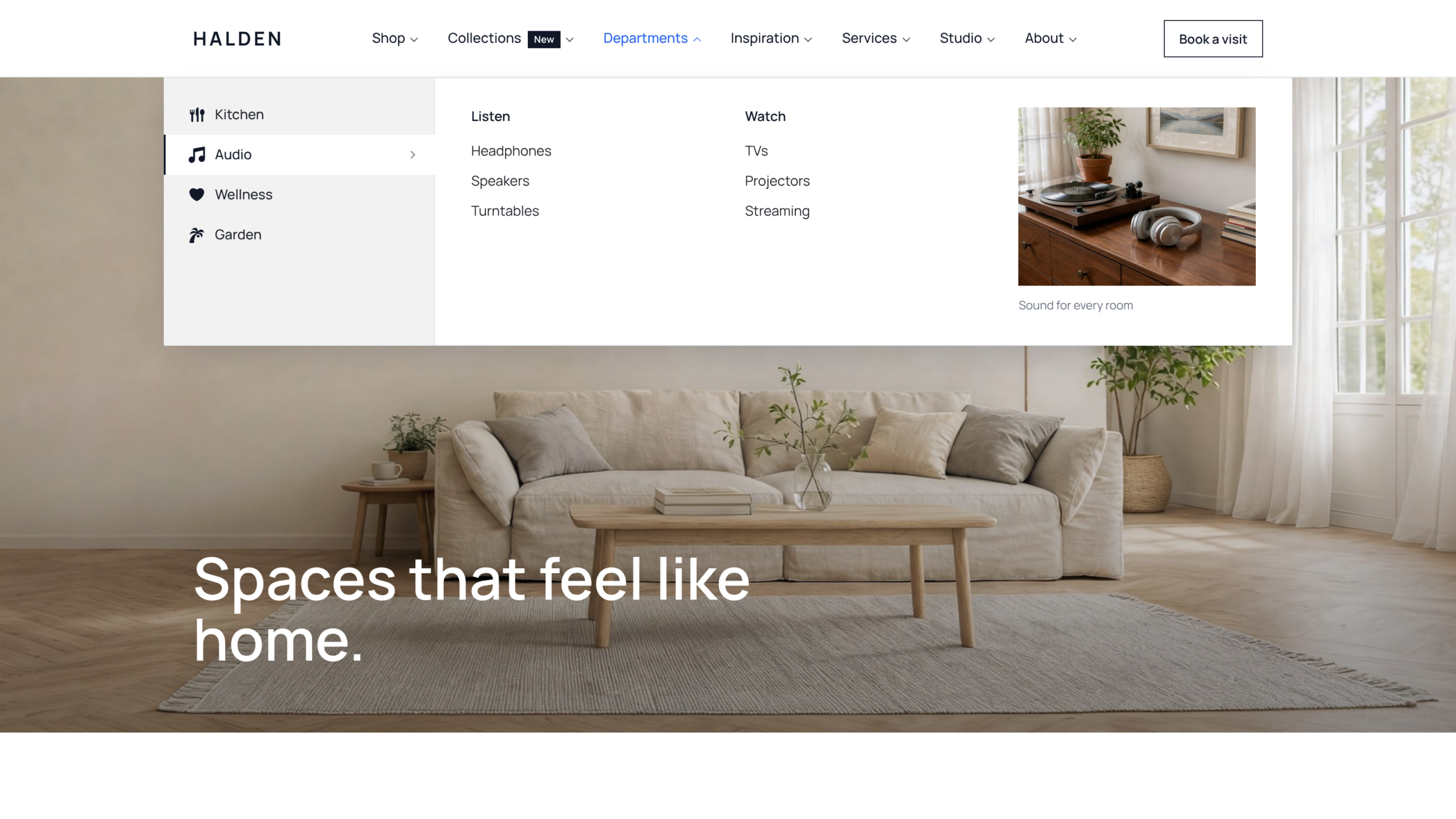
– Columns: headings with links, icons, descriptions and badges.
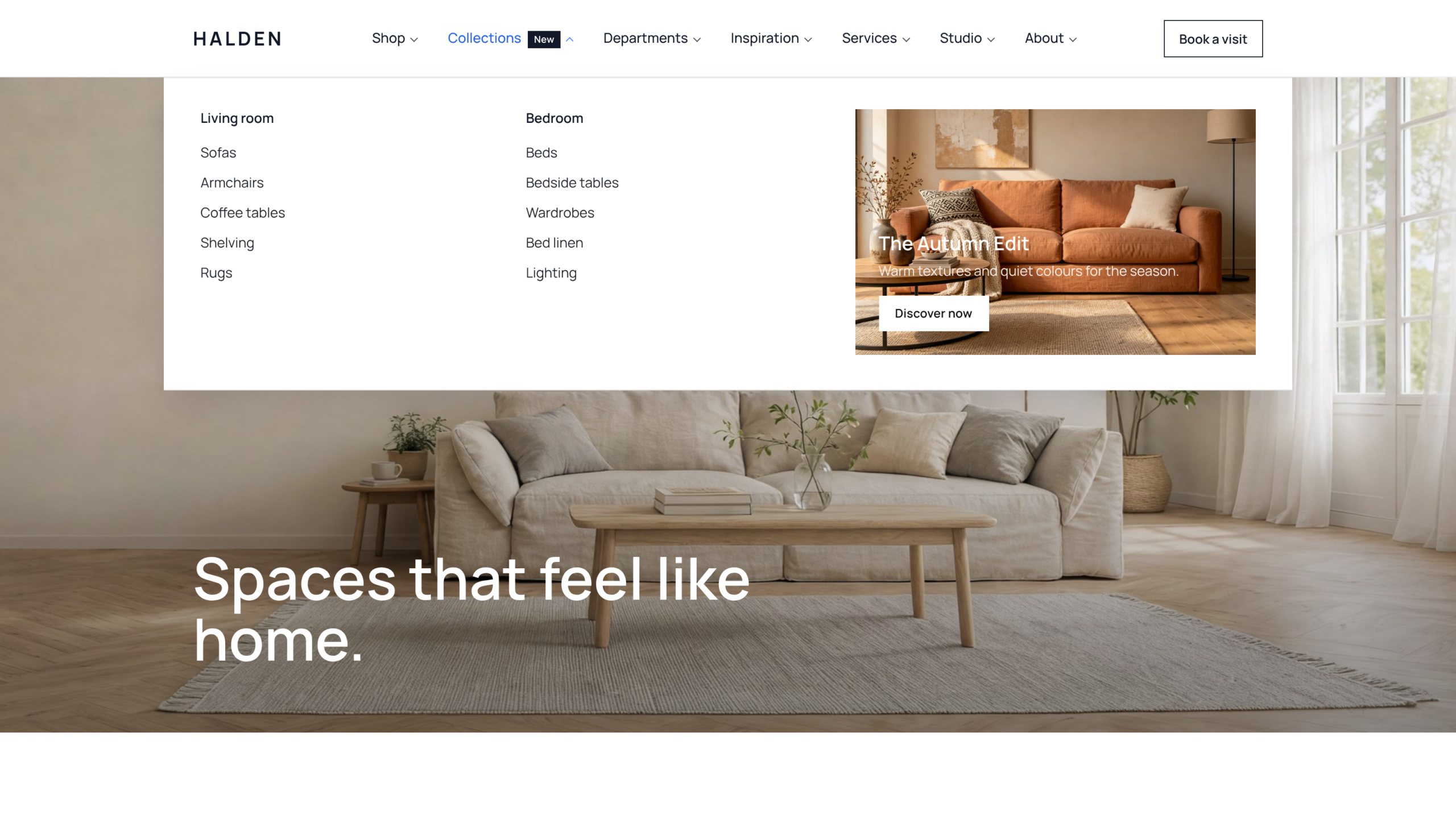
– Showcase: columns of links next to a featured image with title, text and button.
– Tabs: vertical tabs; each tab shows its own columns and image.
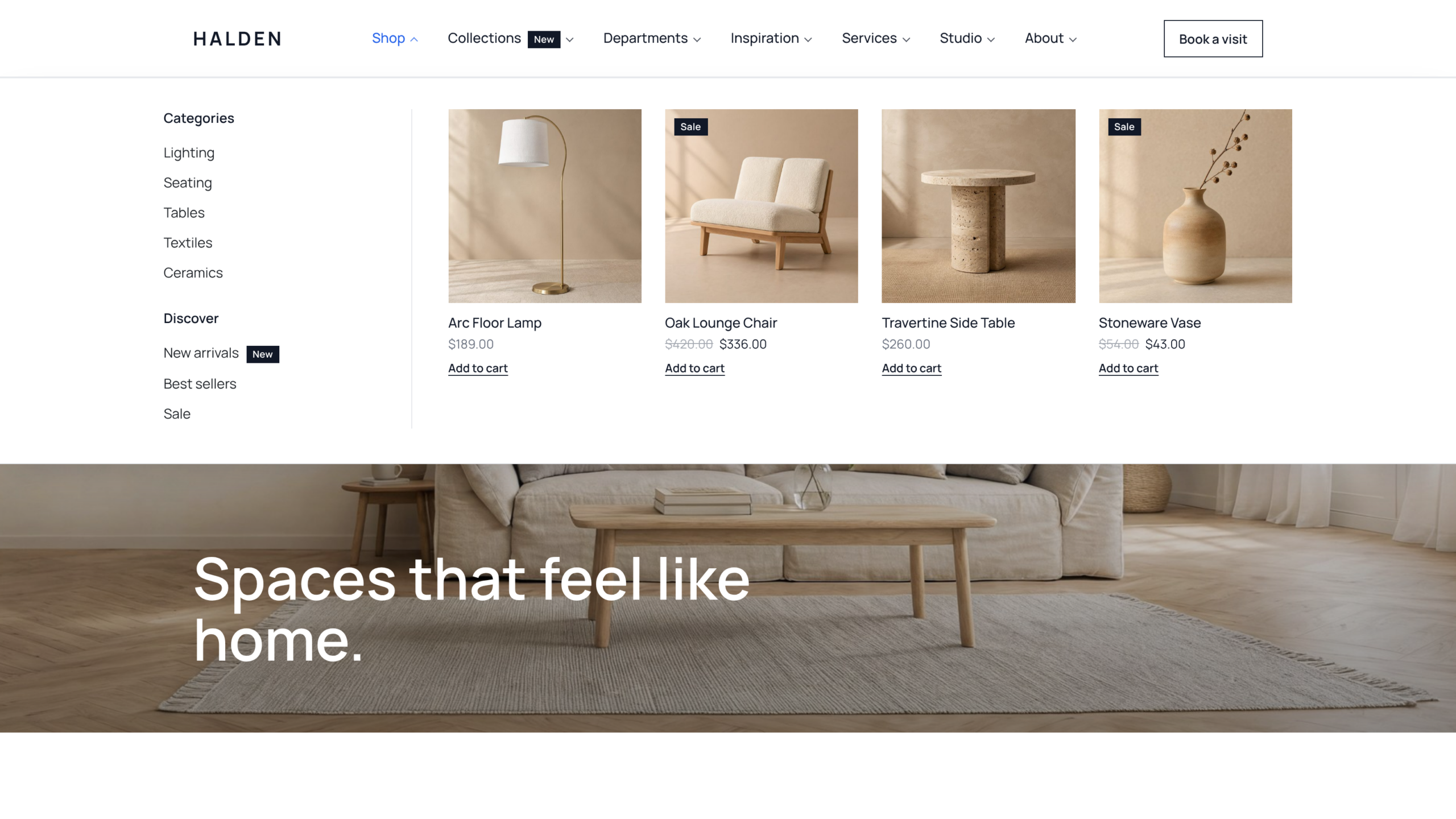
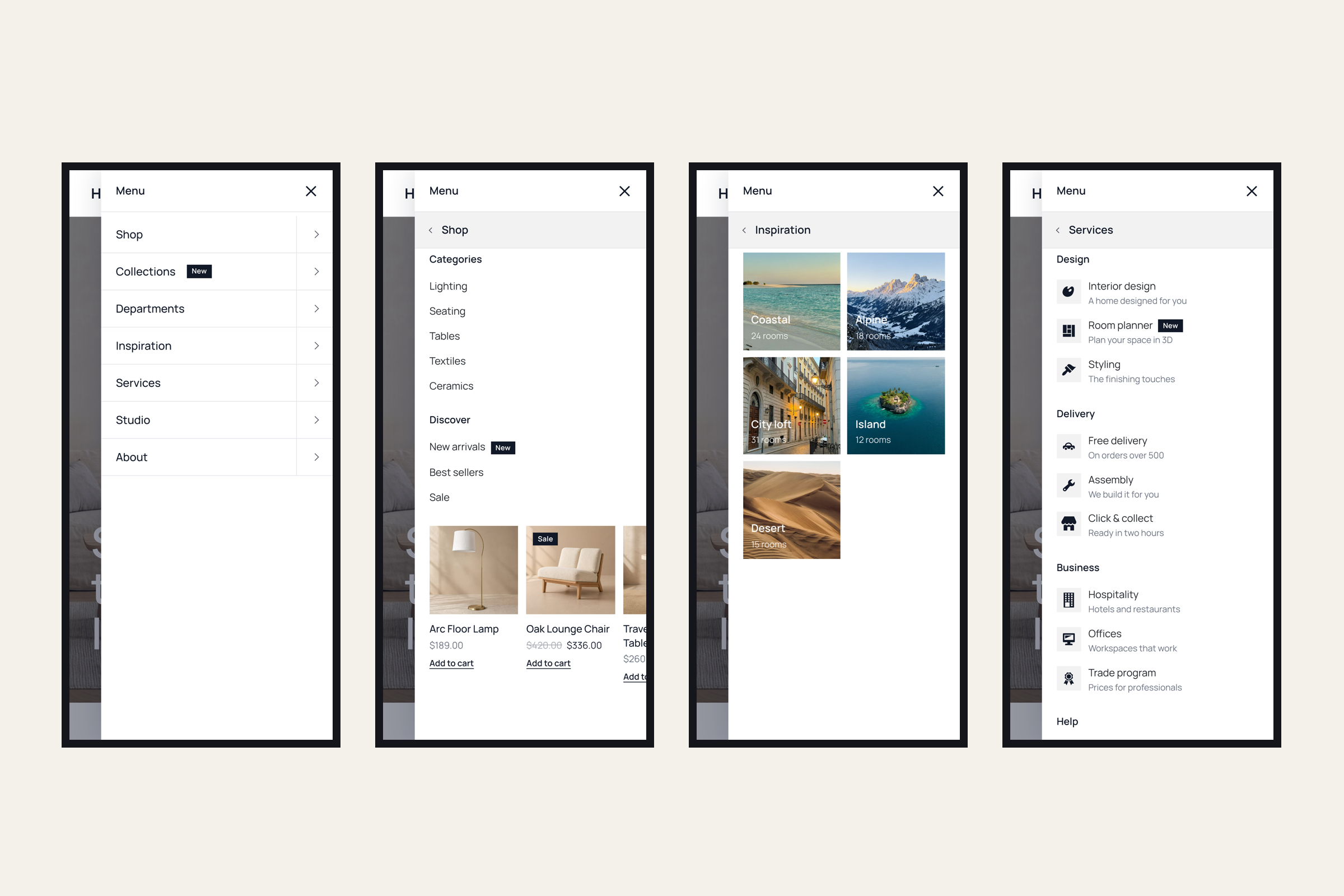
– Shop: category links next to a grid of WooCommerce products.
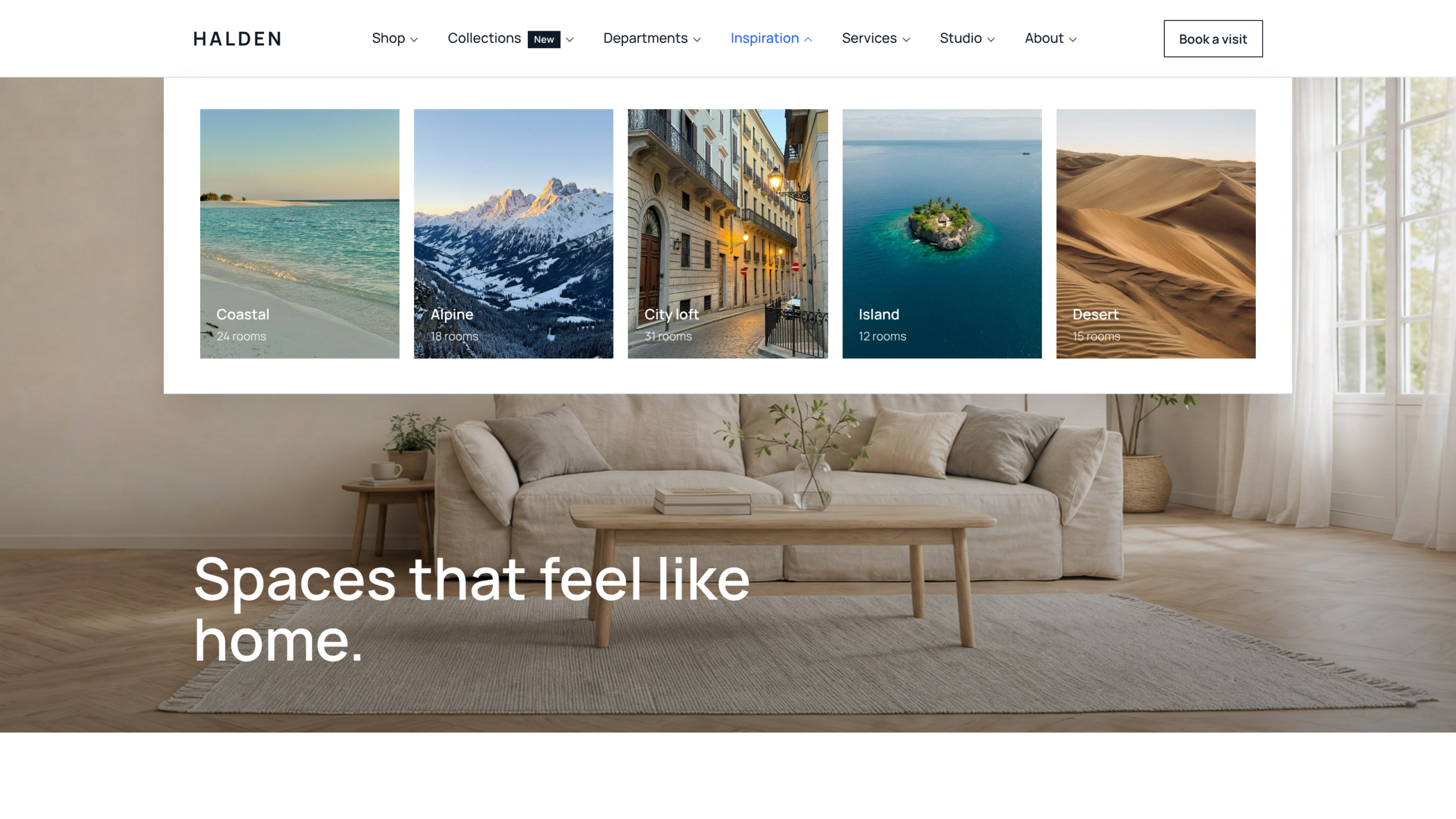
– Tiles: a grid of image tiles for categories, collections or destinations.
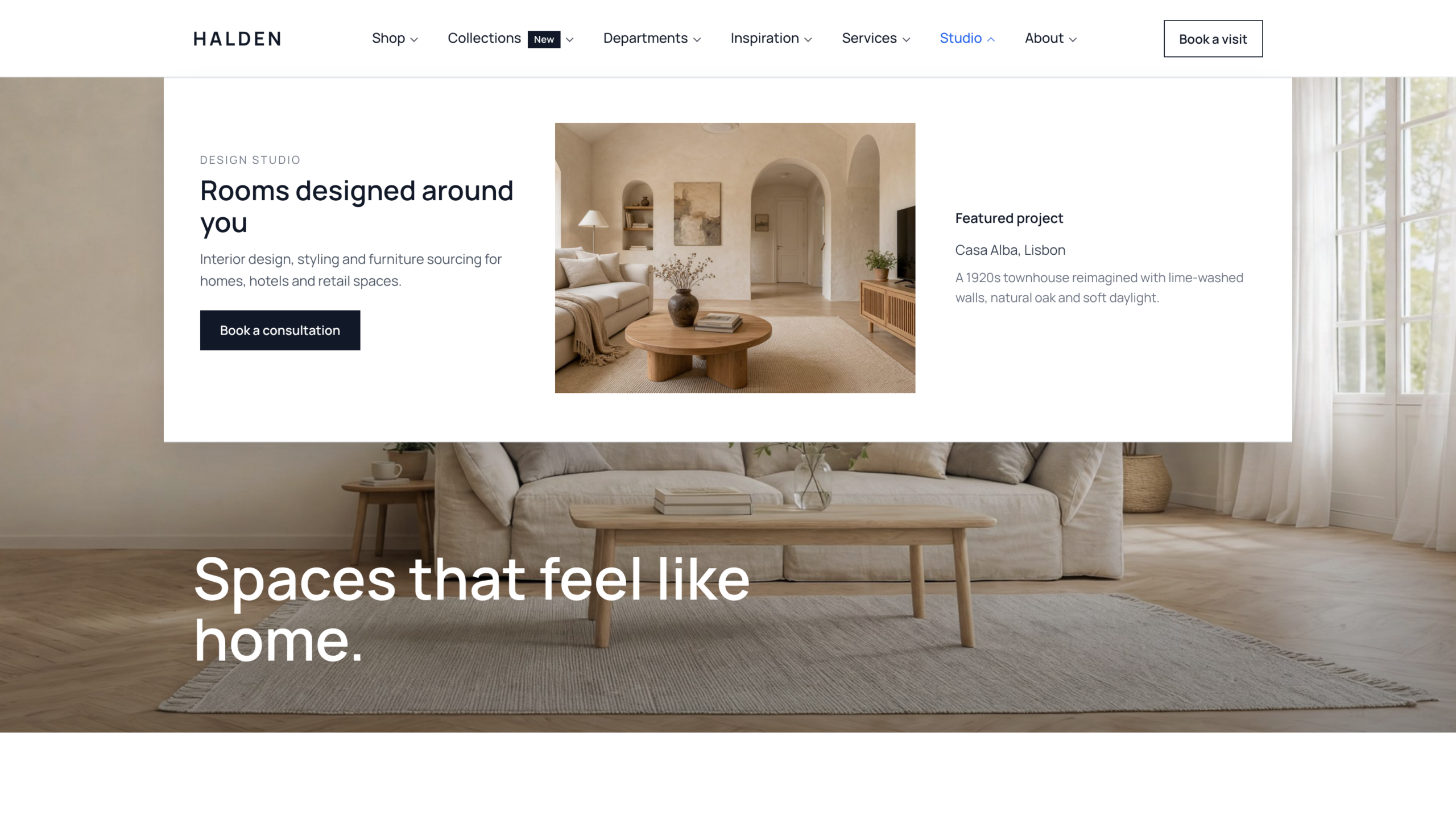
– Canvas: the whole panel is a Mega Block you design with Elementor or WPBakery.
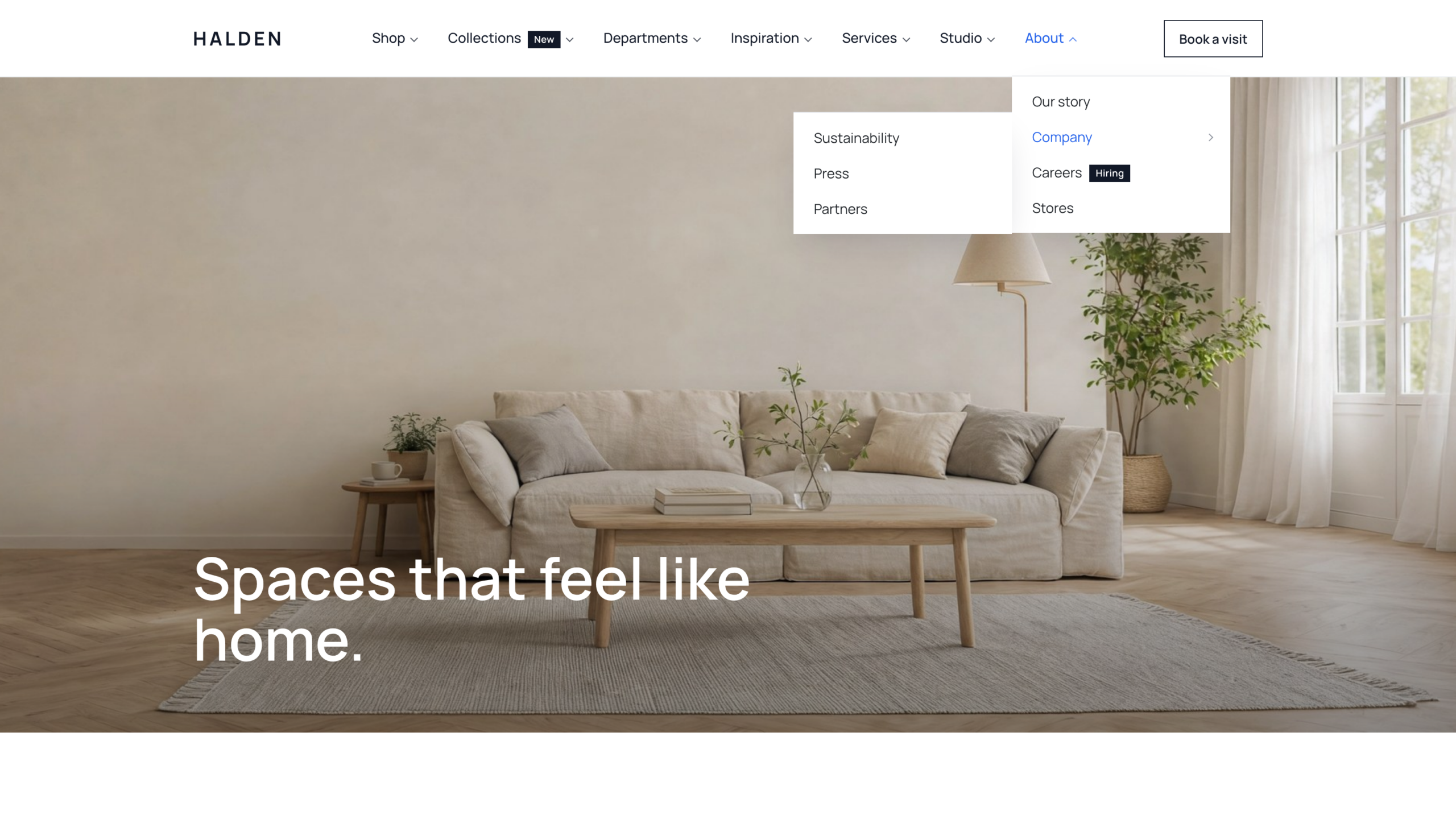
– Flyout: the classic multi-level dropdown, done properly.
Content that sells
– Icons, your own icon images, descriptions and badges (“New”, “Sale”, “Hiring”…) on any item, also in the menu bar.
– WooCommerce products: newest, best sellers, on sale, featured, from a category or hand-picked, with price, sale badge and “Add to cart”.
– Mega Blocks: forms, videos, sliders or offers designed with Elementor, WPBakery or the classic editor, as a whole panel or inside a single column. Saved Elementor templates work too.
Works where you work
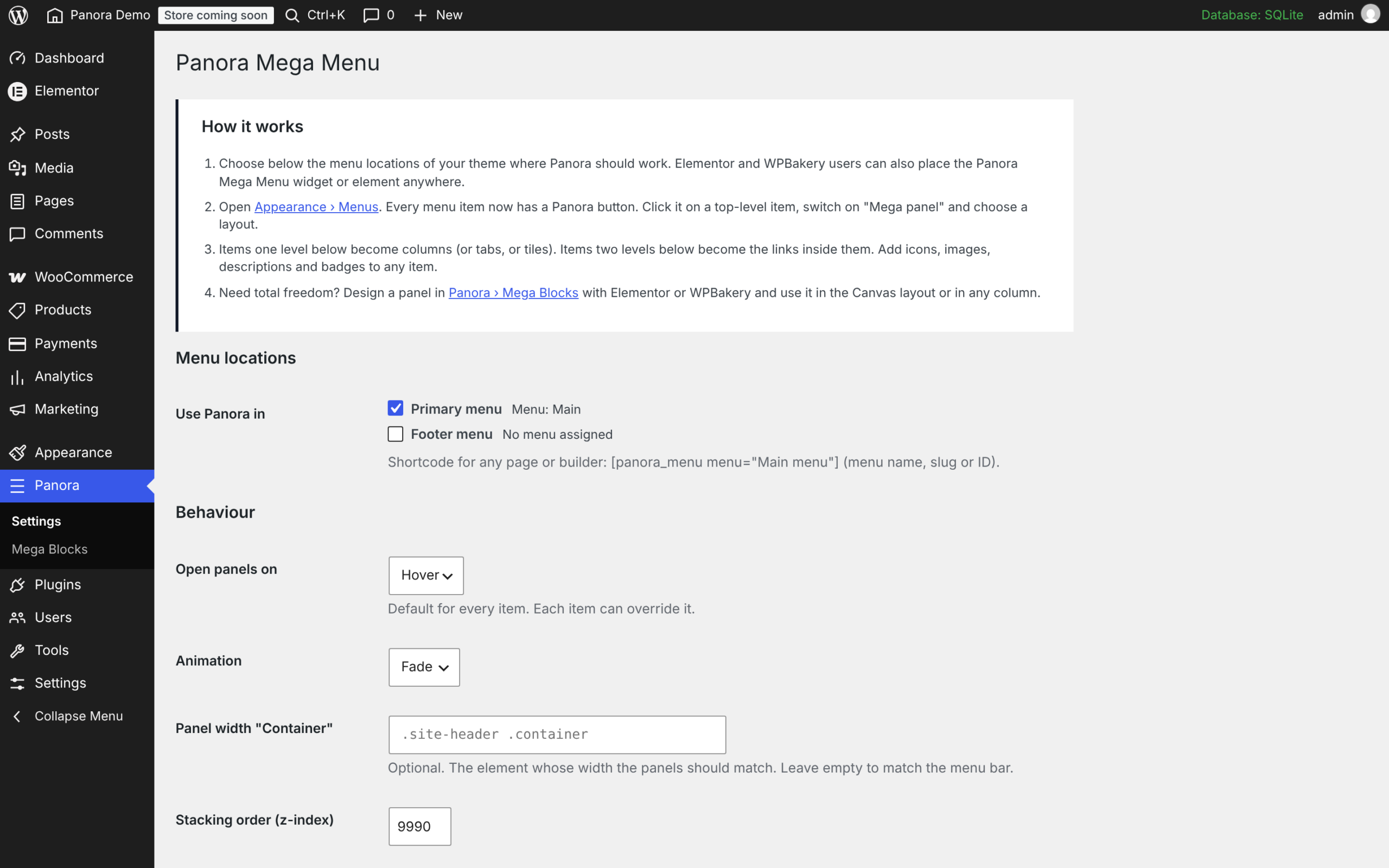
– Any theme: switch Panora on for your theme’s menu locations. Your menu bar keeps its look.
– Elementor: Panora Mega Menu widget with style controls.
– WPBakery: Panora Mega Menu element.
– Anywhere else: [panora_menu] shortcode.
A mobile menu that feels native
– Sliding panels (each level slides in, with a Back button) or accordion.
– Opens from the left or the right.
– Products scroll sideways, tiles become a tidy grid, tabs become sections.
– Optional promo block at the bottom: an offer, a call to action, your contact details.
Light and accessible
– No jQuery on the front end. CSS and JavaScript load only where a Panora menu is shown.
– Keyboard navigation (Tab, arrows, Escape), ARIA states and screen reader labels.
– Panel width per item: container, full width or custom. Hover or click, fade or slide.

Reviews
There are no reviews yet.