

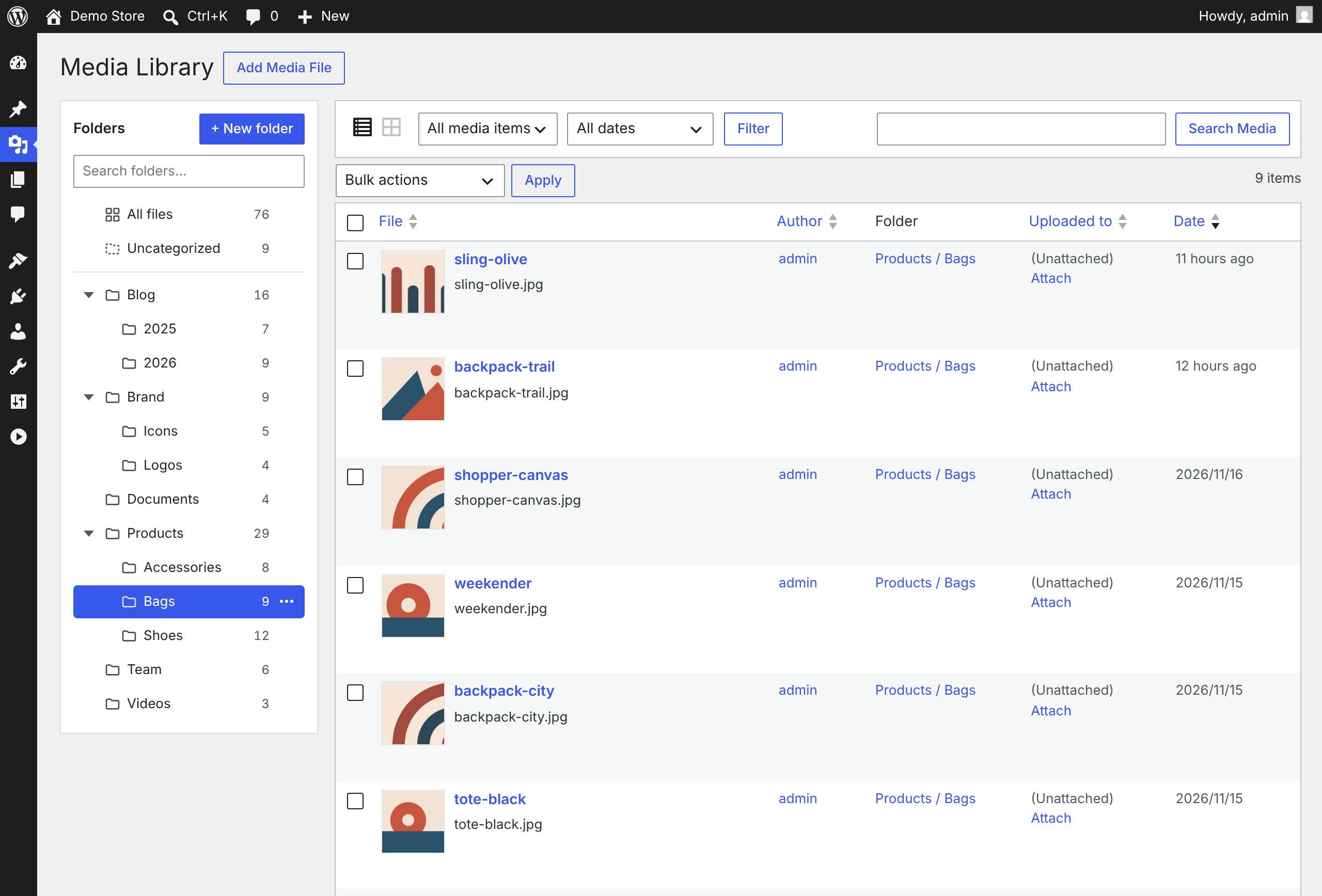






Description
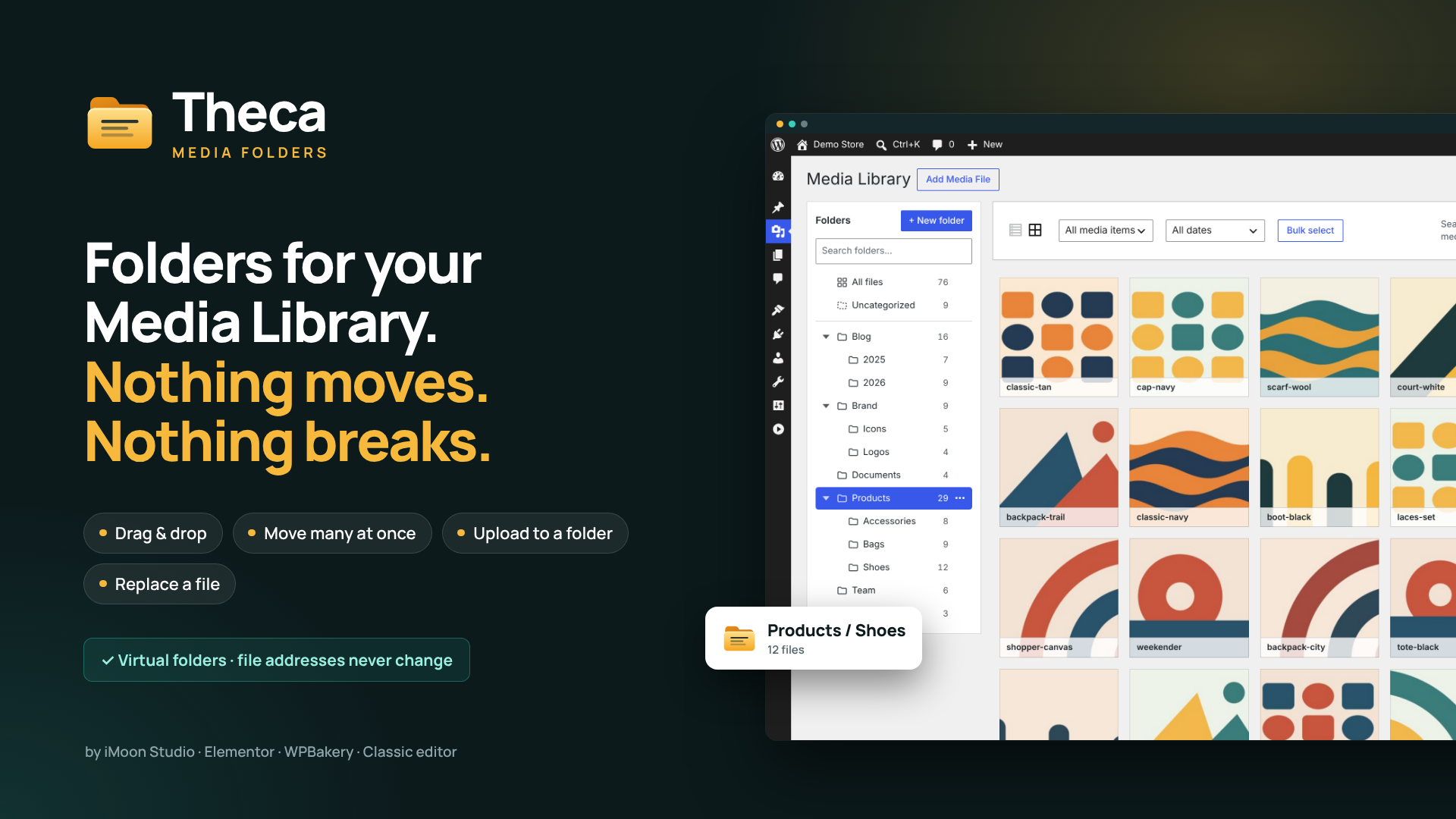
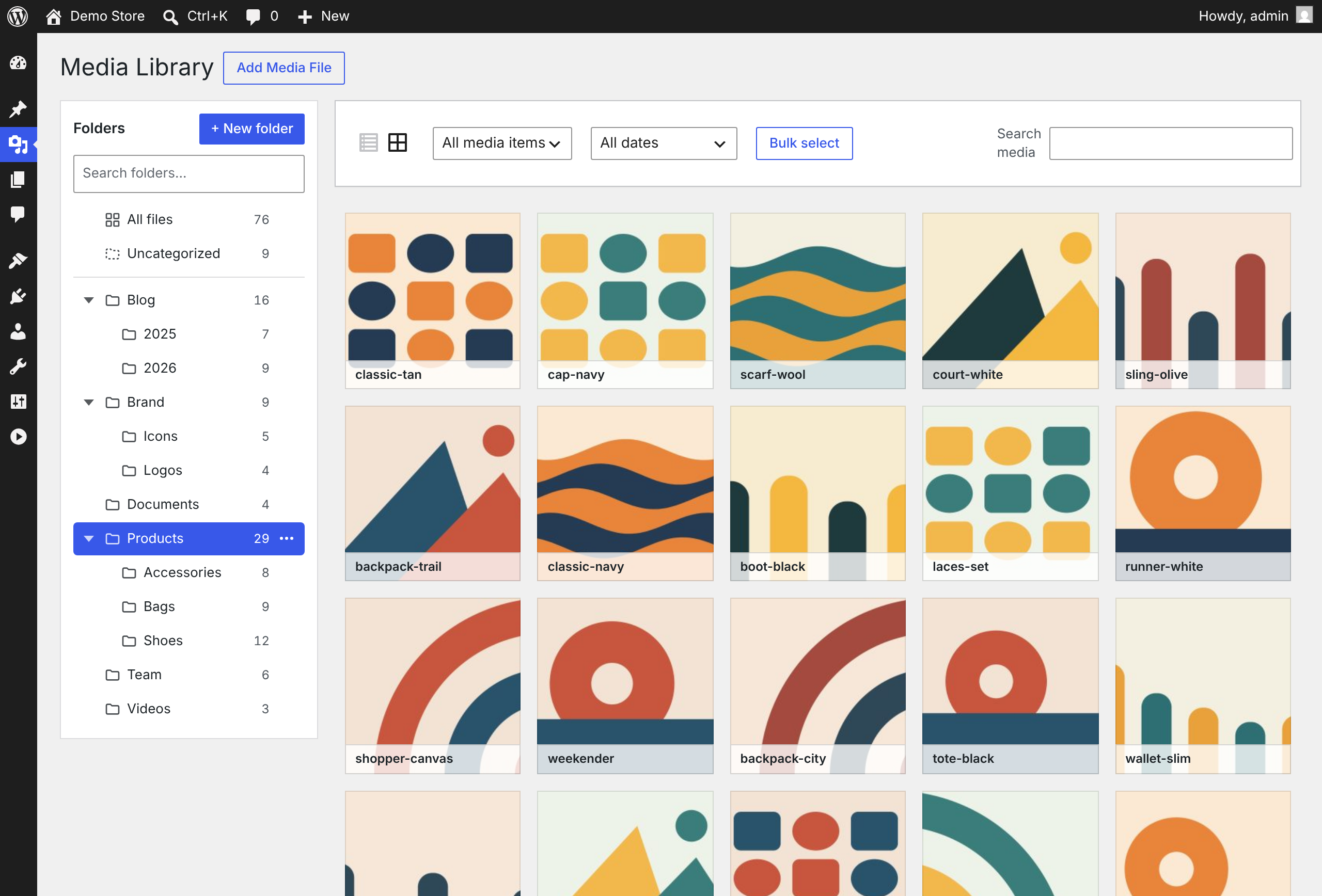
A Media Library with hundreds or thousands of files becomes one endless list. Theca adds a folder tree to the Media Library and to every window where you pick an image, so you always find the file you need.
– Folders and subfolders, as many and as deep as you need.
– Drag and drop: drag files onto a folder, or a folder into another folder.
– Move many files at once: select them and drag the whole selection, or use “Move to folder…”.
– Upload straight to a folder. By default, new files land in the folder you have open.
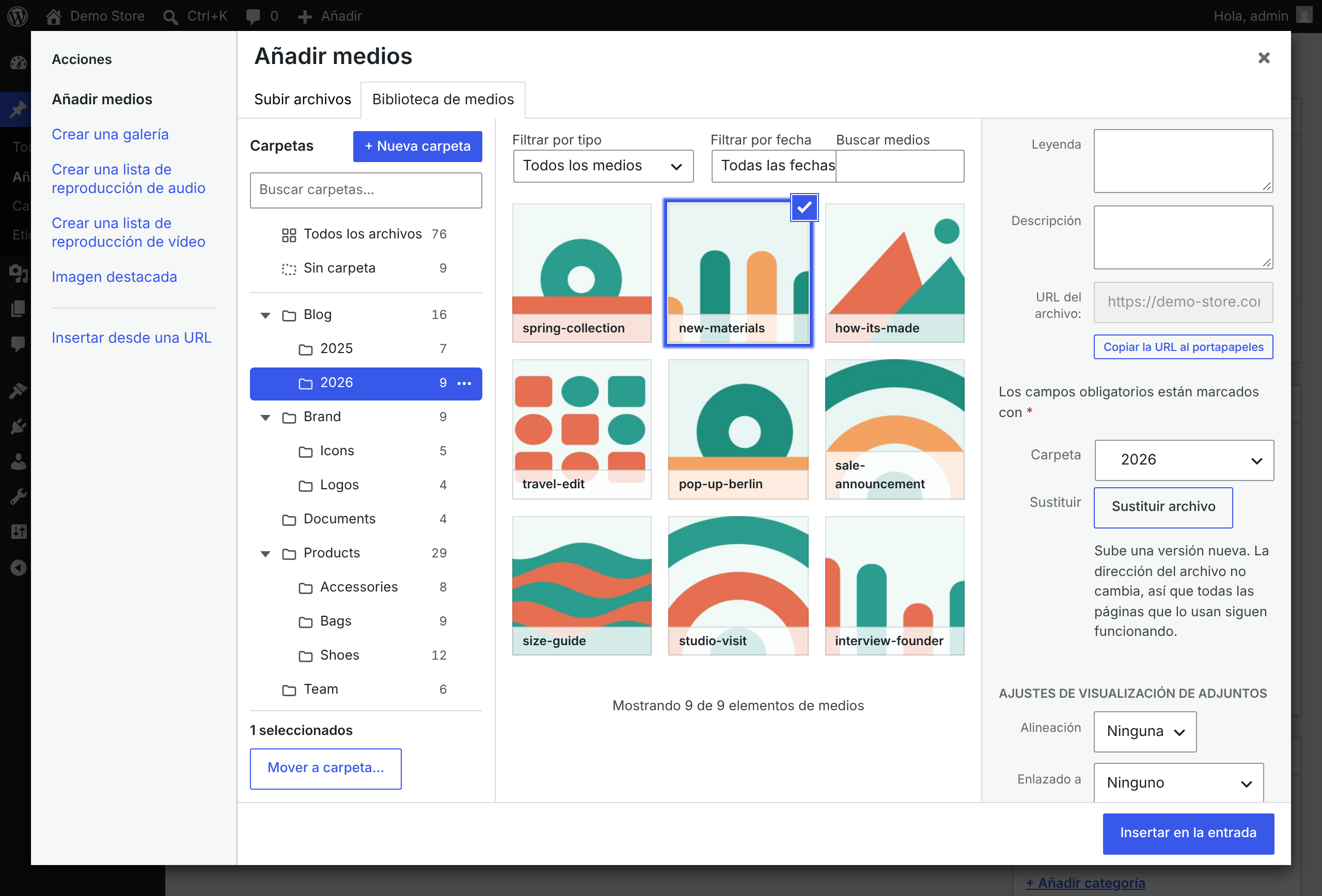
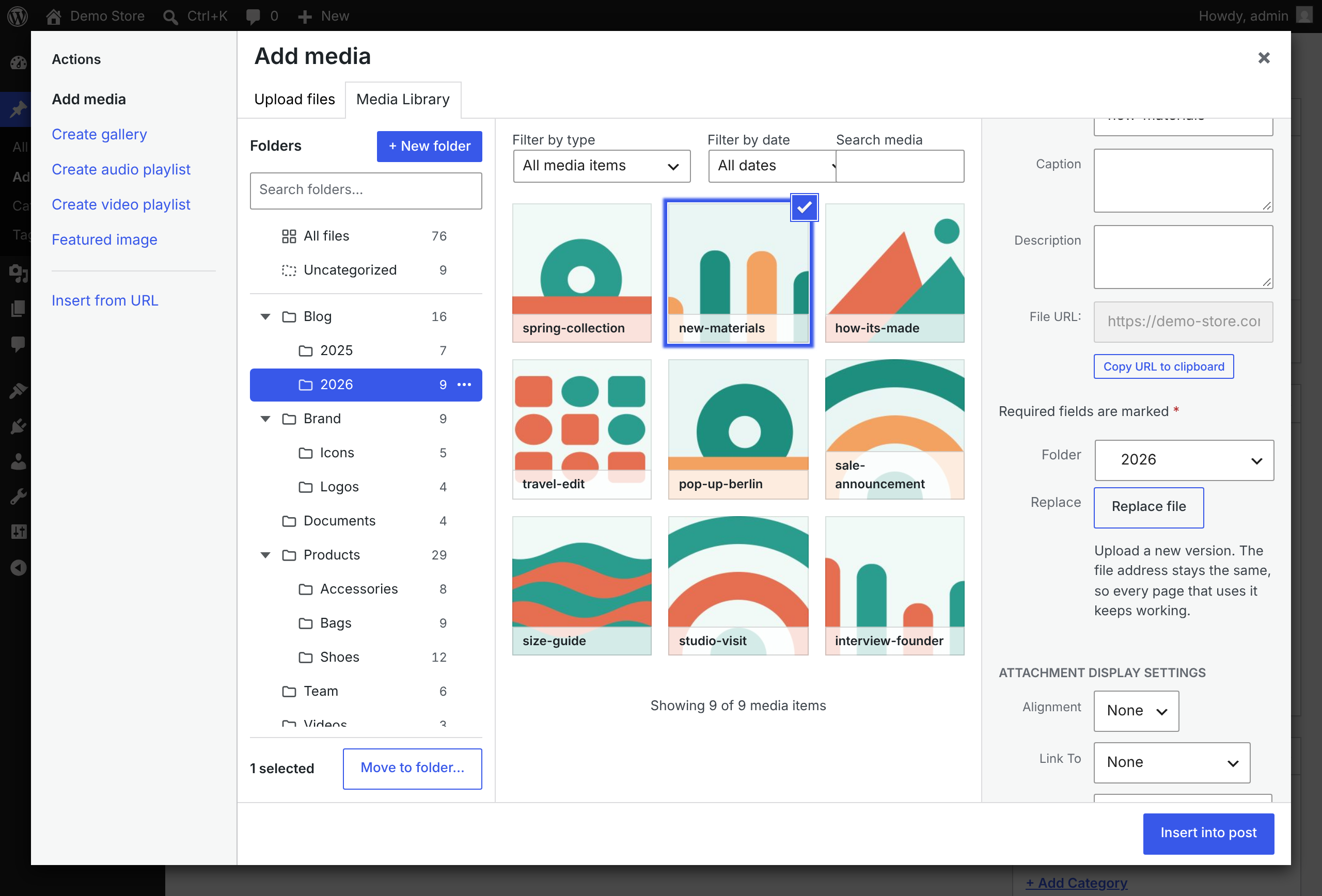
– Filter by folder when you insert media from Elementor, WPBakery, the classic editor or the featured image box.
– Search folders by name, search files inside the open folder, and see how many files each folder holds.
– Replace a file and keep its address: every page that uses it shows the new version. Thumbnail addresses already in use keep working too.
– Grid view and list view, with a “Folder” column in the list.
Safe by design
– Folders are virtual. A folder is a label in the database: the file does not move and its address does not change.
– Deleting a folder never deletes files. They stay in the Media Library, under “Uncategorized”.
– Clean uninstall: your files, their addresses and their Media Library entries stay exactly as they are.
Built for large libraries.
Files load in pages, counters are read from the database index and big selections are moved in batches.
Works side by side with Moonsweep Media Cleaner
A file restored from the Moonsweep trash goes back to the folder it was in.
Details
– One version, everything included. One payment, free updates for life.
– English and Spanish.
– No block editor required.
– WordPress 5.8 or later · PHP 7.4 or later.





Reviews
There are no reviews yet.